Projects
 Our Offers
 Dedicated team
 Blog
 Academy
 About Us
Design2 min read
Ideal blog design? The mix between UX and SEO to generate traffic
A well-managed blog can be a powerful asset for your business, and it can help you reach your marketing goals faster than you think. In this article, your Gemeos Webflow partner shows you how to design an optimized blog and grow your traffic by improving your SEO.
Let’s talk SXO to start
As you know, SEO goes hand in hand with the experience you deliver on your site. That’s why your blog’s UX is so important. In fact, the blend of SEO and UX is called SXO.
That’s why it’s so important to think about user experience when designing your blog.
To learn more about SXO, check out our full article explaining the benefits and advantages of SXO.
The key elements your blog should include
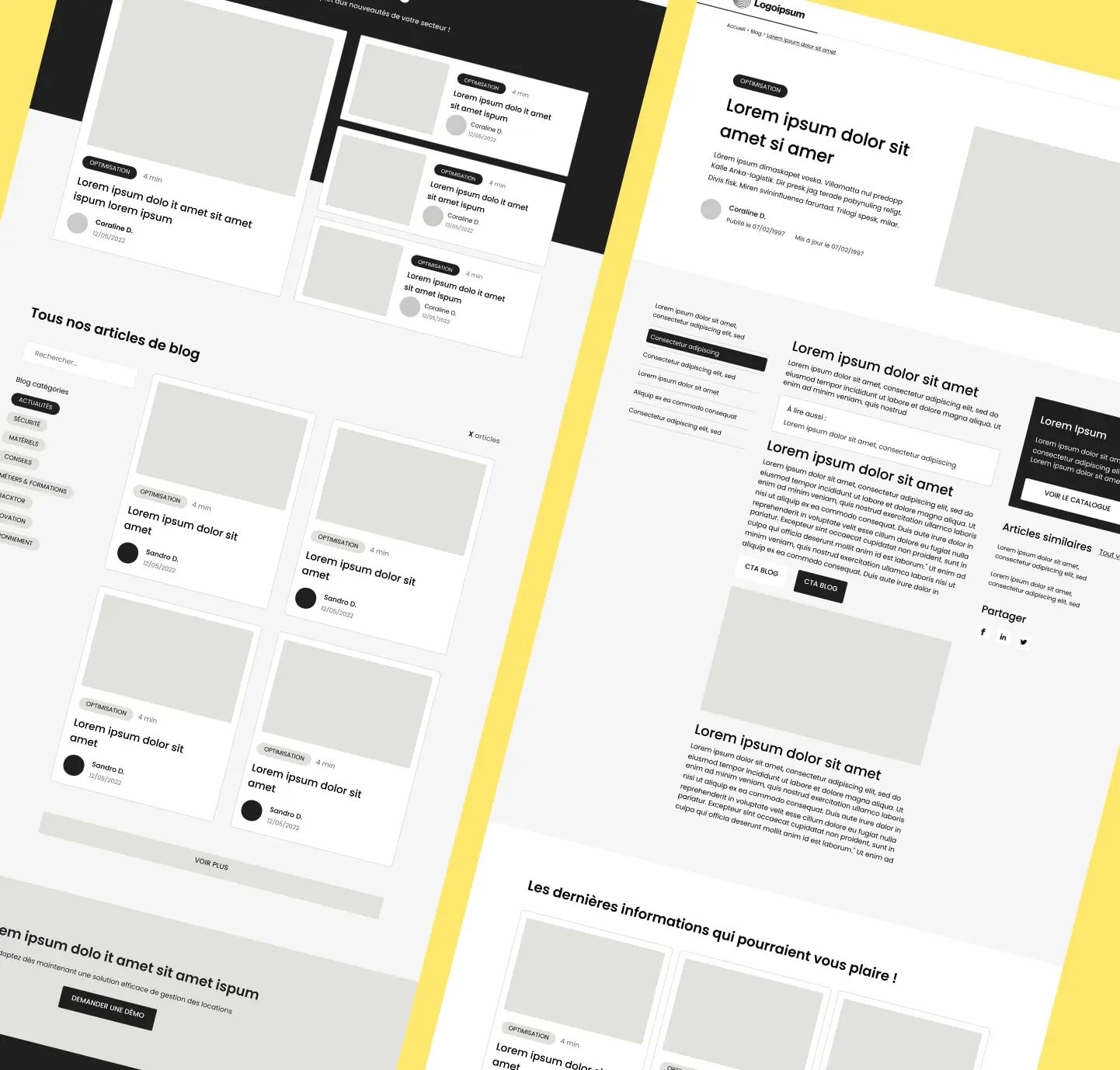
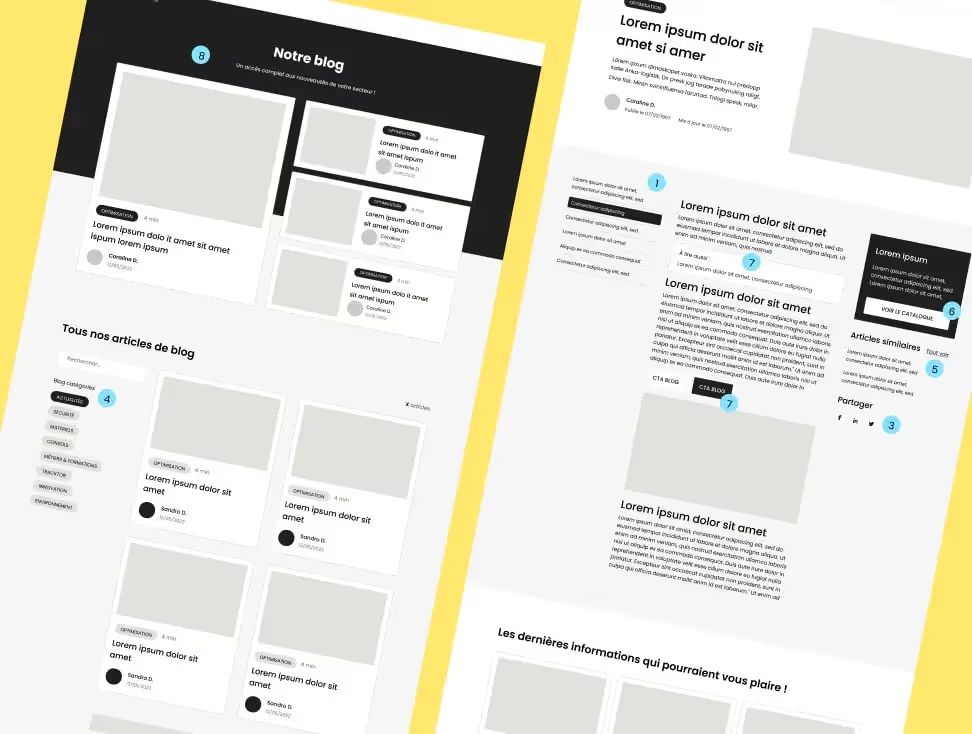
1. Categorized content
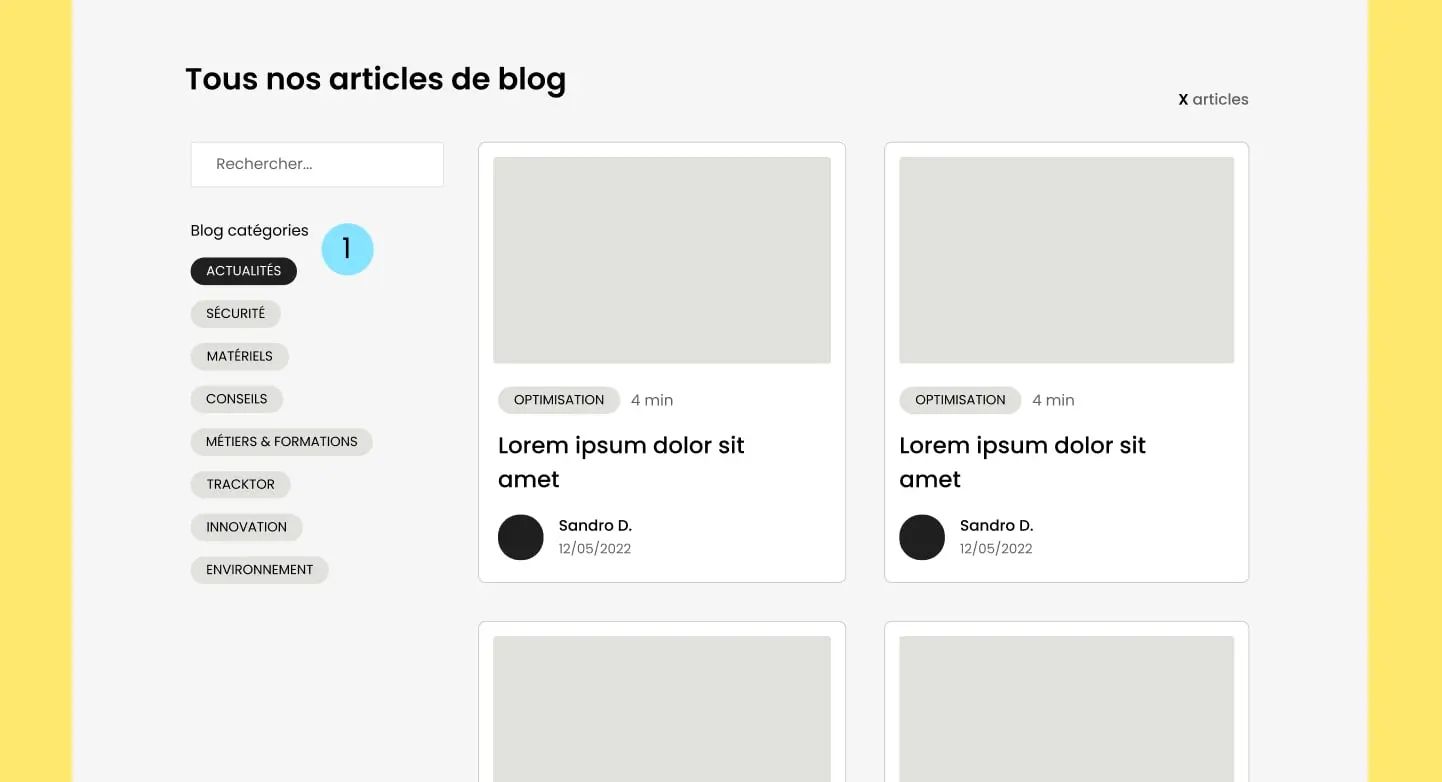
Categorizing your blog content can be good for both SEO and user experience. We’re a SEO-specialized Webflow agency, and we can help you with your organic search strategy.
By creating a clear structure for your website and making navigation easy for visitors, you can improve your site’s ranking in search results and deliver a smoother experience for your audience.
2. A table of contents
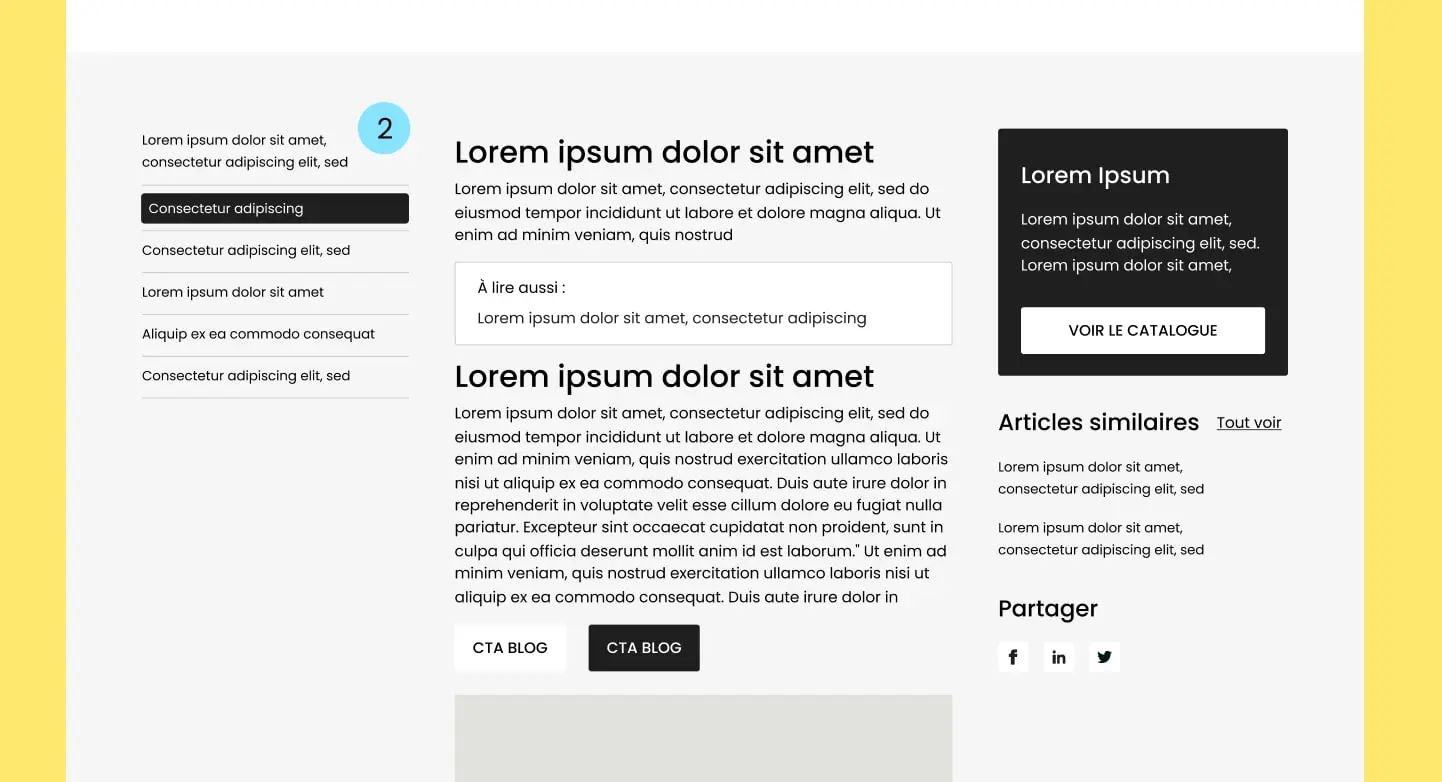
From an SEO perspective, a table of contents can help search engines understand your content structure and rank it more easily
From a user experience perspective, a table of contents can make your blog easier for visitors to navigate. If you have long, detailed content, it can help readers quickly find the information they’re looking for
To help you : How to add a table of contents in Webflow
3. Social sharing
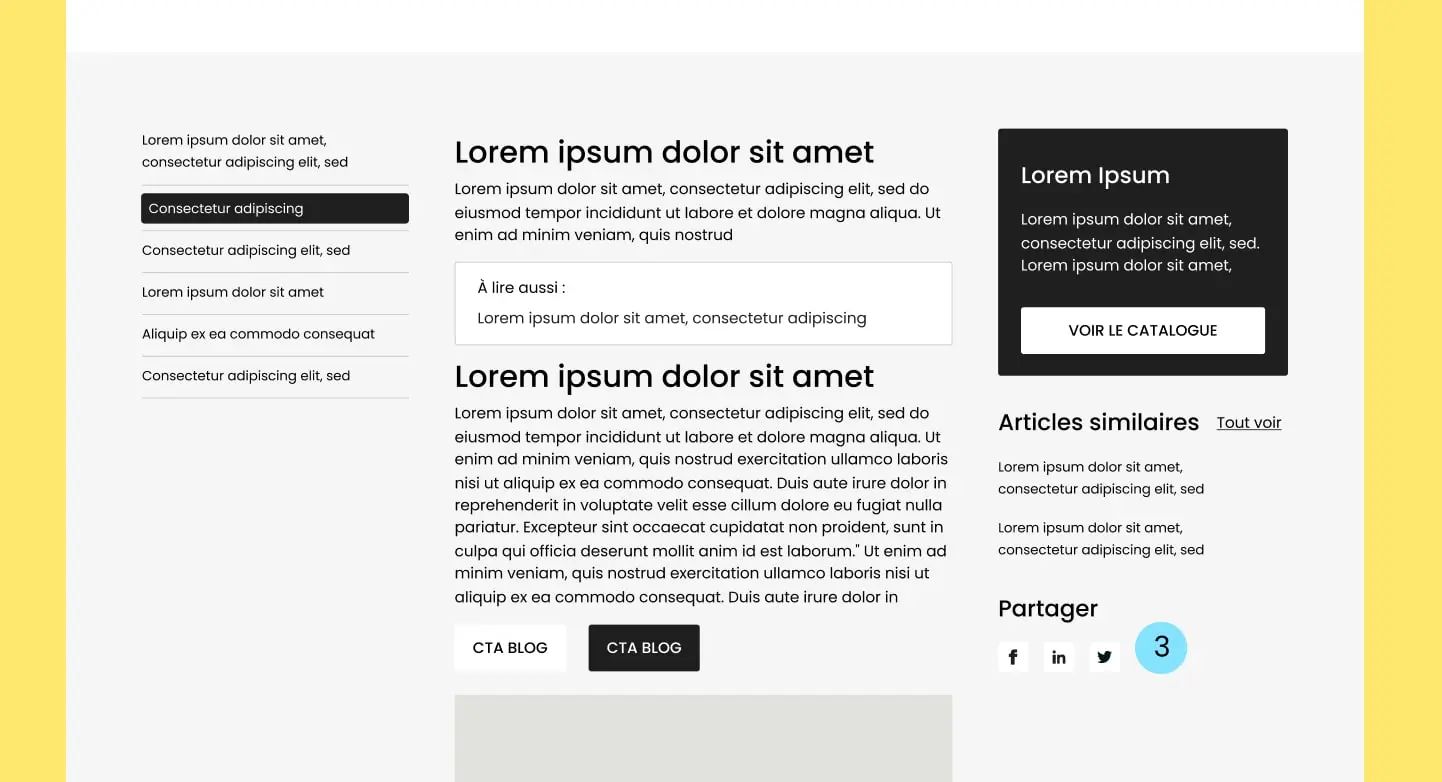
Including sharing links on your blog can be an effective way to increase the reach of your content and attract more visitors to your site.
4. Internal linking
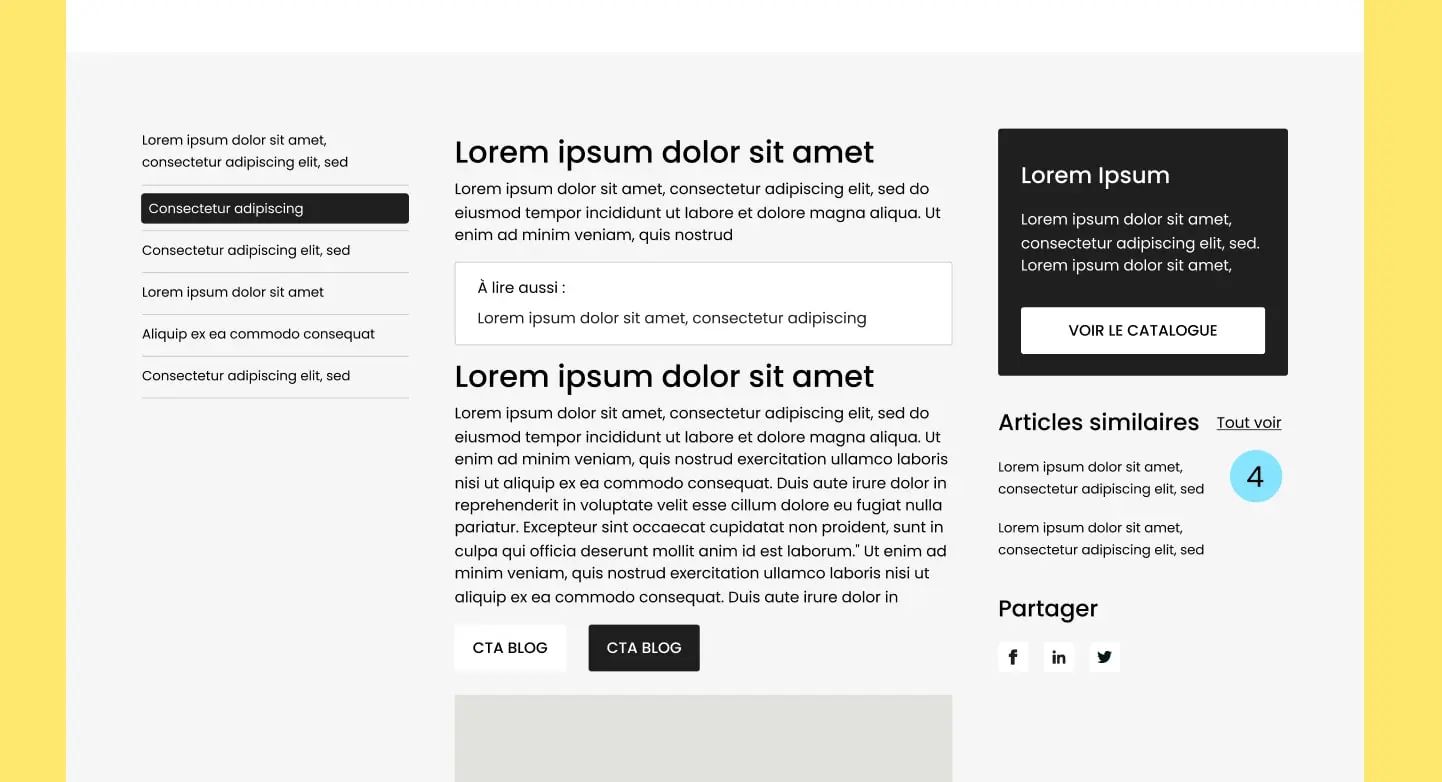
By including links to articles in similar categories on your blog, you can build a strong internal linking structure that helps search engines better understand your website architecture.
This can help search engines index your site more efficiently and improve your ranking in search results.
Feel free to also add a section featuring blog articles from other categories.
5. Sticky CTA
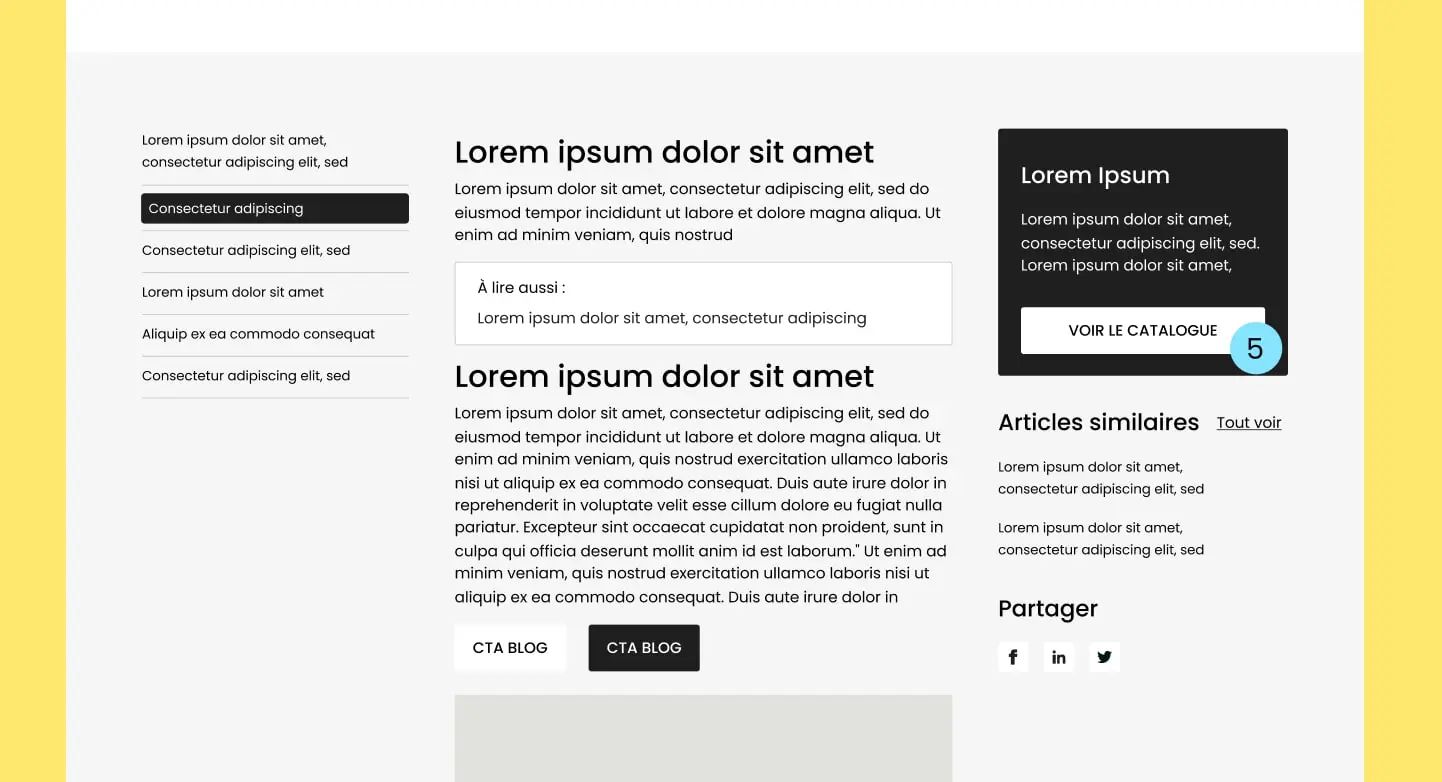
By including a sticky, visible CTA on your blog page, you encourage visitors to engage more with your business. It could be a lead gen form, a quote request form, or a newsletter signup.
It all depends on your strategy and conversion goal.
6. Custom banners and elements in Rich Text
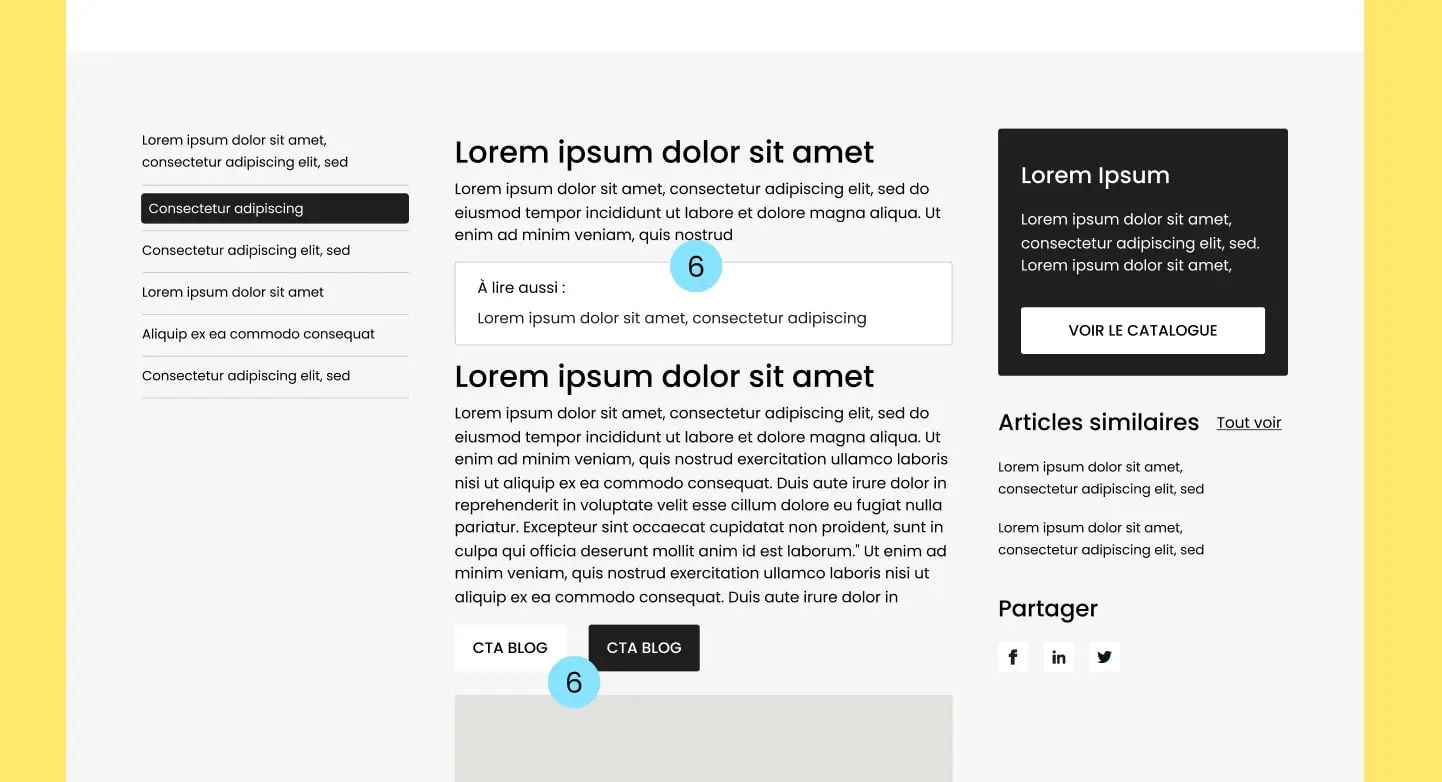
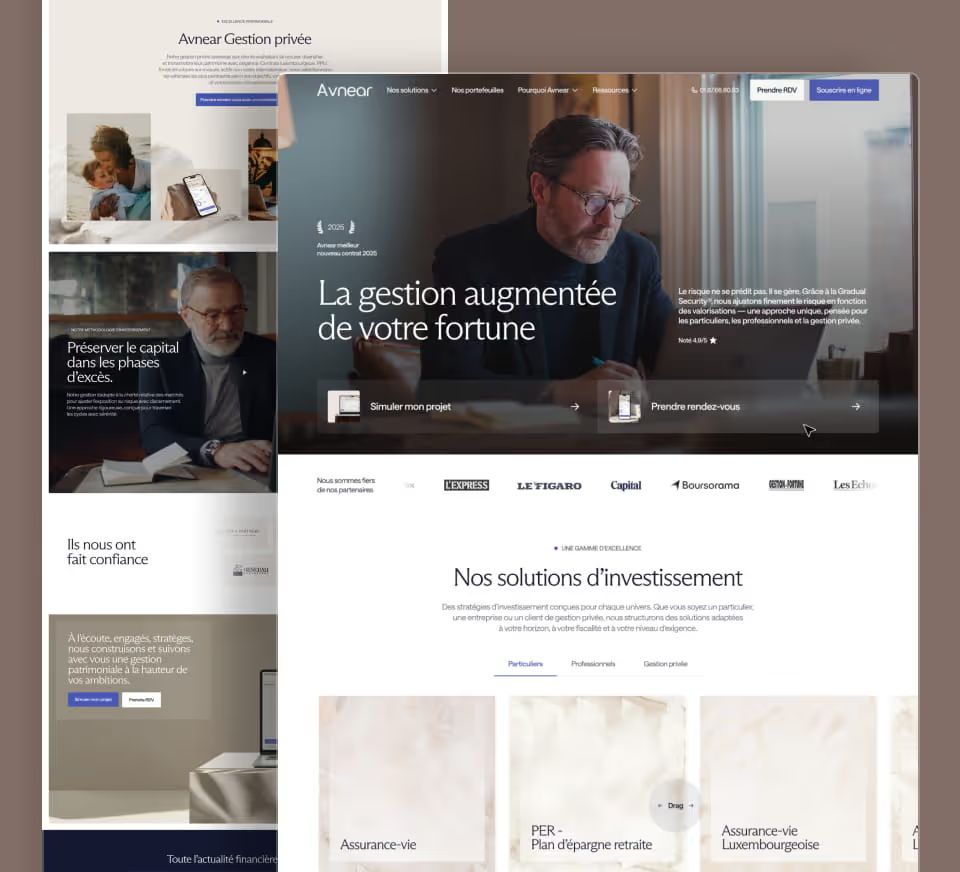
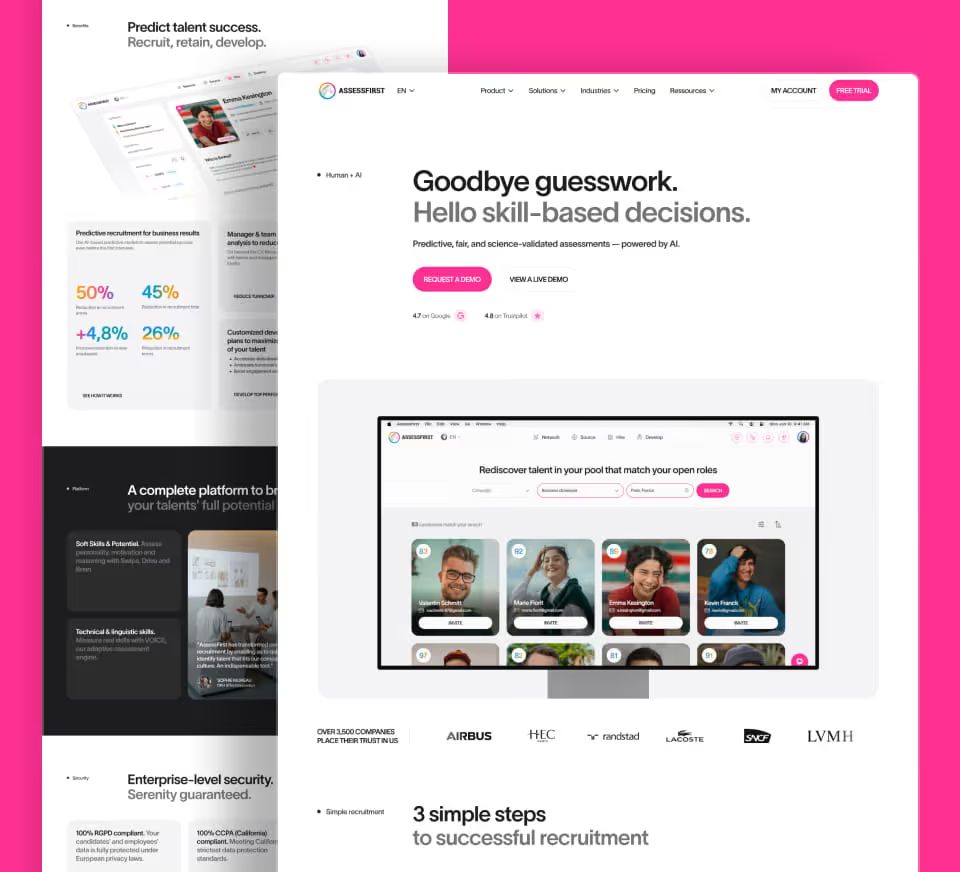
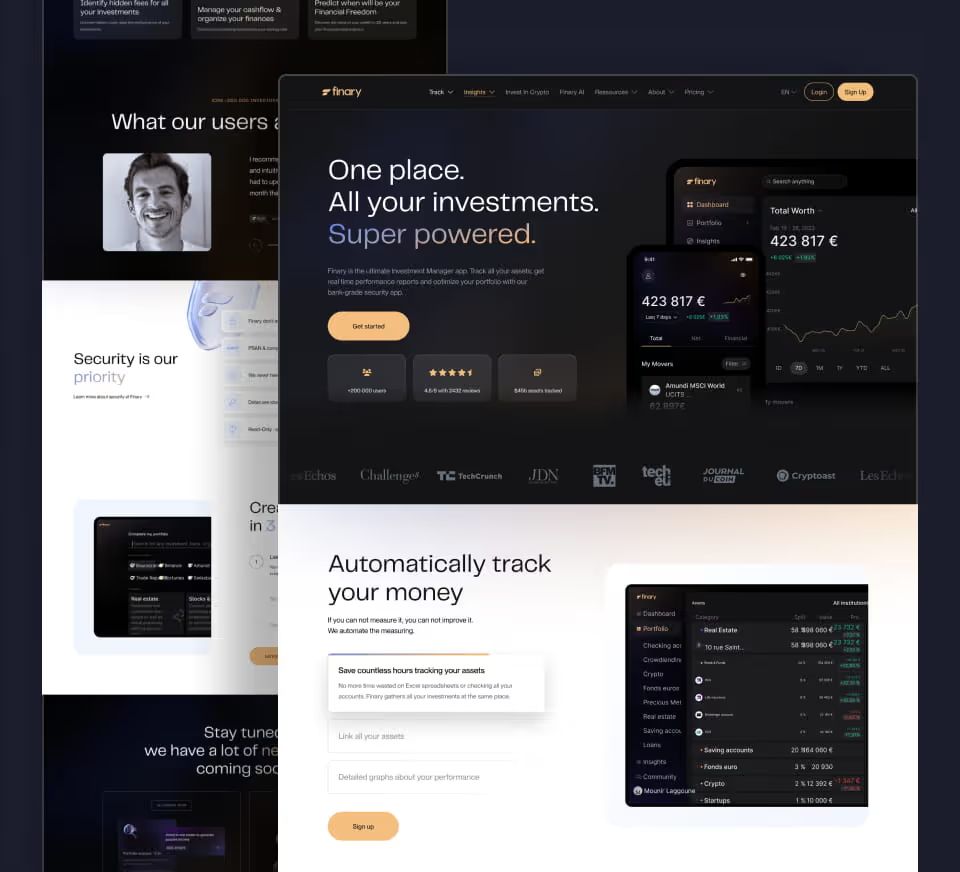
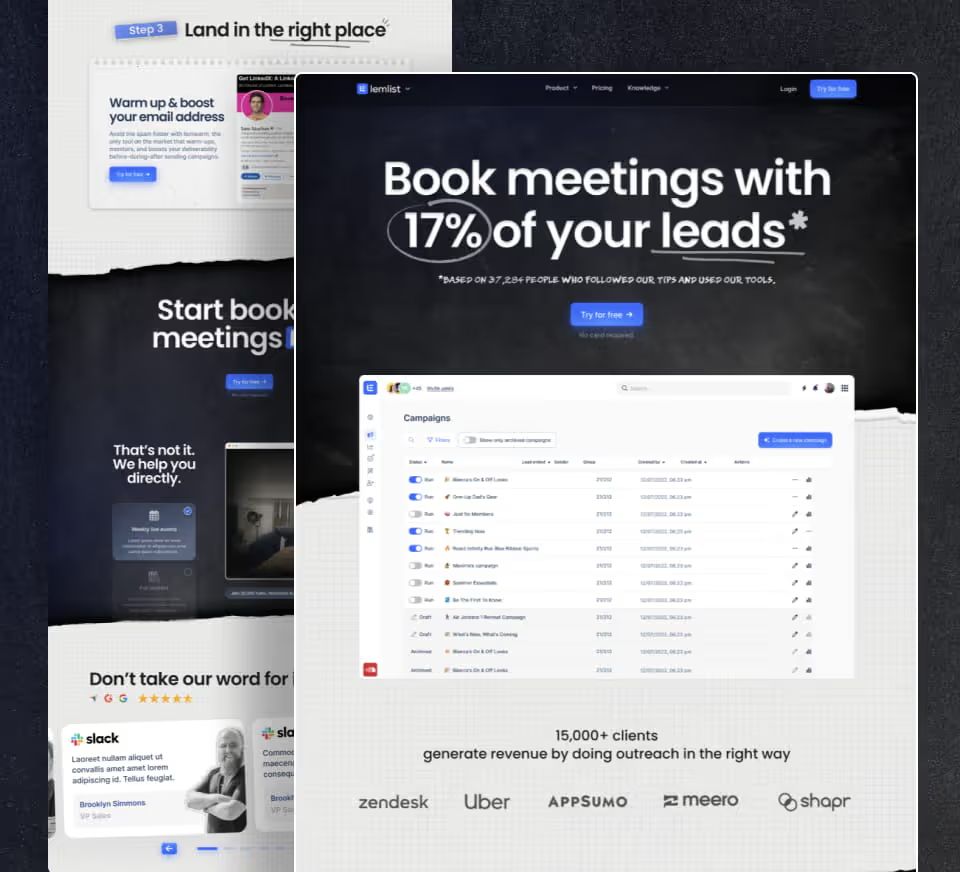
We recommend adding elements like tables, links to other articles, infographics, value proposition banners, or lead gen banners for several reasons:
First, it helps highlight your service and your strengths.
Second, it improves the reading experience by supporting your text with something much more visual. A picture is worth a thousand words
Our work







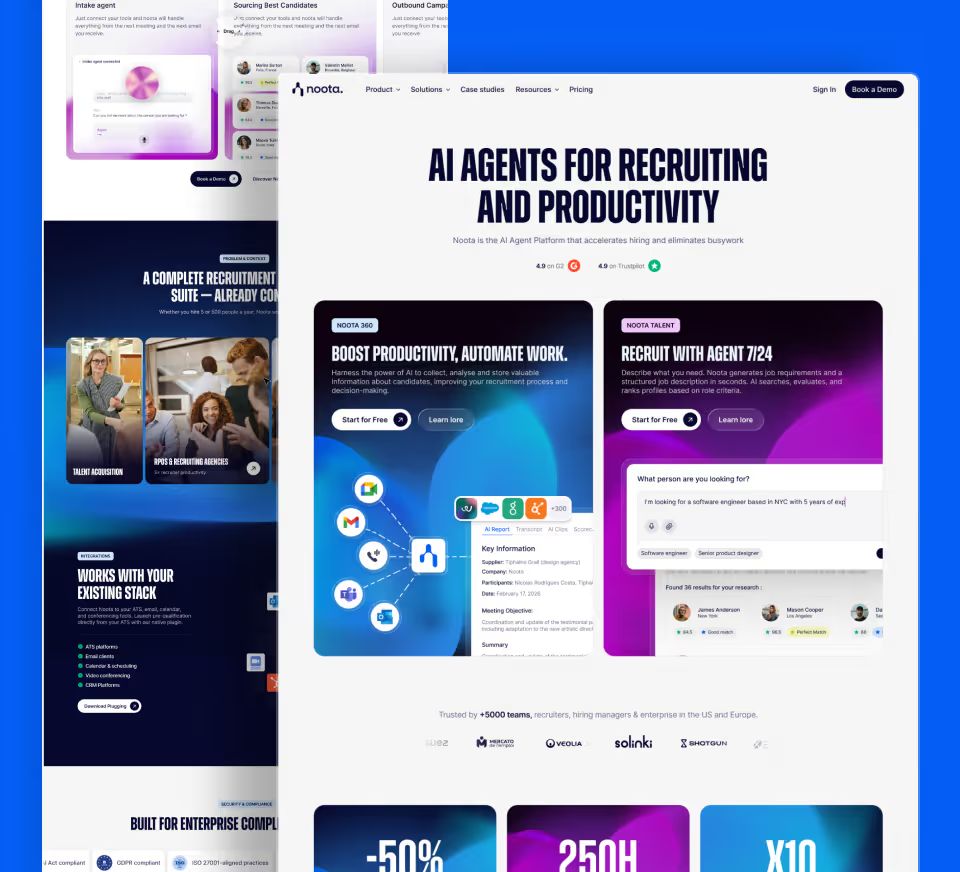


7. Progress bar
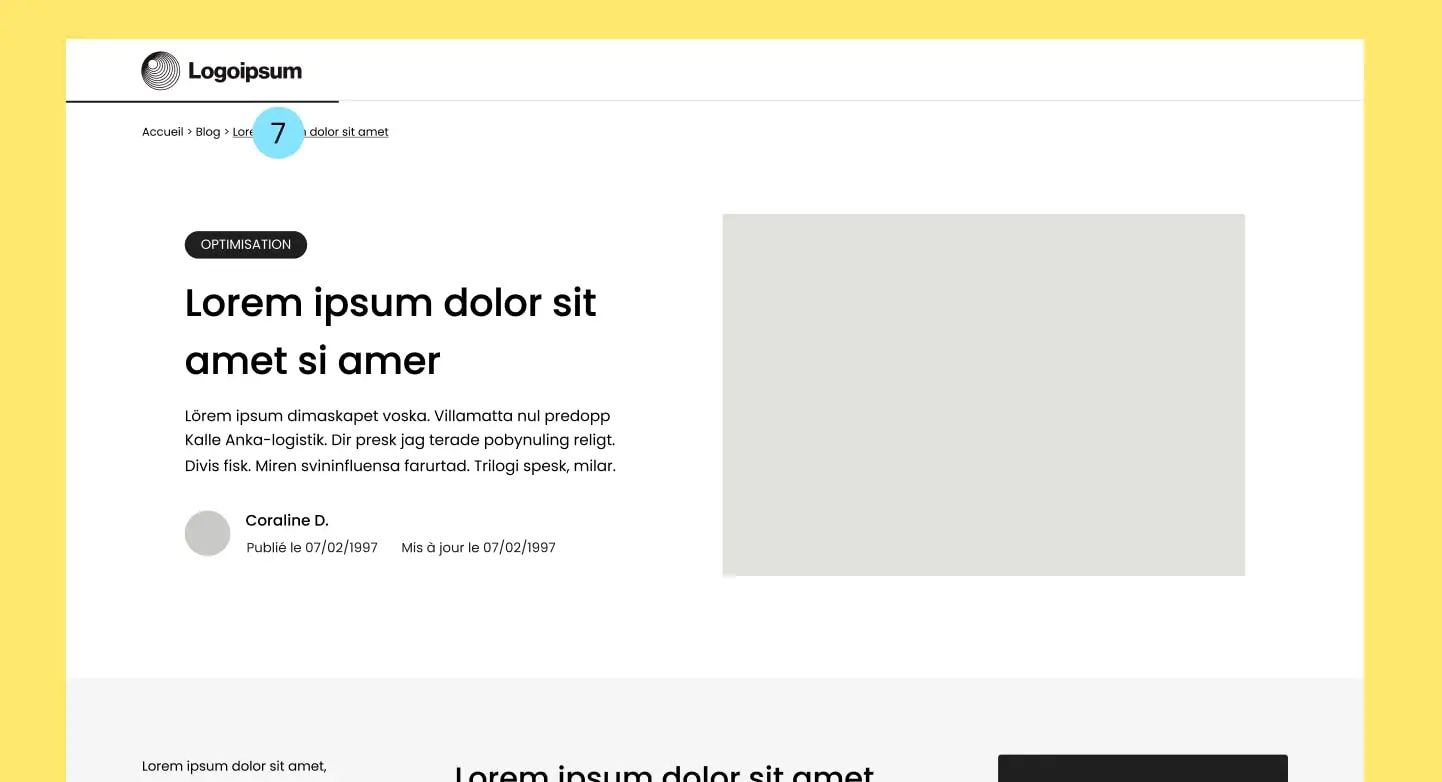
Visitors can feel frustrated or discouraged if they don’t know how much time is left to finish an article or guide.
A progress bar can help visitors get a clear sense of where they are in the content.
They may then be more likely to stay on your site and finish reading. This can increase time on site, which can improve your SEO.
8. Bonus: Highlight the 3 or 4 most important articles
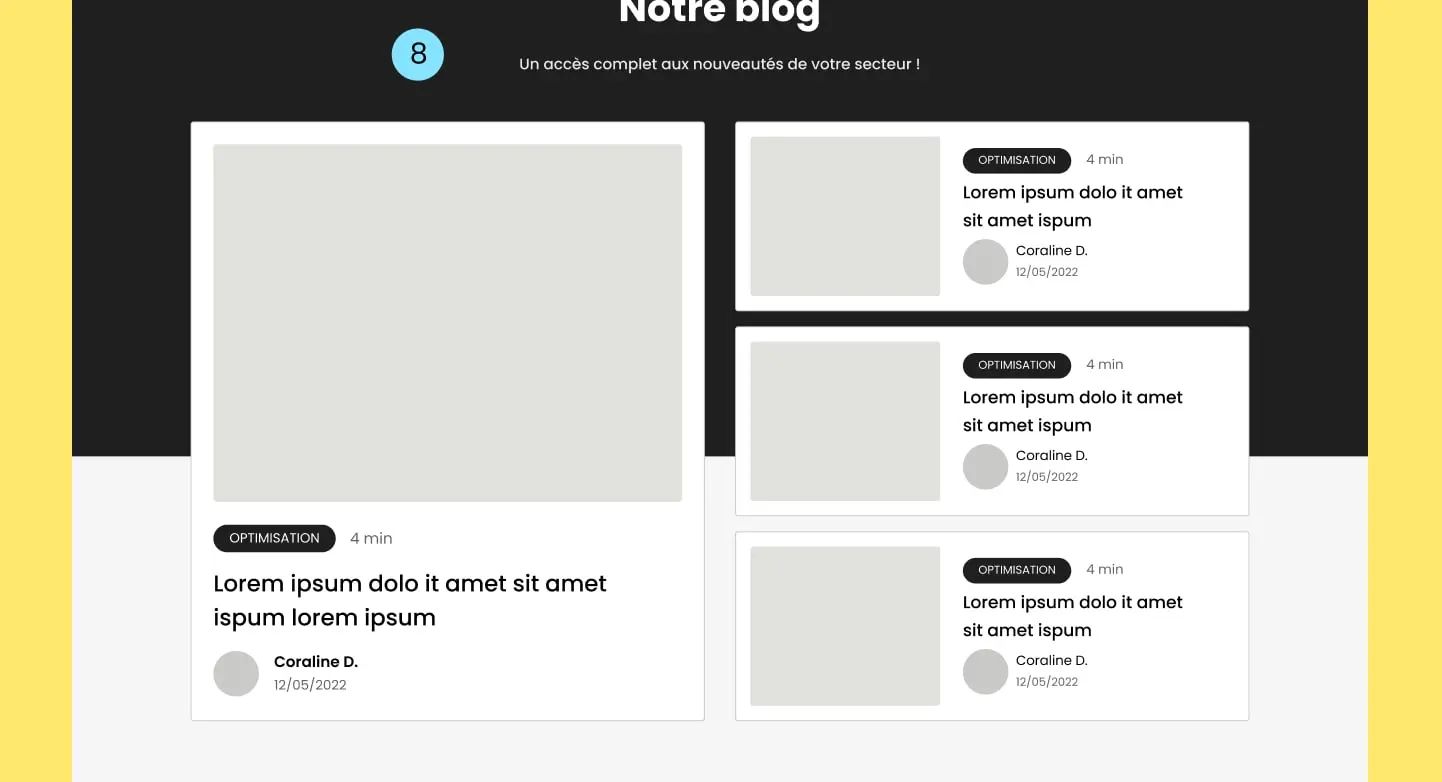
Featuring the 3 or 4 blog articles you want to rank better can be a best SEO practice to improve internal linking, time on site, and your content’s visibility
The ideal design for your blog - What to remember
| Key elements | Description |
|---|---|
| 1. Categorized content | Organize articles by clear categories to improve SEO and user navigation. |
| 2. Table of contents | Add a clickable table of contents to structure the content, improve user experience, and support indexing. |
| 3. Social sharing buttons | Add visible buttons to encourage sharing and expand the reach of your articles. |
| 4. Internal linking | Add links to similar articles to strengthen your SEO structure and keep readers on the page longer. |
| 5. Sticky CTA | Place a call to action (newsletter, contact form, etc.) that stays visible to convert your visitors. |
| 6. Custom visual elements | Add visuals, banners, or callout blocks in the text to enrich the reading experience and illustrate key ideas. |
| 7. Progress bar | Display a bar showing progress through the article to improve engagement. |
| 8. Featured articles | Display the 3 or 4 strategic articles at the top of the blog to guide readers and boost their visibility. |