


What should an event website include to convince visitors in seconds?
Visitors rarely arrive on an event website with unlimited attention. They may have seen a LinkedIn post, received an invitation, clicked an ad or heard about the event from a colleague. Within seconds, they want to understand what it is, who it is for, when and where it takes place and why it deserves their time.

article summary
- The top of the page should present the name, promise, date, location and primary action.
- The programme should be readable at several levels of detail.
- Speakers and partners act as proof only when they are contextualised.
- Practical information should be treated as a conversion lever rather than an appendix.
- The website should anticipate updates before, during and after the event.
Want to take it further? Ask:
An event website should therefore prioritise hierarchy. An event web agency should make essential information immediately accessible while giving more depth to visitors who want to explore the programme, speakers or practical details.
The five things visitors should understand immediately
The event name, main benefit, target audience, date and location should be identifiable without several scrolls. The primary CTA should also be visible, whether the action is registering, buying a ticket, requesting an invitation or joining a waiting list.
Present the programme without overwhelming visitors
The programme should be easy to scan. Highlights can be surfaced first, with detail accessible by day, theme or format. A well-structured CMS keeps this information consistent across several pages without recreating the same data manually.
Make speakers useful to the decision
A mosaic of portraits does not always explain why the speakers matter. Each profile can state the role, organisation, session and topic. For the most anticipated speakers, a quote or angle of intervention can strengthen interest.
Give practical information a real place
Address, transport, accessibility, opening hours, catering, cloakroom, access rules, parking, accommodation and required documents should be easy to find. This information reduces concrete uncertainty, especially as the event approaches.
Table: prioritise content according to the decision stage
| Stage | Question | Priority content |
|---|---|---|
| Discovery | Why this event? | Promise, audience, format |
| Evaluation | Is the content relevant to me? | Programme, speakers, themes |
| Reassurance | Is it credible and well organised? | Partners, previous editions, logistics |
| Action | How do I attend? | Pricing, registration, conditions |
Build a pricing page that is easy to understand
Differences between passes should be explicit. A highly marketing-led grid with abstract names forces visitors to compare line by line. Highlight what genuinely changes: access days, sessions, catering, networking, workshops or additional services.
Use visual proof with restraint
Photos from previous editions help visitors picture the experience, but they should reflect the real format. Testimonials are stronger when the participant’s role and context are specified. Layout should use these proof points to improve understanding rather than create a succession of carousels.
Prepare the website to change role after the event
An expired page with a broken registration button harms the experience and SEO. After the event, the page can switch to a recap, replays, a waiting list or the next edition.
Which information should be updated depending on the event phase?
The website does not serve the same needs three months before the event, the day before or after registrations close. Planning these changes avoids contradictory information and outdated CTAs.
| Phase | Priority information | Action to check |
|---|---|---|
| Before opening | Promise, date, location, audience | Waiting list or pre-registration |
| Registration open | Programme, pricing, access | Active registration CTA |
| Close to the event | Logistics, times, map | Current mobile information |
| After the event | Replays, photos, resources | CTA to the next edition |
What an event website should achieve before asking users to register
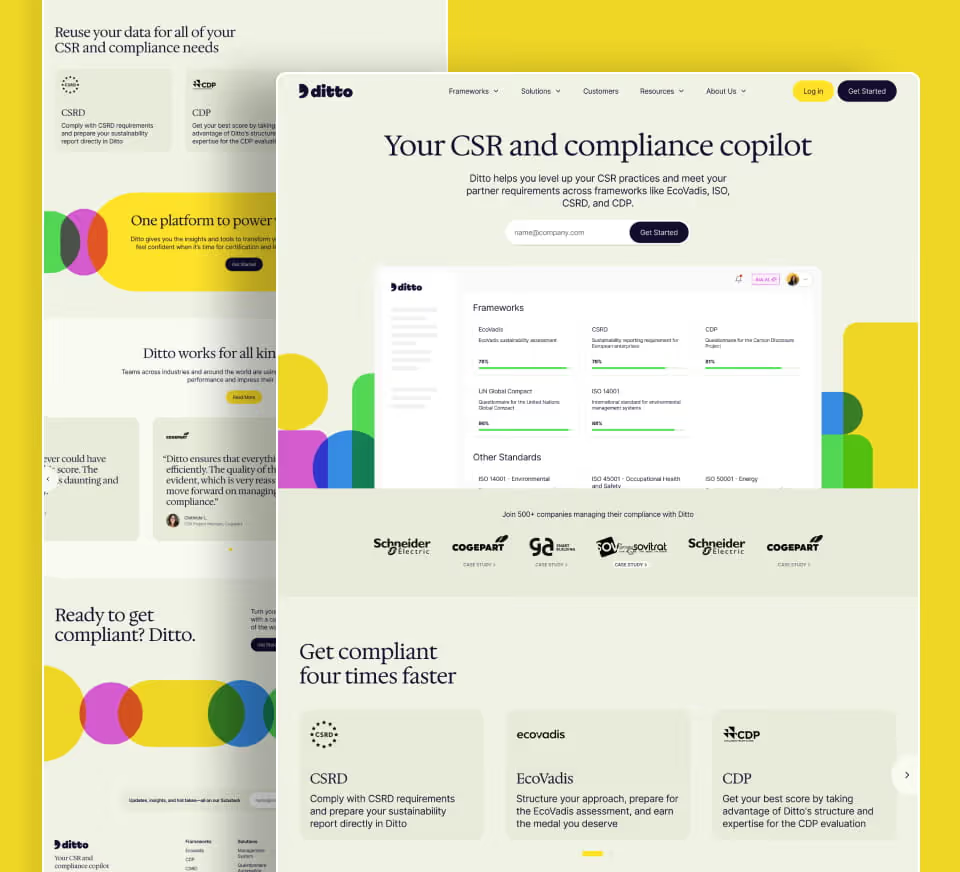
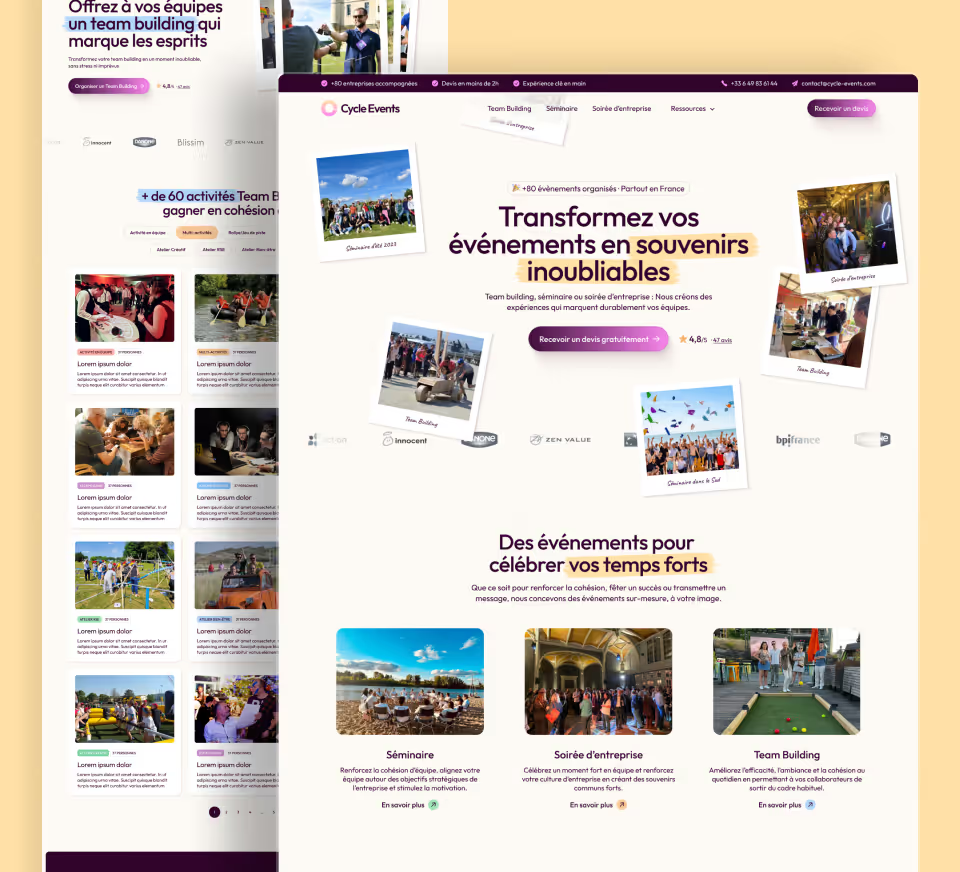
An event website convinces when visitors immediately understand the promise, audience, date, location and primary action, then can verify the programme, proof and practical conditions without effort. The hierarchy should evolve with the event phase to remain useful even after the event. The Teamout project shows how a complex event journey can be simplified while keeping strong SEO depth.
Make the event understandable from the first screen
Visitors should immediately identify the event type, date, location and main promise. If they need to scroll through several sections before understanding what is being offered, abandonment risk increases.
An event web agency should therefore treat the first screen as a decision summary rather than a purely visual area. Web design should create desire while still providing the essential information.
Present the date and location without ambiguity
The date should remain visible on important pages, especially when several editions or sessions exist.
The location should include information that makes attendance easier: city, address, access, transport and any special arrangements where relevant.
Explain who the event is for
The programme alone does not always qualify the audience.
Professionals, the general public, students, families or specialist communities may have different expectations. The website should specify the profiles concerned and the expected benefits.
This also helps avoid irrelevant registrations.
Present the programme with a clear hierarchy
The programme should remain readable even when several stages, sessions or days are planned.
Day, time, speaker, topic and location can be structured in cards or tables depending on complexity.
On mobile, the programme should remain easy to browse without forcing users to zoom or download a PDF.
Highlight the key moments
Not every programme item has the same power to attract.
Keynotes, artists, workshops, meetings or exclusive moments can be highlighted to give an immediate reason to register.
This hierarchy should not make the rest of the programme invisible.
Present the speakers
Profiles of speakers, artists or experts can strengthen credibility.
A photo, role and a few lines about their contribution are often enough. Overly long biographies slow the journey.
Speakers should be connected to their sessions when the programme is dense.
Show proof from previous editions
Photos, figures, testimonials, partners and videos can reassure visitors about the real quality of the event.
Figures should be contextualised and recent.
An authentic gallery from a previous edition is more credible than generic stock imagery.
Clarify ticketing
Visitors should understand the different tickets, prices, conditions and what is included before starting payment.
Early bird, day pass, full pass and specific rates should be comparable.
Important restrictions should not appear only at the final step.
Explain what is included
Access to conferences, catering, workshops, networking, replays and other benefits should be stated.
This clarity prevents two tickets from looking identical when they cover different things.
A comparison table can help when the offers are genuinely comparable.
Keep CTAs consistent
“Register”, “Buy a ticket”, “Reserve your place” and “Join the waiting list” do not represent the same stage.
The website should use consistent language and display the action that matches the real event status.
A sold-out event should not continue showing an active purchase CTA.
Create a partner journey
Sponsors and partners have different expectations from participants.
A dedicated page can present partnership formats, audience, previous editions and contact details.
Avoid overloading the main page with commercial information aimed at another audience.
Plan press information
For media-covered events, a press area can bring together contacts, visuals, a press release and key information.
Resources should be current and easy to download.
This section remains secondary for participants but can save the team significant time.
Optimise the registration form
The number of fields depends on the event type.
For a paid ticket, only information needed for the transaction and access should be requested. For a B2B event, a few qualification fields may be relevant.
The form should not become an unnecessary marketing questionnaire. Our article on how to increase event registrations through the website explores this further.
Manage the waiting list
When capacity is limited, a waiting list can preserve interest.
The website should explain what joining it means and should not imply that a place is guaranteed.
Notifications should remain consistent with real availability.
Prepare the post-registration journey
Confirmation should restate the date, location, selected ticket and next steps.
It can offer to add the event to a calendar, prepare travel or review the programme.
This stage reduces support requests before the event.
Adapt the website to last-minute changes
Times, speakers, rooms and access can change.
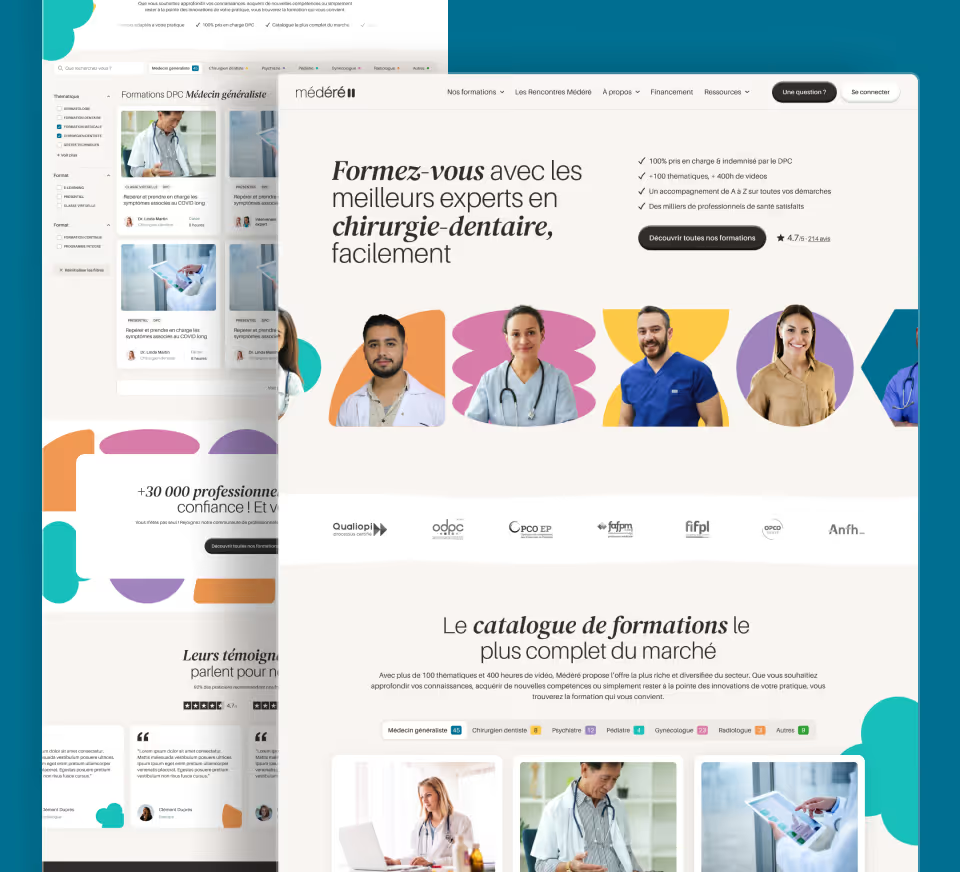
The CMS should allow important information to be updated quickly. This is the role of the structured Webflow CMS used for UniversVO, which lets the team publish events and update partners without technical dependency.
The website should also avoid keeping several contradictory versions of the same programme.
Optimise mobile performance
Event websites often use many videos, animations and photos.
These should be optimised so they do not slow browsing, especially when someone is simply looking for practical information on their phone.
Art direction should never make the programme or ticketing difficult to use.
Measure the journey to registration
Tracking can cover programme views, clicks to tickets, forms started and purchases or registrations completed.
This data reveals areas of friction.
It is also useful to identify the pages that most often precede a conversion.
Checklist for a convincing event website
- Date, location and promise visible immediately.
- Programme easy to browse.
- Highlights clearly surfaced.
- Speakers contextualised.
- Tickets and conditions comparable.
- CTAs consistent with event status.
- Clear confirmation after registration.
Make action immediately possible
An event website converts better when users can move quickly from interest to registration, ticket purchase or an information request. The main CTA should remain visible on mobile and retain the context of the event, date or price viewed.
Plan for last-minute changes
Venue, schedule, speakers or programme can evolve. The CMS should make it possible to update this information quickly without breaking the page or creating contradictions across different materials.
FAQ
What information should appear on the first screen of an event website?
The type of event, date, location, main promise and an appropriate CTA should be understood immediately. Visitors should know within seconds whether the event is relevant to them and what the next step is.
How should a complex programme be presented without losing visitors?
Structure the programme by day, time, stage or theme depending on the format, then highlight key moments. On mobile, it should remain readable without depending on a PDF.
Should every speaker appear on the main page?
Not necessarily. The most attractive or important profiles can be highlighted, with access to a full page when the number of speakers is high.
How can ticketing be made clearer?
Tickets should be comparable by price, conditions and inclusions. Important restrictions should be visible before payment.
What should happen when the event is sold out?
The website should replace the purchase CTA with clear information and, where it reflects the actual process, offer a waiting list or alternatives.
Which KPIs should be tracked on an event website?
Programme views, ticket clicks, forms started, completed registrations or purchases and drop-offs help identify the main friction points.
Good to know
Heading
Lorem ipsum dolor sit amet, consectetur adipiscing elit. Suspendisse varius enim in eros elementum tristique. Duis cursus, mi quis viverra ornare, eros dolor interdum nulla, ut commodo diam libero vitae erat. Aenean faucibus nibh et justo cursus id rutrum lorem imperdiet. Nunc ut sem vitae risus tristique posuere.







Lorem ipsum
Lorem ipsum dolor sit amet, consectetur adipiscing elit, sed do eiusmod tempor incididunt ut labore et dolore magna aliqua. Ut enim ad minim veniam, quis nostrud exercitation ullamco laboris nisi ut aliquip ex ea commodo consequat. Duis aute irure dolor in reprehenderit in voluptate velit esse cillum dolore eu fugiat nulla pariatur.









