


Which features make enrolment easier on an education website?
An effective school website should not simply display an “Apply” button. It should help students check eligibility, choose the right programme, identify the next intake and understand what will be required before sending them to the admissions tool. For parents, it should also make costs, qualification, delivery pattern and career outcomes visible.
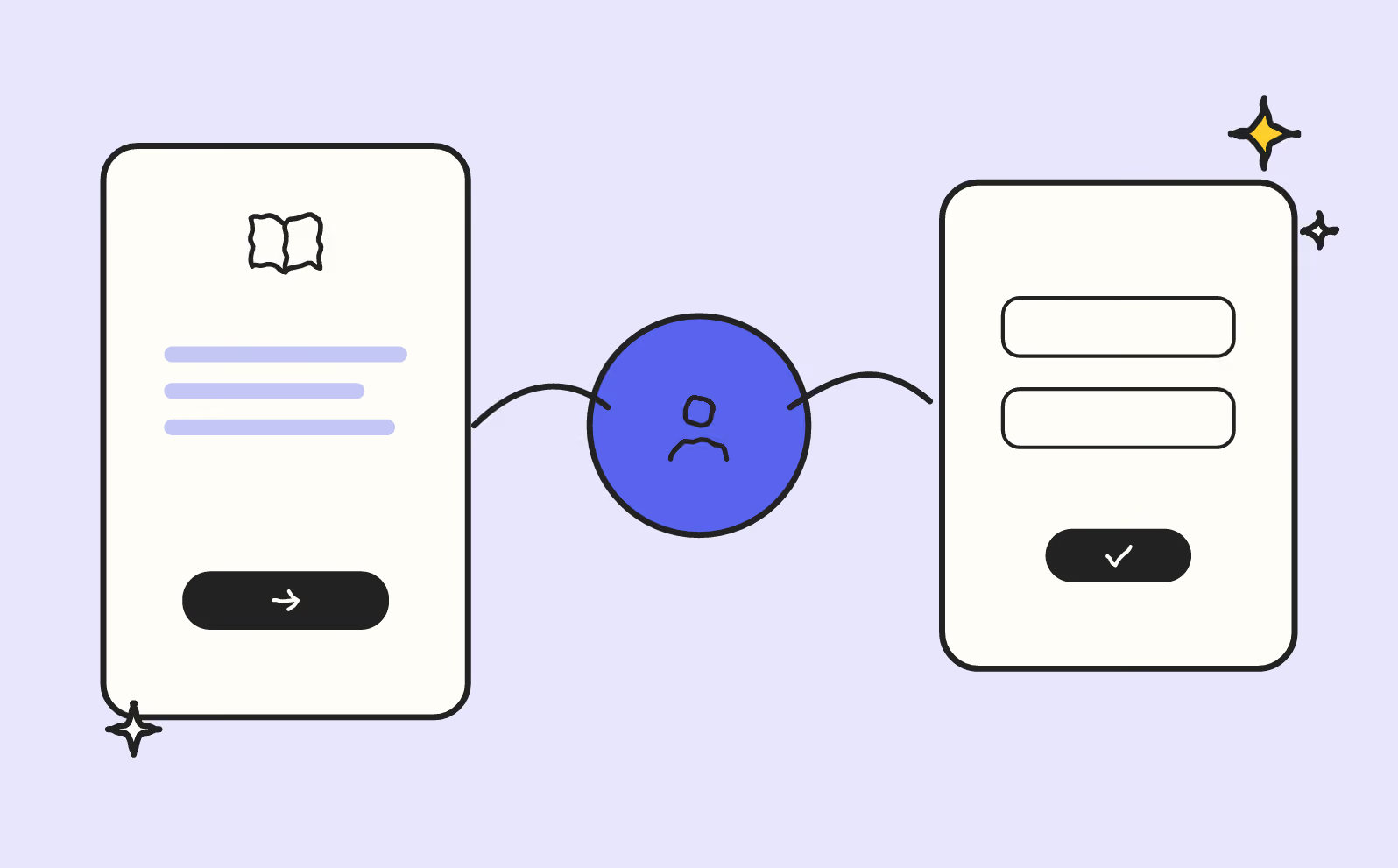
article summary
- The website should help users compare a potentially complex education offering.
- Students, parents, companies and referrers may need distinct journeys.
- Programmes should be described through objectives, content, delivery methods and outcomes.
- Enrolment should remain simple while fitting with the organisation’s business tools.
- Content should stay current as sessions and regulations evolve.
Want to take it further? Ask:
A pre-qualification form
A pre-qualification form is useful when it reduces orientation errors. Target programme, study level, desired intake, initial-study or apprenticeship status and contact details are often enough to direct the candidate to the right person. An education web agency should treat this form as an orientation step, not as a miniature admissions file.
This journey logic also appears in our Mereos project, a platform dedicated to digitising assessments, admissions and certifications.
Supporting documents, transcripts, motivation letters and detailed administrative information belong more naturally in a secure admissions tool. The website can therefore keep the first contact quick while giving the admissions team enough context to respond usefully.
A session calendar
Intakes, open days, entrance exams, interviews and application deadlines should be brought together in an understandable calendar. Students should immediately distinguish an informational date from a deadline that genuinely affects admission.
Past events should be removed from active journeys or clearly archived. An expired open day or passed application deadline creates unnecessary uncertainty exactly when the candidate is trying to determine whether they can still act.
For a school recruiting across several intakes, the calendar should ideally be filterable by programme, campus and session so a candidate in Paris does not accidentally view a deadline reserved for another campus.
A contextual brochure
The brochure complements the programme page, but it should never be the only place where curriculum content, prerequisites, pace, fees or outcomes are shown. Many candidates compare several schools from their phones: forcing them to open a PDF to find basic information creates unnecessary friction.
Downloading the brochure can signal interest, provided access is not systematically gated behind a form. For a programme with a long decision cycle, the brochure can support consideration; for a highly mature request, the “Apply” CTA should remain more direct.
Appointment booking
Appointment booking is especially useful when the choice depends on entry level, equivalence, apprenticeships, a change of direction or an international project. It avoids pushing a candidate who is still uncertain into starting an application they are not ready to complete.
The booking form should retain the programme and campus viewed. The admissions team can then prepare the conversation and answer the right questions about prerequisites, dates or financing from the first exchange.
The CTA should clearly describe the next step: “Speak with admissions”, “Attend the next open day” or “Start my application” is more useful than a generic “Learn more”.
A connection to the CRM or admissions tool
The website can pass the viewed programme, campus, target intake and source of the enquiry to the CRM. This continuity prevents teams from asking candidates to repeat information and allows follow-up to reflect their level of maturity.
Above all, duplicate entry between the form, CRM and admissions system should be avoided. Candidates should not feel they are restarting their journey at every stage, and the team should know which system is the source of truth for application status.
A technical connection only has value if it genuinely simplifies admissions work and the candidate journey. Adding tools without defining responsibilities often creates more friction than it removes.
Tracking the stages
Brochure downloads, open-day registrations, admissions appointments, application starts and completed files all represent different levels of engagement. Measuring them separately shows where candidates progress and where they drop out.
Tracking should connect these stages with the programme, campus and intake where possible. A school can then distinguish a highly viewed page that generates few applications from a less visible programme that converts interest into completed files much more effectively.
The useful metric is therefore not simply form volume: website actions should be connected to applications genuinely started and, where systems allow it, to enrolments.
Performance dashboard
| Stage | User need | Metric |
|---|---|---|
| Understand | Identify the offer or service | Navigation and engagement |
| Reassure | Check proof and conditions | Proof views |
| Act | Choose the next step | Calls, forms, bookings |
| Qualify | Check contact fit | Qualified-enquiry rate |
Which features should be prioritised at each stage of the candidate journey?
A feature has value only if it helps the candidate move through a specific stage. The website should first reduce orientation errors, then make choice, contact and transfer to the admissions tool easier.
| Stage | Useful feature | Expected effect |
|---|---|---|
| Orientation | Programme / campus / intake filters | Reduce wrong choices |
| Reassurance | Brochure and programme information | Answer key questions |
| Qualification | Admissions appointment / pre-qualification | Prepare the conversation |
| Application | Clear handoff to the admissions tool | Avoid disruption |
What a school website should simplify before enrolment
The best features are those that reduce a concrete uncertainty: choosing the right programme, checking an intake, preparing a conversation with admissions or starting an application without disruption. The website should remain the candidate’s point of reference even when the process continues in a CRM or external admissions platform.
Start with features that genuinely reduce drop-off
An education website does not need to accumulate tools. Priority features are those that help candidates find the right course, understand eligibility, compare options and complete enrolment.
An education web agency should therefore choose features based on the real admissions journey.
Create a useful search engine or filter
When the offering includes many programmes, filters by level, subject, format, campus or delivery pattern can make discovery easier.
They should rely on reliable and consistent CMS data.
Poorly populated filters can hide relevant programmes and create more confusion.
Offer a programme comparison tool with restraint
A comparison tool can help when several programmes are similar.
Duration, level, format, campus, apprenticeship options and outcomes can be compared on genuinely consistent criteria.
Avoid tables that are too dense to read on mobile.
Create CTAs for different levels of maturity
Downloading a brochure, attending an open day, asking a question or applying represent different levels of decision.
The website should offer several actions without giving them all the same visual weight.
The main CTA should remain clear on every page.
Integrate an events calendar
Open days, webinars, fairs and information sessions can play an important role before application.
The calendar should make useful events easy to filter and registration easy to access.
Past events should be archived or removed cleanly.
Simplify brochure requests
A brochure can be offered through a short form.
The website should explain what it contains and avoid asking for unnecessary information simply to capture a contact.
Downloading or sending the brochure should work correctly on mobile.
Create a progressive application
A complete file may require several documents and pieces of information.
When the journey is long, saving and resuming can be useful.
Candidates should understand where they are and which steps remain.
Manage uploads
CVs, transcripts, letters and other documents should be easy to send.
Accepted formats and limits should be shown before an error occurs.
On mobile, upload should be tested across several devices.
Show application status when the process allows it
A candidate area can reassure by showing whether the file has been received, is incomplete, under review or complete.
This feature only makes sense if teams can keep the status current.
Outdated information is more frustrating than a simpler journey.
Offer appointment booking
Some programmes require a conversation with admissions.
A calendar or form can let candidates choose a slot where internal processes allow it.
Candidates should know who they are speaking with and why.
Create deadline alerts
Application deadlines and important events can be reminded by email when candidates have consented.
The website should avoid excessive notifications.
Dates should stay synchronised with the real calendar.
Plan for multilingual journeys
International students may need a complete version in another language.
Programme information, admissions, fees, forms and error messages should be translated, not only marketing pages.
Versions should be updated at the same time.
Create a company area for apprenticeships
When a school develops apprenticeships, companies may need a separate journey.
Programme information, schedules, candidate profiles and company contact can be grouped together.
This prevents recruiter needs from being mixed with the candidate journey.
Optimise mobile
Young candidates frequently browse websites from their phones.
Search, filters, brochures, events and forms should remain easy to use.
Tables and PDFs should not be the only way to access information.
Measure the funnel
Tracking should cover search, programme views, brochure downloads, events, applications started and applications completed.
This data shows where candidates drop out.
Admissions teams can then complement the analysis with the quality of files received.
Checklist of useful enrolment features
- Relevant search and filters.
- CTAs adapted to maturity.
- Events calendar.
- Short brochure form.
- Progressive application if needed.
- Reliable mobile uploads.
- Tracking of the enrolment funnel.
FAQ
Which features make enrolment easiest on an education website?
Programme search, useful filters, adapted CTAs, simple forms, reliable uploads and file-status tracking when it is genuinely kept current are the most important.
Should schools offer a programme comparison tool?
Yes when several programmes are similar enough to compare on consistent criteria such as level, duration, format or campus. Otherwise it mainly adds complexity.
How can application drop-off be reduced?
Explain the stages, remove unnecessary fields, allow resumption when the file is long and test uploads on mobile.
Should a school offer several CTAs?
Yes. Brochures, open days, appointments and applications correspond to different levels of maturity. The role of each action should remain clear.
Is a candidate portal essential?
No. It is useful only if the school can keep file statuses current and provide real value to the candidate.
Which KPIs should be tracked on the enrolment journey?
Programme views, brochure downloads, event registrations, applications started, applications completed and the quality of files received help evaluate the funnel.
Good to know
Heading
Lorem ipsum dolor sit amet, consectetur adipiscing elit. Suspendisse varius enim in eros elementum tristique. Duis cursus, mi quis viverra ornare, eros dolor interdum nulla, ut commodo diam libero vitae erat. Aenean faucibus nibh et justo cursus id rutrum lorem imperdiet. Nunc ut sem vitae risus tristique posuere.







Lorem ipsum
Lorem ipsum dolor sit amet, consectetur adipiscing elit, sed do eiusmod tempor incididunt ut labore et dolore magna aliqua. Ut enim ad minim veniam, quis nostrud exercitation ullamco laboris nisi ut aliquip ex ea commodo consequat. Duis aute irure dolor in reprehenderit in voluptate velit esse cillum dolore eu fugiat nulla pariatur.









