


How can an event website increase registrations?
An event website does not convert more simply because the “Register” button is larger. The decision depends on several signals: clarity of the promise, relevance of the programme, credibility of speakers, ease of understanding practical information, perceived value of the price and the effort required to register.

article summary
- The event promise should be clear before users reach the registration form.
- The programme, speakers and proof from previous editions should support the decision.
- Ticket options and practical information should be easy to compare and understand.
- The registration funnel should reduce unnecessary fields and work perfectly on mobile.
- Performance should be measured across the full funnel, including registration quality for B2B events.
Want to take it further? Ask:
An event website does not convert more simply because the “Register” button is larger. The decision depends on a set of signals: is the promise clear, does the programme match the visitor’s profile, are the speakers credible, are the venue and schedule easy to understand, does the price feel justified and does registration require too much effort?
Build different journeys for different audiences
An event can address attendees, exhibitors, sponsors, speakers or partners. These audiences do not expect the same information and should not all be sent to the same page.
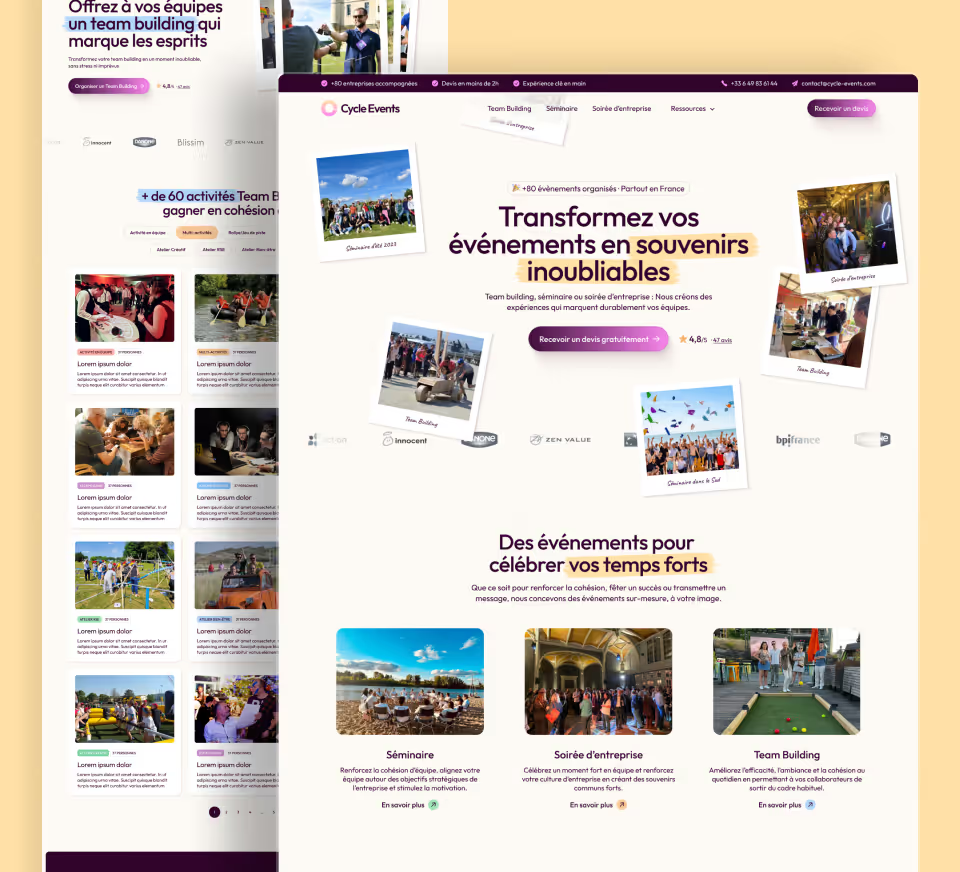
For each profile, the website should highlight the benefits, proof and expected action. An exhibitor wants to understand the audience and commercial opportunities. An attendee mainly wants to know who they will meet, what they will learn and how to organise their visit. The UniversVO website separates the journeys of professionals who want to join a club, exhibitors registering for a trade show and partners.
Make the programme usable rather than decorative
A very dense programme can quickly become unreadable. Filters by day, stage, topic or profile reduce cognitive load. Every session should state its title, time, duration, format, speakers and, where relevant, level or target audience.
A well-structured CMS makes it possible to update sessions and speakers without manually recreating several pages.
Place proof where it reassures
Figures from previous editions, partners, speakers, photos and testimonials do not need to sit in one single block. They are more effective when they appear at the moment the visitor hesitates.
For example, an attendee testimonial can appear after the programme, while attendance figures can support the exhibitor page.
Reduce friction in the registration funnel
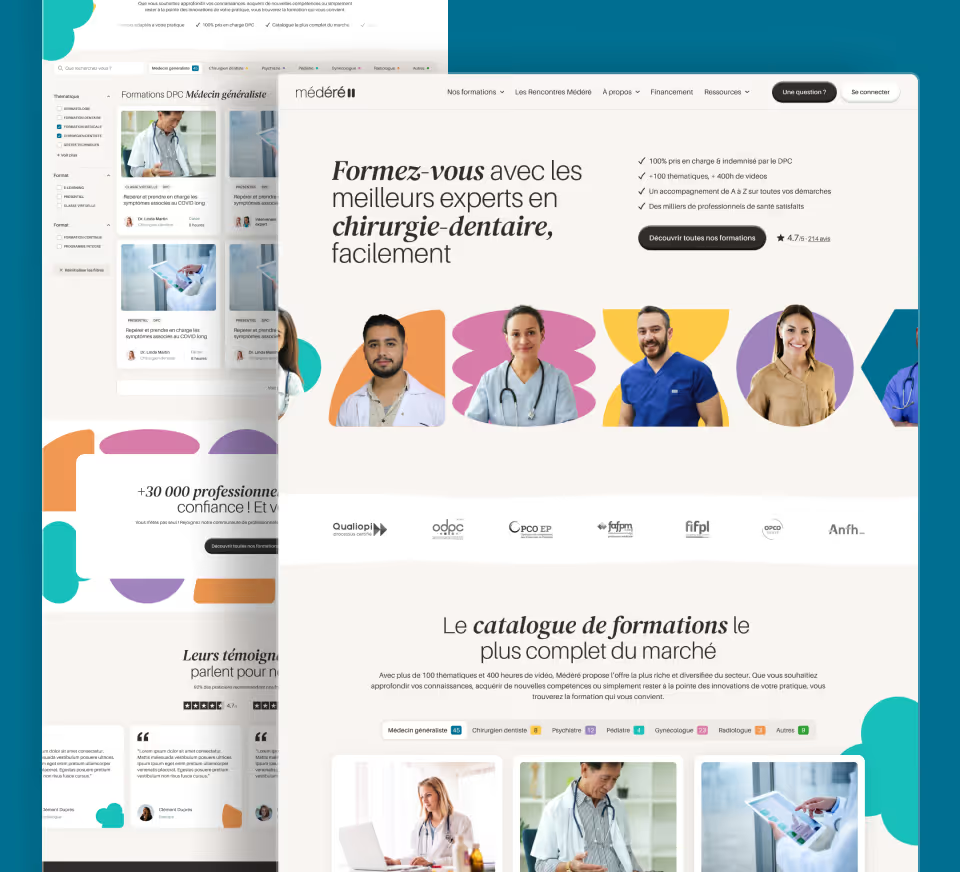
Every additional field should have an operational purpose. If the event does not need a postal address at registration, do not ask for it. Billing information can be handled at the appropriate stage when necessary. This is the logic behind the landing page designed for Hectar to maximise registrations for its flagship event: structured journey, social proof and an effective lead form.
Table: identify the main points of friction
| Stage | Common friction | Optimisation |
|---|---|---|
| Discovery | Promise too vague | Benefit + audience + format visible immediately |
| Evaluation | Programme hard to read | Filters, highlights, thematic journeys |
| Reassurance | Too little proof | Speakers, testimonials, figures, previous editions |
| Registration | Form too long | Reduce fields and simplify payment |
Create real continuity after registration
The confirmation should repeat essential information, offer an add-to-calendar option and explain how to modify or transfer a ticket. As the event approaches, the website can become a practical resource: access, map, app, personal programme and logistics FAQ.
Make the value clear before asking users to register
Visitors rarely register just because they saw a date and a form. They need to understand what they will get, why the event deserves their time and who it is for.
An event web agency should therefore build a clear progression from discovery to programme, proof and registration.
Make the benefit concrete
The first screen should explain what attendees will experience or learn.
A general promise such as “the must-attend event” adds little if visitors do not understand the subjects, formats or people they will meet.
Benefits should remain connected to the real programme.
Present the programme early enough
The programme strongly influences the decision.
It should be easy to browse, with useful times, themes, speakers and formats.
Highlights can be emphasised without hiding the rest.
Show the speakers
Speakers, artists or experts create credibility and attractiveness.
A photo, role and a few lines about their contribution are often enough.
Profiles should link to the corresponding sessions.
Use proof from previous editions
Photos, figures, videos or testimonials can reassure users about atmosphere and organisation.
Figures should be recent and contextualised.
A few strong proof points are better than an accumulation of logos or outdated statistics.
Clarify tickets
Visitors should understand the price, what is included and the main conditions.
Day passes, full passes, student pricing or early-bird tickets should be easy to compare.
Important differences should appear before payment.
Create urgency without manipulation
A real pricing deadline or genuinely limited capacity can encourage action.
Fake counters and artificial messages damage trust.
Scarcity should be factual.
Reduce form friction
Every additional field should have a purpose.
For a consumer event, name, email and ticket-related information are often enough.
For a B2B event, job title, company or company size can be added if those details genuinely help qualification.
Enable mobile registration
The form should be easy to complete with a thumb.
Menus, date fields, promo codes and payment steps should be tested on small screens.
A registration journey that is perfect on desktop can lose many conversions on mobile.
Prepare the confirmation
The post-registration page should confirm that the action succeeded.
It can repeat the date, venue, chosen ticket and next steps.
A calendar link, access information or programme can help attendees prepare.
Work on event emails
Confirmation, reminders, practical information and any changes should remain consistent with the website.
Visitors should not receive contradictory information about times or location.
The quality of the journey continues after registration.
Offer a waiting list
When the event is full, the website can preserve interest through a waiting list if the team can genuinely manage it.
The process should be explained clearly.
Joining a waiting list should not be presented as a guaranteed place.
Create pages for partners
Sponsors or exhibitors can have a distinct journey.
It is useful to explain the audience, available formats and contact arrangements.
This information should not overload the attendee journey.
Make practical information visible
Address, transport, parking, accessibility, opening hours and catering can influence the decision.
These details should be easy to find before registration.
Visitors should be able to check that attending is realistic.
Measure the registration funnel
Tracking should follow programme views, ticket clicks, forms started and completed registrations.
Drop-off by stage shows where the journey is blocking.
It is also useful to compare performance across traffic sources.
Analyse low-quality registrations
For a B2B event, not every registration has the same value.
Teams can identify off-target profiles and adjust content or qualification criteria.
The website should attract the right attendees, not only maximise volume.
Optimise pages after launch
Questions received by email or phone often reveal missing information.
If several people ask the same question about the programme, access or tickets, the website should be improved.
This continuous improvement progressively reduces friction.
Checklist for increasing registrations
- Clear promise.
- Accessible programme.
- Contextualised speakers.
- Comparable tickets.
- Short form.
- Useful confirmation.
- Full funnel tracking.
Logistics FAQ
Measure what genuinely improves registrations
Track click-through to ticketing, completion rate, abandonment by stage and performance by acquisition source. Measuring each journey stage helps distinguish a traffic problem from a conversion problem.
What should be measured to improve registrations?
Registration volume alone is not enough. Distinguish clicks to ticketing, starts, drop-offs and completions to locate the main friction points.
| Stage | Measure | Question |
|---|---|---|
| Event page | Registration click | Does the promise drive action? |
| Step 2 | Journey opened | Is the transition smooth? |
| Data entry | Progression | Where is the friction? |
| Confirmation | Completed registrations | How many finish the journey? |
What an event website should remember to increase registrations
The website should reduce uncertainty at every stage: clear promise, readable programme, credible proof, reassuring logistics and simple registration. These elements align with what an event website should include to convince visitors in a few seconds.
Make the value clear before asking for registration
Make the benefit concrete
The first screen should explain what attendees will experience or learn.
Benefits should remain connected to the real programme.
Present the programme early enough
Highlights can be emphasised without hiding the rest.
Show the speakers
Speakers, artists or experts create credibility and attractiveness.
A photo, role and a few lines about their contribution are often enough.
Profiles should link to corresponding sessions.
Use proof from previous editions
Figures should be recent and contextualised.
Clarify tickets
Visitors should understand the price, what is included and the main conditions.
Day passes, full passes, student pricing or early-bird tickets should be comparable.
Important differences should appear before payment.
Create urgency without manipulation
Fake counters and artificial messages damage trust.
Scarcity should be factual.
Reduce form friction
Every additional field should have a purpose.
Enable mobile registration
The form should be easy to complete with a thumb.
A registration journey that is perfect on desktop can lose many conversions on mobile.
Prepare the confirmation
The post-registration page should confirm the action succeeded.
It can repeat the date, venue, chosen ticket and next steps.
Work on event emails
The quality of the journey continues after registration.
Offer a waiting list
The process should be explained clearly.
Joining a waiting list should not be presented as a guaranteed place.
Create pages for partners
Sponsors or exhibitors can have a distinct journey.
It is useful to explain the audience, available formats and contact arrangements.
This information should not overload the attendee journey.
Make practical information visible
These details should be easy to find before registration.
Visitors should be able to check that attending is realistic.
Measure the registration funnel
Drop-off by stage shows where the journey is blocking.
It is also useful to compare performance across traffic sources.
Analyse low-quality registrations
For a B2B event, not every registration has the same value.
The website should attract the right attendees, not only maximise volume.
Optimise pages after launch
Questions received by email or phone often reveal missing information.
Continuous improvement progressively reduces friction.
Checklist for increasing registrations
Clear promise.
Accessible programme.
Contextualised speakers.
Comparable tickets.
Short form.
Useful confirmation.
Full funnel tracking.
FAQ
How can registrations be increased on an event website?
Clarify the event’s value, make the programme accessible, present speakers, explain tickets and reduce friction in the registration form.
Which information should appear before the registration button?
Date, venue, programme, target audience, price, important conditions and main benefits should be clear enough to support a decision.
How can form abandonment be reduced?
Limit fields, optimise mobile, explain requested information and remove unnecessary steps before validation.
Should a countdown be used?
Only if the deadline or limited capacity is real. Artificial scarcity mechanisms can damage trust.
What should happen when the event is sold out?
A waiting list can be offered if the team can genuinely manage it. The website should explain how it works and should not promise a place.
Which KPIs should be tracked for the registration funnel?
Programme views, ticket clicks, forms started, drop-offs, completed registrations and attendee quality help assess the journey.
Good to know
Heading
Lorem ipsum dolor sit amet, consectetur adipiscing elit. Suspendisse varius enim in eros elementum tristique. Duis cursus, mi quis viverra ornare, eros dolor interdum nulla, ut commodo diam libero vitae erat. Aenean faucibus nibh et justo cursus id rutrum lorem imperdiet. Nunc ut sem vitae risus tristique posuere.







Lorem ipsum
Lorem ipsum dolor sit amet, consectetur adipiscing elit, sed do eiusmod tempor incididunt ut labore et dolore magna aliqua. Ut enim ad minim veniam, quis nostrud exercitation ullamco laboris nisi ut aliquip ex ea commodo consequat. Duis aute irure dolor in reprehenderit in voluptate velit esse cillum dolore eu fugiat nulla pariatur.









