


How can a new-build development website generate more enquiries?
A new-build development should help buyers picture the project quickly while answering concrete questions: location, unit types, floor areas, timeline, specification and next steps.
article summary
- The development should be understood quickly without hiding the information that drives the decision.
- Floor plans, unit types, location and timeline are central conversion elements.
- Developer proof should reduce perceived risk before contact.
- The form should qualify the type of project sought without becoming too long.
- Tracking should connect leads to developments and acquisition sources.
Want to take it further? Ask:
Give the development context from the start
Visitors should be able to identify the neighbourhood, type of development and main characteristics without scrolling through several screens. A property developer web agency should translate this logic into the architecture, content and user journeys.
The promise should remain factual and verifiable, especially when the timeline or availability changes.
For a new-build development, web design should make floor plans easy to read, unit types easy to compare and decisive information easy to understand without sacrificing mobile readability.
Structure units and property types
Studios, one-bedroom, two-bedroom apartments or houses should not be buried inside a PDF. Unit types can be filtered and connected to useful information.
Floor area, floor level, orientation, outdoor space and availability should be kept up to date from a single source of truth.
- floor area
- orientation
- outdoor space
- floor level
- unit status
During a commercial launch, a dedicated landing page for a development can concentrate messaging, proof and CTAs without sending prospects across the developer’s entire website.
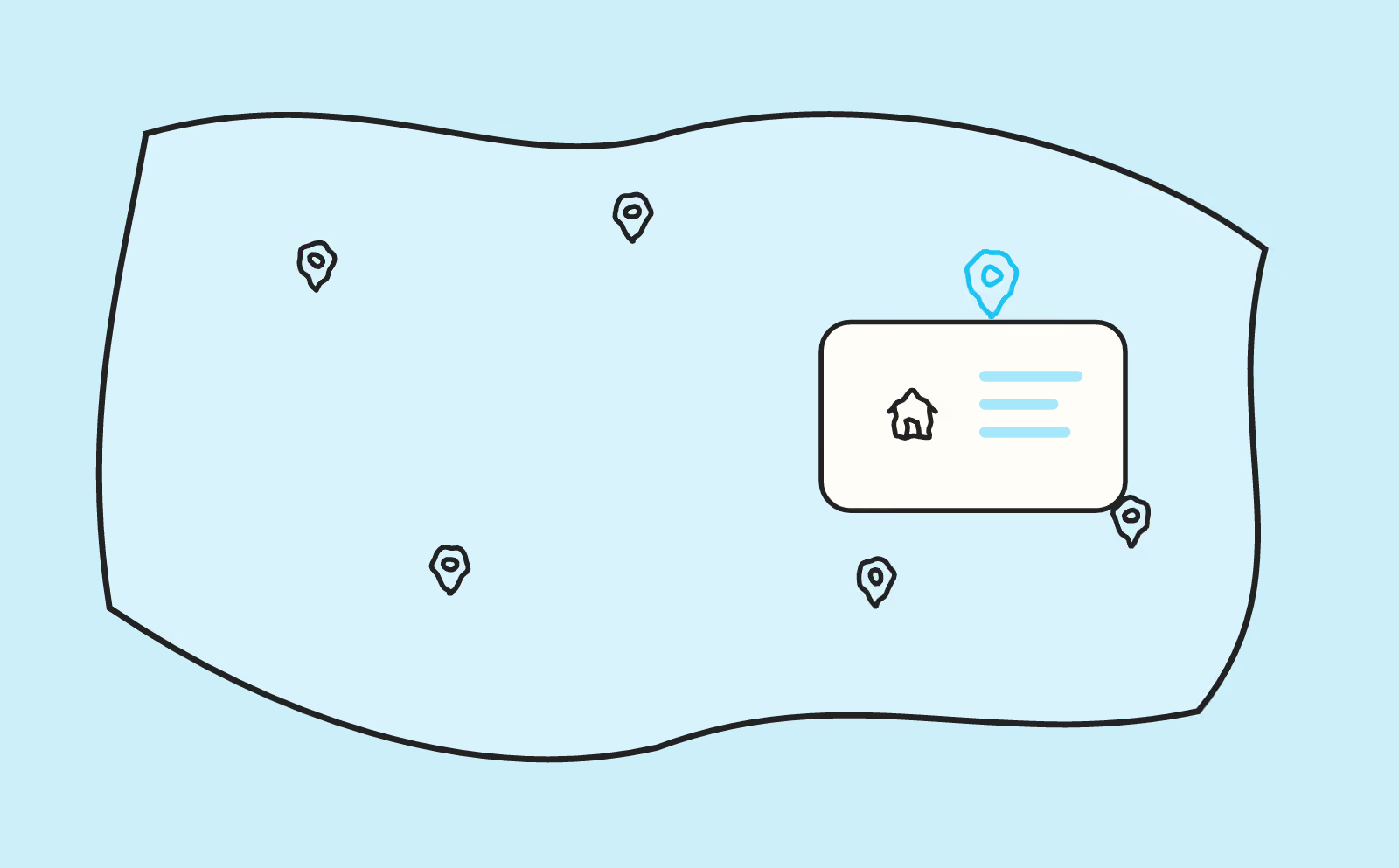
Show the value of the location with useful information
Transport, shops, schools and journey times should be selected according to the development’s real target audience.
Avoid generic lists that say nothing about daily life in the neighbourhood.
Make floor plans and documents easy to consult
Plans should be readable on mobile and accompanied by context.
Downloads can be useful, but they should not be required to understand the offer.
Create a progressive contact journey
The form can ask for the preferred unit type, indicative budget, project status and contact details.
The goal is to prepare the sales callback, not make the prospect complete a financing file.
- unit type
- indicative budget
- timeframe
- contact details
Track leads by development and unit type
Tracking and the CRM should retain the development, page and source that generated the contact.
This makes it possible to compare campaigns, the most requested unit types and actual lead quality.
Tracking should distinguish brochure downloads, price requests, appointment bookings and reservations to identify which stages genuinely contribute to sales.
Help visitors understand the development before collecting a lead
A property development page should allow prospects to understand the location, positioning, unit types and next step without immediately downloading a brochure.
A web agency for property developers should balance visual projection and commercial information. Visitors should be able to check whether the development matches their project before sharing their details.
Build an informative first screen
Development name, city, property types and main benefit should appear quickly.
A generic headline about “a new way of living” is not enough if the prospect does not yet know where the development is located.
The CTA can offer a clear action such as checking availability or requesting the brochure.
Present the unit types
Different sizes and configurations should be easy to compare.
The page can use cards or a table depending on the number of units.
Availability should only be displayed if it can be reliably kept up to date.
Use floor plans to support understanding
A floor plan should be readable on mobile and connected to the correct unit type.
Visitors should be able to enlarge it without immediately downloading a PDF.
Legends and floor areas should remain consistent with approved sales documents.
Present the location with proof
The map should be supplemented with genuinely useful information: transport, shops, schools or employment hubs depending on the target audience.
Journey times should be verified before publication.
A generic list of points of interest can feel artificial.
Tell the architectural story
Architecture, materials, outdoor spaces and design choices can help differentiate the development.
Content should explain the choices that genuinely influence use.
Wording should remain consistent with the project’s current status and available approvals.
Clarify the specification
Parking, outdoor areas, equipment, common areas and services can be presented when they are confirmed.
The page should distinguish between what is included, optional or dependent on the unit.
This precision reduces misunderstandings during the sales appointment.
Explain the buying journey
Prospects may not know every stage of buying new-build property.
The website can explain the enquiry, appointment, reservation and later stages at an appropriate level of detail.
This educational approach is especially reassuring for first-time buyers.
Offer several levels of contact
A prospect in the discovery phase may want a brochure, while another may want a quick callback.
CTAs should match these different levels of readiness.
They should be tracked separately.
Create a form genuinely linked to the development
The development name should be passed automatically with the lead.
The form can request contact details, preferred property type and possibly budget when that information is useful to the sales team.
Prospects should not have to repeat information the website already knows.
Use the developer’s completed projects
Delivered developments can reassure visitors about execution quality and the developer’s track record.
They should be selected for relevance rather than displayed as a simple logo gallery.
A comparable project can strengthen the development page. This ties into the broader question of what a property developer website should contain to reassure buyers.
Plan for commercial updates
Units, prices and availability can change quickly.
The CMS should allow teams to update this data without risking damage to the page. This is the logic used for Mimco Platform, whose Webflow CMS was structured so the team could update products independently.
More stable marketing content should remain separate from dynamic commercial data.
Handle the end of the sales period
When all units are sold, the page can retain value as proof or for visibility.
It should clearly show the status and suggest developments that are still available.
Removing the page abruptly can create errors and lose links.
Measure genuinely qualified leads
Downloads and form submissions are not enough.
Tracking should identify appointments obtained, the property type sought and commercial conversion when the data is available.
This information makes it possible to compare developments.
New-build development page checklist
- Clear location and positioning.
- Readable unit types.
- Mobile-friendly plans.
- Verified neighbourhood information.
- Clear specification.
- Form linked to the development.
- Lead tracking by action.
Performance table
| Stage | Question | Indicator |
|---|---|---|
| Discovery | Does the visitor understand the offer? | Navigation, engagement |
| Reassurance | Does the proof answer objections? | Clicks to cases, team, reviews |
| Action | Is the next step clear? | Forms, calls, appointments |
| Quality | Do enquiries match the target? | Qualification rate |
Help buyers picture the property before a visit is possible
In new-build property, visitors cannot always step inside the home they are considering buying. The website therefore needs to compensate for the lack of a physical property with elements that make the development tangible: readable plans, orientation, floor areas, outdoor spaces, views, materials, common areas and the immediate environment.
Visuals should be clearly identified. A 3D rendering should not be presented as a photograph, and non-contractual elements should remain understandable. This transparency increases trust rather than reducing the appeal of the project.
Floor plans deserve particular attention on mobile. They should be zoomable without becoming unreadable, and the essential information should also be available as text: room count, floor area, floor level, orientation, balcony or terrace. Prospects can then compare several units without depending solely on a PDF.
Make availability easy to understand
A list of units with no hierarchy can quickly become difficult to browse. Visitors should be able to filter by type, floor area, floor level, outdoor space or budget when these data can be displayed.
Availability status should remain consistent between the website, sales teams and any partner portals. Showing a unit as available when it is no longer available severely damages trust. Data should therefore be updated through a clear process, ideally connected to the source used by the sales team.
When prices can be communicated, displaying them helps qualification. Otherwise, the website can at least explain what influences the budget or offer a pricing-sheet request. Hiding all financial information by default often increases the number of poorly qualified enquiries.
Developments that are almost sold out should also provide an alternative: similar units, another development in the same area or a waiting list. Prospects retain a next step instead of leaving the website.
Explain the stages of buying new-build property
For a first-time buyer or an investor unfamiliar with new-build property, the timeline can appear complex. Reservation, financing, signing, staged payments, construction, pre-completion inspection and handover should be explained in accessible language.
A timeline or dedicated section can clarify the main stages and the developer’s role at each point. The goal is not to replace contractual documents, but to provide a framework that helps visitors understand what happens after they enquire.
Guarantees can be handled in the same way. Terms such as completion guarantees, defects liability or ten-year structural warranties are more reassuring when they are explained rather than simply listed.
Adapt CTAs to the level of readiness
Not every visitor wants an immediate phone call. Some want the brochure, floor plans, pricing information or to check eligibility for a scheme. Others are ready to book an appointment.
The page can offer one primary action and a small number of clearly differentiated secondary actions. CTA context should be preserved in the form: development viewed, unit type of interest or document requested. The sales team then receives a more actionable enquiry.
Measure enquiry quality
Form conversion rate alone is not enough. Brochure downloads, price requests, appointments, phone calls and genuinely qualified contacts should be distinguished. Connecting this information with the CRM reveals the pages, unit types and sources that generate prospects capable of moving through the buying process.
Maintain the page throughout the sales period
A development page should not remain frozen between launch and completion. Visuals, availability, construction milestones, documents and practical information should evolve as sales progress. An up-to-date page reassures prospects and prevents discrepancies between online messaging and the sales team.
FAQ
What information should be shown on a new-build property development?
Location, unit types, floor plans, specification, neighbourhood context, main buying stages and CTAs should allow visitors to understand the project before making contact.
Should prices be displayed?
They can be shown if the team can keep them up to date and the commercial framework allows it. Otherwise, explain clearly how prospects can obtain the information.
How should availability be presented?
Only with data that is sufficiently reliable and current. Outdated availability severely damages trust.
Should the brochure be mandatory?
No. The website should already provide the main information. The brochure can complement the journey and add more detail.
How can floor plans be made readable on mobile?
Allow zooming, connect the plan to the correct unit type and avoid relying solely on a PDF that is difficult to handle.
Which KPIs should be tracked?
Enquiries, brochure downloads, appointments, property types sought and qualification rate help assess commercial performance.
Good to know
Heading
Lorem ipsum dolor sit amet, consectetur adipiscing elit. Suspendisse varius enim in eros elementum tristique. Duis cursus, mi quis viverra ornare, eros dolor interdum nulla, ut commodo diam libero vitae erat. Aenean faucibus nibh et justo cursus id rutrum lorem imperdiet. Nunc ut sem vitae risus tristique posuere.







Lorem ipsum
Lorem ipsum dolor sit amet, consectetur adipiscing elit, sed do eiusmod tempor incididunt ut labore et dolore magna aliqua. Ut enim ad minim veniam, quis nostrud exercitation ullamco laboris nisi ut aliquip ex ea commodo consequat. Duis aute irure dolor in reprehenderit in voluptate velit esse cillum dolore eu fugiat nulla pariatur.









