


What should a SaaS homepage include to convert more visitors?
A SaaS homepage has to solve a difficult problem: provide enough context to convince without trying to explain the entire product on a single page.
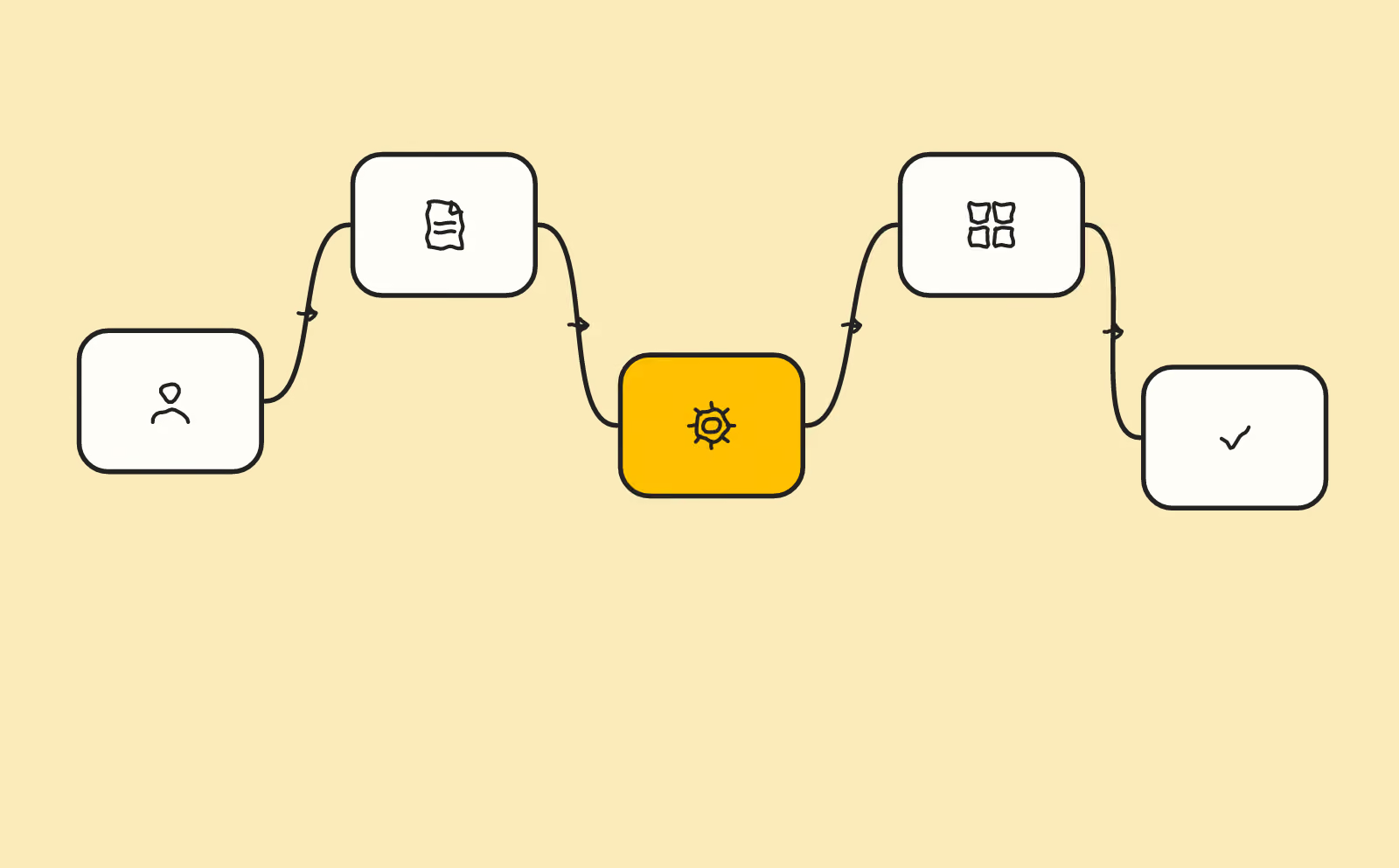
article summary
- The value proposition should be understood before the functional details.
- Use cases and outcomes should reassure prospects before the demo request.
- Pages should distinguish users, decision-makers and buyers when their expectations differ.
- The product should be shown without turning the homepage into exhaustive documentation.
- Measurement should follow progression from the demo request to the sales opportunity to identify which sections genuinely contribute to conversion.
Want to take it further? Ask:
An immediately understandable value proposition
The first screen should explain the target audience, the problem and the value. A SaaS web agency should therefore begin with that business question before choosing the structure or design.
Abstract slogans may work for a well-known brand, but they are risky for a prospect discovering the product.
On a SaaS homepage, visual hierarchy should immediately distinguish the promise, the product, the proof and the next step. Design should support that reading rather than hide value behind a visual demonstration.
A quick product demonstration
Visitors should be able to understand how the solution works without reading complete documentation.
A screenshot or short sequence can show the main mechanism.
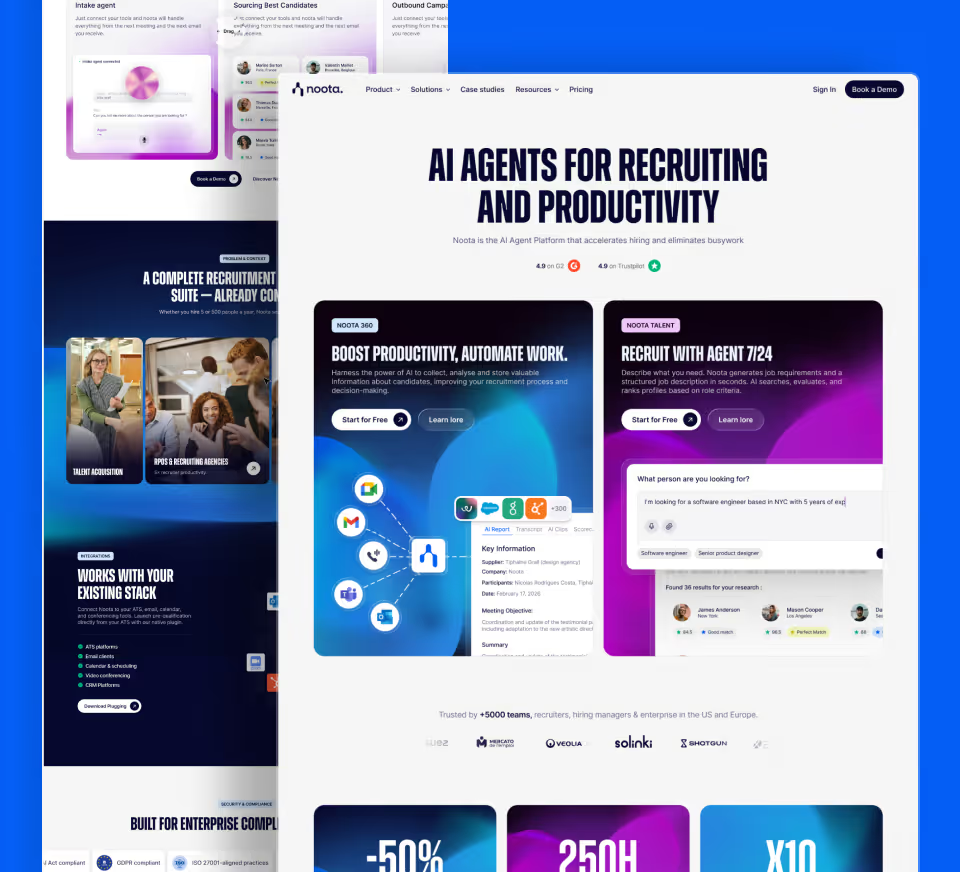
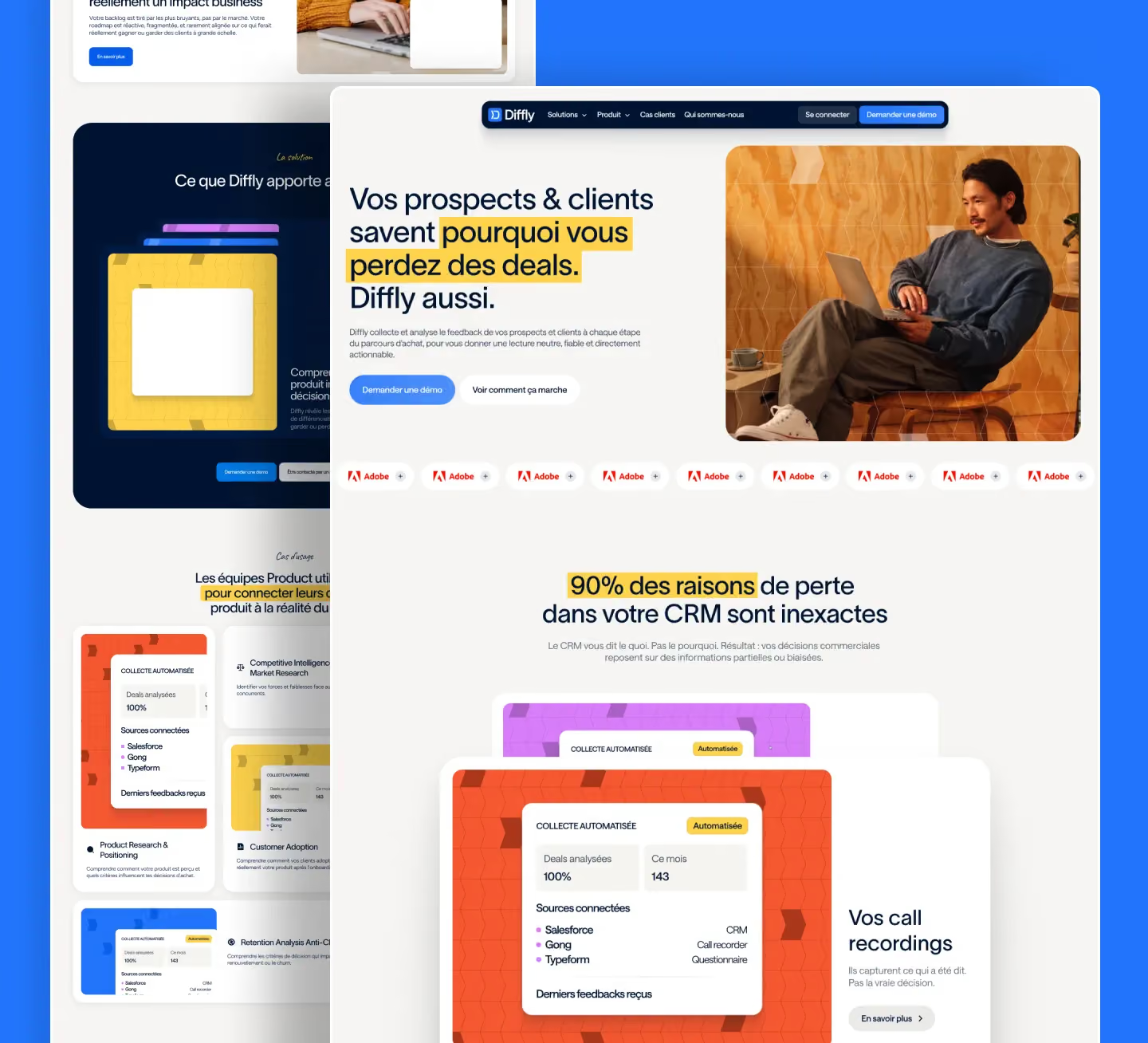
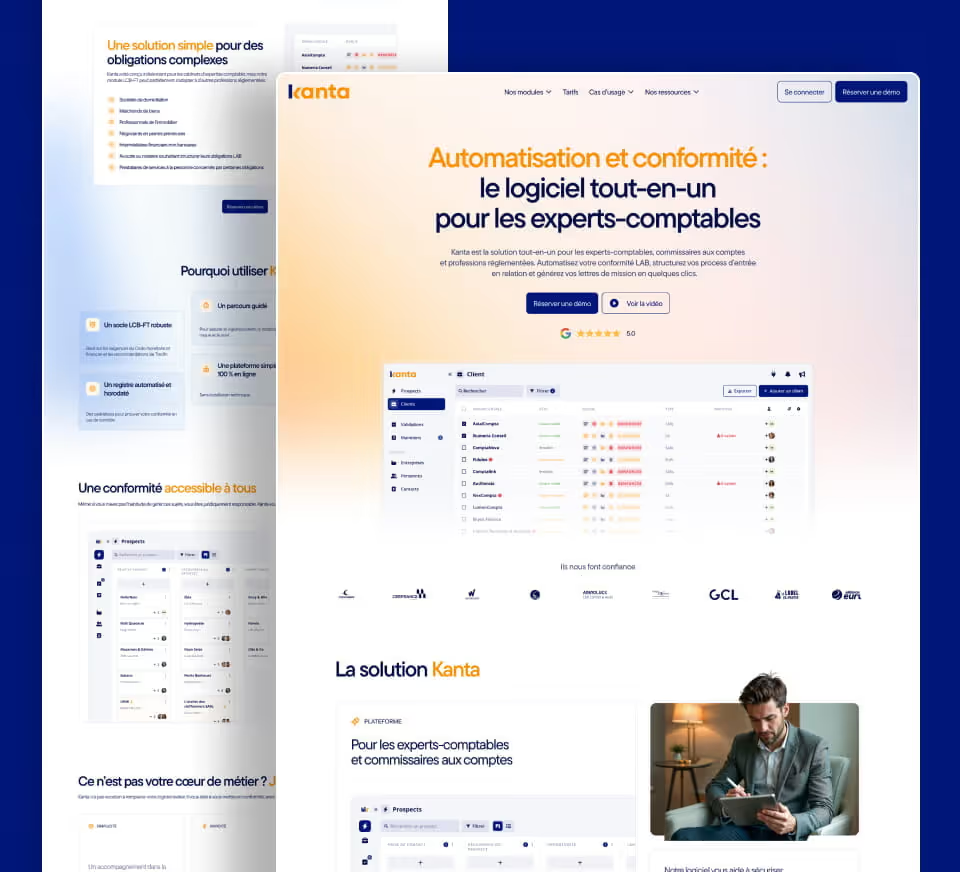
On this type of topic, our Join Stories project shows how to make a SaaS product tangible without overloading the homepage.
For a SaaS product serving several functions, it is better to surface two or three structuring use cases on the homepage and then direct users to dedicated pages. A CFO, sales manager and Ops team do not look for the same benefits or proof.
Use cases that help prospects recognise themselves
User profiles and usage contexts translate functionality into business outcomes.
They can then lead to deeper dedicated pages.
Each use case should connect a starting context, an action performed in the product and an expected outcome. This sequence helps prospects picture the value without forcing them through a list of features.
Proof points with enough context
Customer figures, testimonials, logos and case studies should be verifiable and connected to the promise they support.
A number without context can look impressive without helping the decision.
Proof works best close to the objection it addresses: a customer story near a use case, security information near a demo form, an integration near the relevant workflow.
Integrations and security when they influence the purchase
For some B2B SaaS products, stack integration or security can block the decision well before the demo.
This information should be accessible without forcing a sales meeting.
A next step that fits the model
Demo, trial, account creation and contact do not correspond to the same sales model.
The homepage should prioritise the action that matches the actual product cycle.
Prioritise the SaaS homepage according to sales-cycle objections
The homepage should answer objections in the order they appear. Prospects first check whether they understand the value, then whether the product fits their context, whether it can integrate into their environment and finally whether the company looks credible. Organising the homepage around this progression avoids an accumulation of disconnected blocks and helps each profile find the proof they need quickly.
| Objection | What to show | Useful format |
|---|---|---|
| I do not understand the value | Problem and business outcome | Promise + use case |
| Is the product suitable? | Workflow and key features | Screenshot or product sequence |
| Can it integrate? | API, integrations, prerequisites | Structured list or documentation |
| Can I trust it? | Customer cases, security, team | Contextualised proof |
A high-performing SaaS homepage does not try to say everything. It organises the decision: understand the value, verify that the product fits the context, reduce risk, then offer a next step consistent with the sales cycle. This progression makes it easier to turn a visit into a qualified sales opportunity.
The first screen should clarify the category and value
A SaaS homepage should let visitors quickly understand what the product does, who it is for and which problem it solves.
A SaaS web agency should avoid two traps: a very vague headline that says nothing about the product, or a dense technical description that assumes prior market knowledge.
The first screen should provide enough context to encourage users to keep reading.
Write an H1 that is clear without jargon
The H1 can include the main benefit or category, but it should remain understandable to a prospect discovering the solution.
Acronyms and internal terms should be avoided when they are not essential.
A subheading can specify the audience, workflow or main differentiator.
Show the product early
A screenshot, animation or video can make the promise concrete.
The visual should show an important workflow or action, not just a reduced interface that is impossible to read.
Annotations or a short explanation can guide attention.
Present use cases
Visitors understand the product better when they see concrete situations.
Use cases can be organised by role, problem or process stage.
Each block should explain the context, action and benefit.
Prioritise features
Not every feature deserves the same weight on the homepage.
Highlight those that directly support the value proposition.
Details can live on product or documentation pages.
Create credibility
Logos, reviews, customer stories and figures can reassure when they are verifiable.
A contextualised customer story often provides more value than a row of logos.
Proof should appear early enough to reduce doubt.
Explain integrations
For B2B SaaS, integrations can influence adoption.
The main tools can be shown on the homepage, with a dedicated page covering the full catalogue.
Avoid displaying a logo when the integration is limited or does not really exist.
Address security
When security is part of the decision criteria, a reassurance block can present validated information.
Certifications, hosting and compliance information should remain accurate.
A link to a dedicated security page allows users to go deeper without overloading the homepage.
Show pricing or access to pricing
If pricing is public, it should be easy to access.
If it depends on a quote, the website can explain the factors that affect it.
Completely hiding the pricing model can increase friction in some markets.
Choose the right primary CTA
Free trial, demo, account creation and sales contact do not correspond to the same model.
The CTA should reflect the movement the company actually wants the prospect to make.
A secondary CTA can offer a lower-commitment action, but it should not constantly compete with the main one.
Reassure before the demo
A demo request should explain what the prospect will receive.
The form can ask for role, company and need if those data points are genuinely used to prepare the conversation.
Unnecessary fields should be removed.
Create a journey for technical profiles
Developers, IT and security teams may look for documentation, APIs and architecture information.
These resources should be easy to reach from the homepage without overwhelming the main narrative.
Clear navigation helps keep needs distinct.
Use editorial content sparingly
A blog or resource centre can support acquisition, but the homepage should not become a list of articles.
A few reference resources can be highlighted when they help explain the problem or category.
Internal linking should then guide users toward product pages.
Optimise mobile
Screenshots should remain readable, CTAs accessible and animations performant.
A complex carousel or long autoplay demonstration can significantly degrade the experience.
Product design may need to be translated into simpler mobile content.
Measure progression
Clicks on use cases, integrations, pricing, security and primary CTAs help reveal the journey.
Tracking should distinguish visitors who start a trial from those who request a demo.
This data helps reorganise sections according to their actual role.
Test without losing consistency
Tests can focus on the value proposition, proof or CTAs.
Avoid accumulating local variations that eventually break the brand language.
A SaaS homepage should remain a coherent system, not a collection of independent micro-tests.
SaaS homepage checklist
- Clear H1.
- Product shown early.
- Concrete use cases.
- Prioritised features.
- Credible proof.
- Accessible integrations and security.
- Primary CTA aligned with the model.
Create a homepage consistent with the sales cycle
The homepage should reflect how the SaaS product is actually bought. A self-service solution can direct users quickly toward a trial, while a complex product should prepare the demo with more proof, use cases and decision information.
The number of sections is not a goal in itself. The structure should follow the prospect’s questions in the order they appear: understand the category, recognise a use case, verify credibility, evaluate conditions and choose the next action.
Plan for the evolution of the value proposition
A SaaS product’s positioning evolves with its market and product. The website should make it possible to update the headline, use cases and proof without rebuilding the entire homepage.
A coherent component system lets the message evolve while preserving a stable hierarchy. This flexibility avoids accumulating sections with every product launch until the page becomes difficult to understand.
FAQ
What should the first screen of a SaaS homepage explain?
Visitors should understand the product, audience, problem addressed and next action without needing to know internal jargon.
Should the interface be shown immediately?
Yes when it helps make the promise concrete. The visual should remain readable and show an important use case.
How many features should be highlighted?
Only those that support the value proposition. Details can move to product pages.
Should the main CTA be a trial or a demo?
The choice depends on the commercial model, complexity and level of support required. The CTA should match the real journey.
Where should security information appear?
A reassurance block can appear on the homepage and link to a dedicated page with validated details.
Which KPIs should be tracked on the homepage?
Clicks on primary CTAs, pricing, integrations, use cases, security and final conversions help analyse progression.
Good to know
Heading
Lorem ipsum dolor sit amet, consectetur adipiscing elit. Suspendisse varius enim in eros elementum tristique. Duis cursus, mi quis viverra ornare, eros dolor interdum nulla, ut commodo diam libero vitae erat. Aenean faucibus nibh et justo cursus id rutrum lorem imperdiet. Nunc ut sem vitae risus tristique posuere.


.avif)





Lorem ipsum
Lorem ipsum dolor sit amet, consectetur adipiscing elit, sed do eiusmod tempor incididunt ut labore et dolore magna aliqua. Ut enim ad minim veniam, quis nostrud exercitation ullamco laboris nisi ut aliquip ex ea commodo consequat. Duis aute irure dolor in reprehenderit in voluptate velit esse cillum dolore eu fugiat nulla pariatur.









