


Add filters to your CMS collections
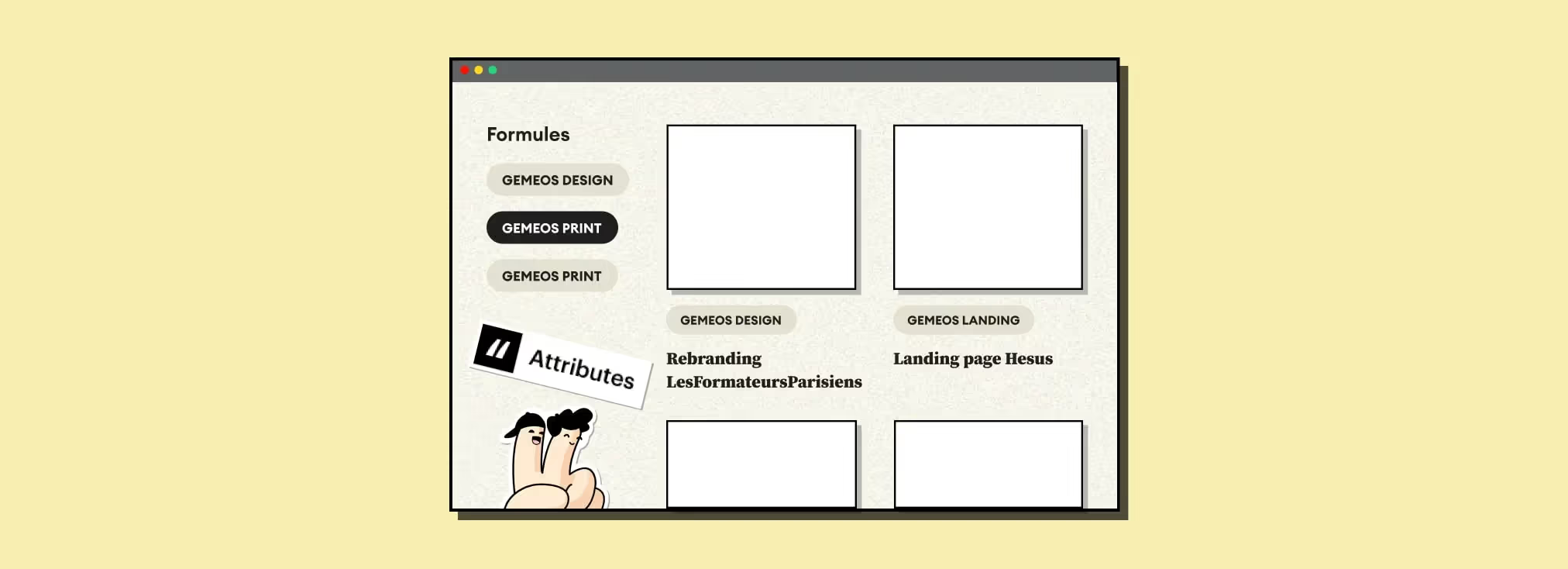
Video
| Finsweet attribute | Webflow element | Value |
|---|---|---|
| fs-cmsfilter-element | Collection List Wrapper | list |
| fs-cmsfilter-element | Form Block (filters) | filters |
| fs-cmsfilter-field | Checkbox / Radio / Select | CMS field name to filter |
In this episode, Sandro, co-founder of Gemeos Webflow agency, shows you how to add filters to your CMS collections
Why add filters to your CMS collections?
Filters matter on the web because they help users quickly find the products that match their needs and preferences. By using filters, prospects can narrow their search based on specific criteria like size, color, price, brand, and more.
Filters also make it easier to navigate a large catalog by reducing the number of products shown on screen. That can improve the user experience by making search faster and more efficient.
Finally, using filters can also help businesses better understand their customers' preferences and needs by collecting data on the most-used filters and the search results people view most often. That data can be used to make the catalog more relevant and deliver a more personalized shopping experience.
Here’s an example of a catalog with an advanced filtering system built for a client using Finsweet attributes CMS Filter

1. Add this script to the <head> of your page
2. Add a "list" attribute to your <Collection list>

3. Add a "filters" attribute to your <Form Block>

4. Add an attribute with the value you want to the necessary elements

5. Publish your site and test the result

Good to know
Heading
Lorem ipsum dolor sit amet, consectetur adipiscing elit. Suspendisse varius enim in eros elementum tristique. Duis cursus, mi quis viverra ornare, eros dolor interdum nulla, ut commodo diam libero vitae erat. Aenean faucibus nibh et justo cursus id rutrum lorem imperdiet. Nunc ut sem vitae risus tristique posuere.











.avif)

Lorem ipsum
Lorem ipsum dolor sit amet, consectetur adipiscing elit, sed do eiusmod tempor incididunt ut labore et dolore magna aliqua. Ut enim ad minim veniam, quis nostrud exercitation ullamco laboris nisi ut aliquip ex ea commodo consequat. Duis aute irure dolor in reprehenderit in voluptate velit esse cillum dolore eu fugiat nulla pariatur.





