


Hide the Scrollbar in Webflow
Introduction
| Method | Compatibility | Difficulty |
|---|---|---|
| scrollbar-width: none (native Webflow CSS) | All modern browsers | Very easy |
| ::-webkit-scrollbar + scrollbar-width (CSS embed) | All browsers | Easy |
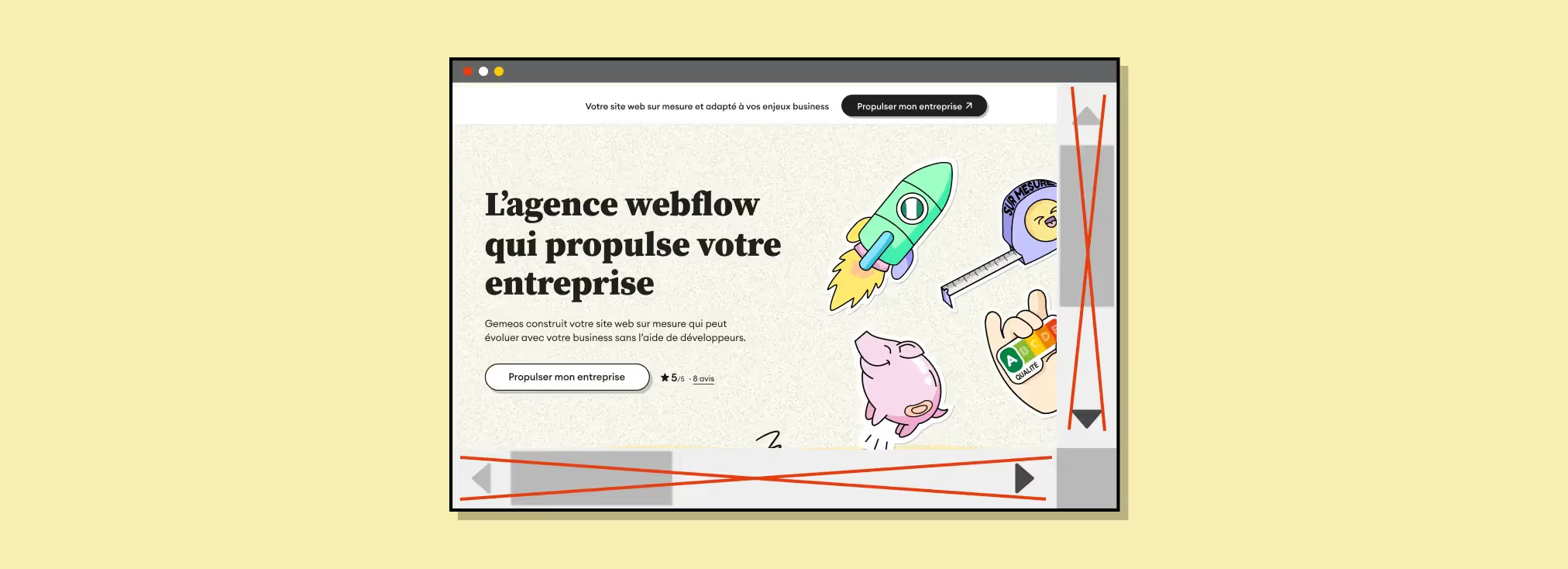
The CSS property overflow: scroll is used to control what happens when content exceeds the dimensions of a container element. When you use overflow: scroll, scrollbars are always visible, whether scrolling is needed or not.
That said, at Webflow agency Gemeos, we often run into the need to hide that scrollbar for aesthetic reasons. Chances are you’ve needed to do the same, so we turned it into a tutorial.
To do that, follow the steps below.
Solution 1 : Using CSS variables
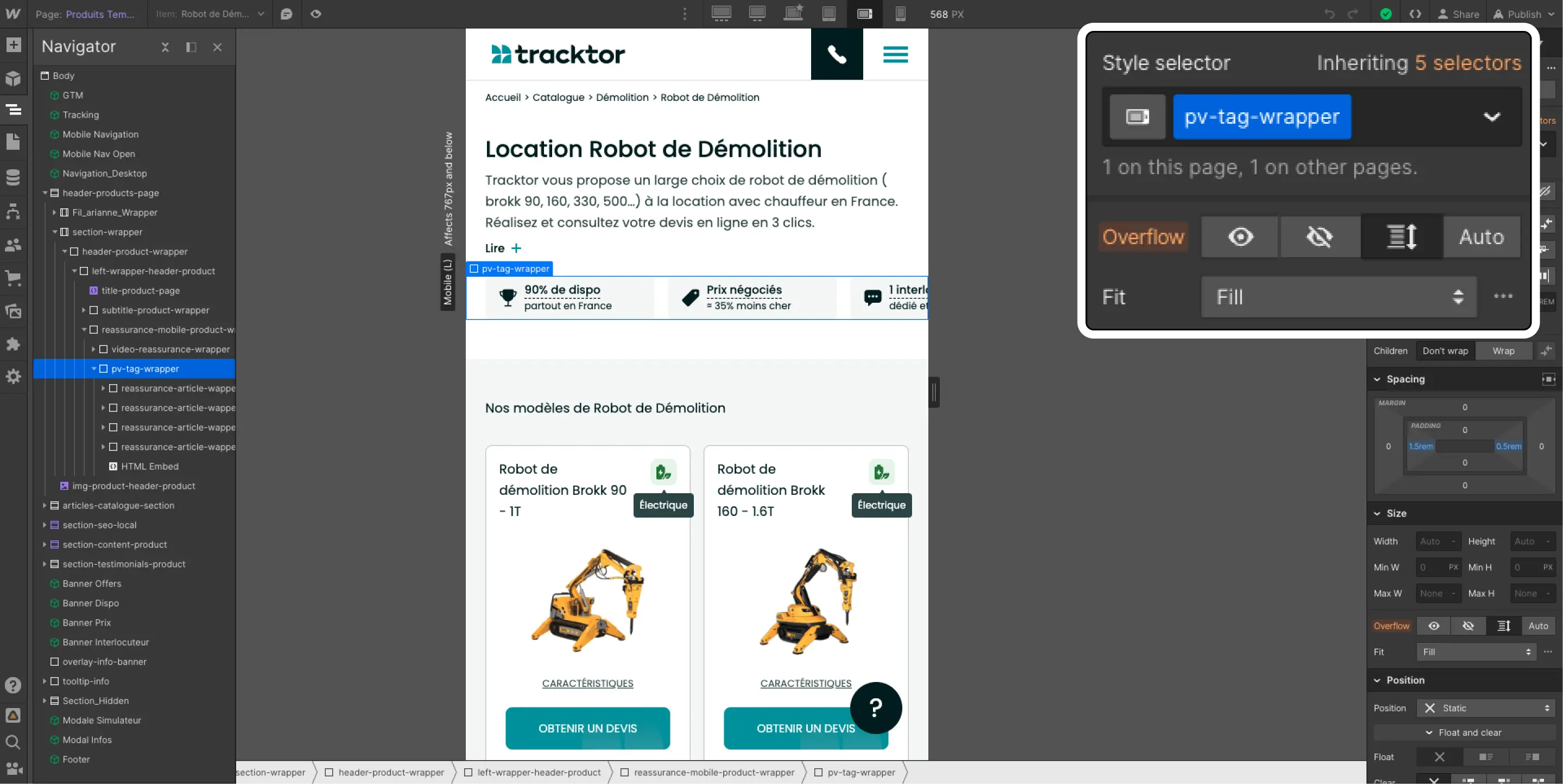
The simplest solution is to add the CSS property scrollbar-width and set it to none (see screenshot)

Solution 2 : Using CSS
Add a class to the element with overflow:scroll
Add this code to your container
Just make sure you replace {votre-classe} with the class you set up just before
Publish and enjoy
Hiding scrollbars is mostly a design choice. In some cases, it can give your site or app a cleaner look.
That said, make sure users still understand they can scroll, especially if the overflowing content is essential to the user experience.

Good to know
Heading
Lorem ipsum dolor sit amet, consectetur adipiscing elit. Suspendisse varius enim in eros elementum tristique. Duis cursus, mi quis viverra ornare, eros dolor interdum nulla, ut commodo diam libero vitae erat. Aenean faucibus nibh et justo cursus id rutrum lorem imperdiet. Nunc ut sem vitae risus tristique posuere.













Lorem ipsum
Lorem ipsum dolor sit amet, consectetur adipiscing elit, sed do eiusmod tempor incididunt ut labore et dolore magna aliqua. Ut enim ad minim veniam, quis nostrud exercitation ullamco laboris nisi ut aliquip ex ea commodo consequat. Duis aute irure dolor in reprehenderit in voluptate velit esse cillum dolore eu fugiat nulla pariatur.





