


Add a scroll-triggered number animation from X to X
Introduction
| Variable | Example value | Description |
|---|---|---|
| DUREE | 60000 | Total duration in milliseconds |
| VALEUR_FINALE | 12000000 | Target value to reach |
| INTERVALLE | 10 | Update frequency (in ms) |
| valeurActuelle | 1000000 | Starting value |
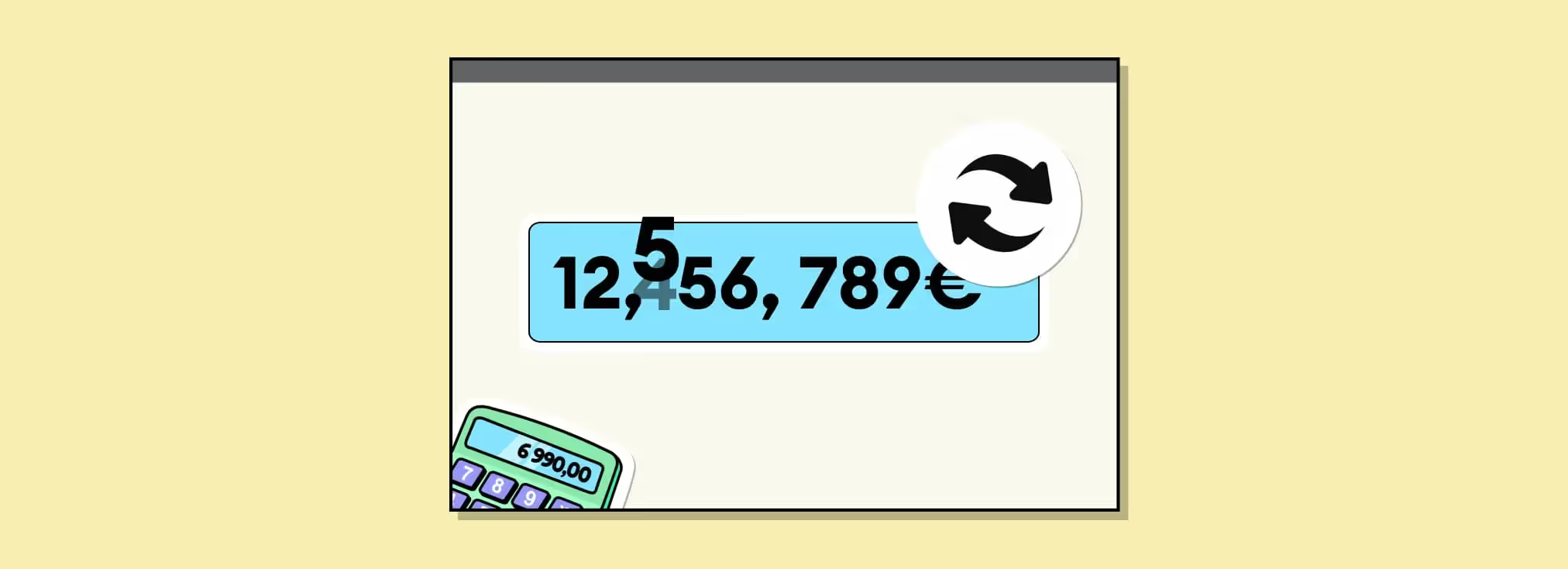
In this tutorial, Sandro, cofounder of Gemeos Webflow agency, shows you how to add a number scroll animation from X to X.
Adding a number scroll from one value to another on a website can serve several purposes:
- Grab attention : Motion naturally catches the human eye. A scroll animation can therefore be used to highlight a specific piece of information or an announcement the site’s designers want visitors to notice.
- Dynamic feel : The scroll animation can give a website a modern, dynamic look, although that effect depends a lot on current design trends.
- Navigation : In some cases, scrolling can be used as a navigation element, guiding users to different sections of a website or to external links.
That said, there are also downsides to using a text scroll:
- Readability : Moving text can be hard for some users to read.
- Accessibility : Scroll animations can create issues for users with disabilities, especially those who use screen readers.
- Compatibility : Not all browsers and devices handle animations well, which can lead to display issues.
- Distraction : If used poorly, a scroll animation can distract more than it informs, especially if other elements on the site are moving too.
If you’re thinking about adding text scroll to your website, it’s essential to weigh the pros and cons, and always test the feature on different devices and browsers to ensure a great user experience.
Here’s how to add it to your Webflow site
Add this script in the <head> of your page
Be sure to replace the {votre-id} variable with the ID used in the previous step
Customize the code for a result that fits your needs
Change the duration
Represents the total duration of the animation in milliseconds (60 seconds, or 1 minute in this example).
Change the final value
Your target or final value that the animation should reach in milliseconds.
Change the interval
Represents how often the current value will be updated, in milliseconds.
Change the starting value
Initializes the current value at 1,000,000 (starting value).
Bonus
Generates a random number between 0 and 99. Used to give the hundreds a dynamic animation effect as they display.
US formatting with a comma as the thousands separator and the $ symbol added. To get a € result and French formatting, you can use the following code
Just remove this part of the code to remove the formatting and the unit!
Publish and you’re done
Good to know
Heading
Lorem ipsum dolor sit amet, consectetur adipiscing elit. Suspendisse varius enim in eros elementum tristique. Duis cursus, mi quis viverra ornare, eros dolor interdum nulla, ut commodo diam libero vitae erat. Aenean faucibus nibh et justo cursus id rutrum lorem imperdiet. Nunc ut sem vitae risus tristique posuere.













Lorem ipsum
Lorem ipsum dolor sit amet, consectetur adipiscing elit, sed do eiusmod tempor incididunt ut labore et dolore magna aliqua. Ut enim ad minim veniam, quis nostrud exercitation ullamco laboris nisi ut aliquip ex ea commodo consequat. Duis aute irure dolor in reprehenderit in voluptate velit esse cillum dolore eu fugiat nulla pariatur.





