Projects
 Our Offers
 Dedicated team
 Blog
 Academy
 About Us
Tips8 min read
How much does a website cost in education?
A teacher is looking for an activity sheet; a partner wants to understand your teaching approach. At Gemeos, building the website costs €6,000 to €12,000 excl. VAT for "Education provider" (8 pages and 4 programmes, 1 language). The "Programmes for several audiences" scope represents a budget of €7,500 to €16,500 excl. VAT (15 programmes, 3 audiences and 3 filters).
An education website can be used to share public resources, present a method or direct people to a learning tool that is already available. Preparing materials, organising them and managing access rights do not involve the same services. The budget should identify what will be published openly, what will remain restricted and what will continue to be managed in the learning platform. For a private school or a tutoring network, the French Education Code (Code de l'éducation) adds a step when you want to create a website for an education provider: advertising by a private teaching organisation must first be filed with the rectorat (the regional education authority), which you should ask how this filing applies to the website.
What budget should you plan for an education website?
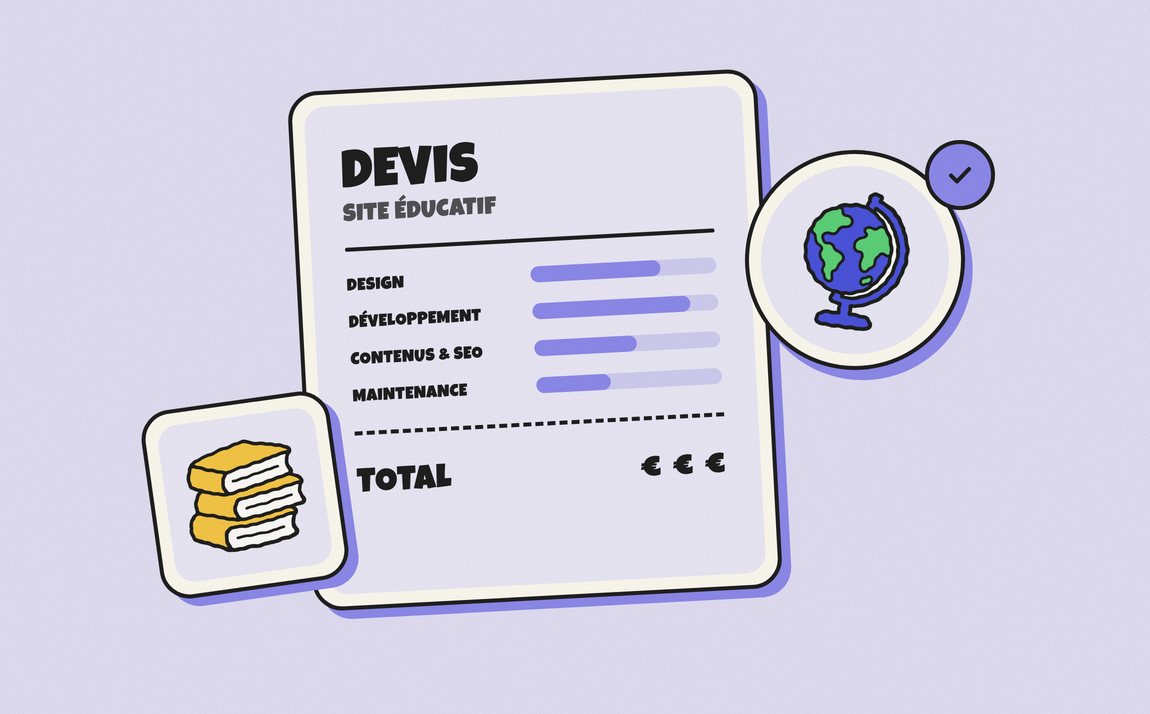
Budgets are given excluding VAT for the volumes and features stated. For a new build: scoping, site structure, UX/UI, CMS development, integration of the texts and visuals supplied, testing and onboarding. For a redesign, migration or upgrade: the work concerns an existing website. These services do not automatically add up. Copywriting, translations, new visuals, licences, subscriptions and external fees should be specified in the quote.
| Service and project | Budget excl. VAT | Scope and limits |
|---|---|---|
| New build — Education provider | €6,000 to €12,000 | 8 pages and 4 programmes, 1 language. Audiences, teaching approach and information requests. No student management or LMS. |
| New build — Programmes for several audiences | €7,500 to €16,500 | 15 programmes, 3 audiences and 3 filters. Catalogue, formats and differentiated contacts. No paid enrolment or connected student file. |
| New build — Open days and workshops | €8,000 to €16,000 | 12 pages and 10 initial events. Registrations via an existing service and confirmations. Event platform subscription not included. |
| New build — Education network | €7,500 to €16,500 | 5 sites, 2 languages and 30 programmes. Links between programmes and sites, editorial autonomy. Translations supplied, no intranet. |
| New build — Connected applications or enrolments | €6,500 to €14,000 | 20 programmes and 1 existing management tool. Transfer of requests and receipt statuses to be tested. No new education management system built. |
| Redesign — Redesign of the existing website | €7,500 to €15,500 | 80 URLs to review, 1 language, up to 5 templates; CMS retained. Transfer of programmes, institutions and resources. Checks: event registrations and contacts by audience. Existing texts lightly revised; no change of CMS or addition of business software. |
| Technical migration — CMS migration with design retained | €6,500 to €19,000 | 80 URLs, 1 language, 1 source CMS and 1 target CMS to be confirmed. Transfer of programmes, institutions and resources. Checks: event registrations and contacts by audience. Design and functional scope retained; exportable sources and available interfaces; licences and editorial overhaul quoted separately. |
| Website upgrade — Adding event registrations | €1,200 to €3,500 | Existing website, 12 events and 1 external tool. Event pages, registrations and confirmations. No LMS or development of a registration platform. |
What budget for a public education website, a library or a platform?
The public website helps a visitor understand your educational offer and choose a next step. The learning platform supports someone already committed to a course. A resource library, for its part, can be public or restricted to certain users. These three components can communicate without being rebuilt in the same tool.
This separation avoids paying for features your organisation already has. If a platform already handles courses and assessments, the new website can focus on presenting the project, discovery content and directing users to that space. The quote then describes the handovers between tools, not the development of a complete new platform.
For an educational project that is just starting, list what each audience should be able to do: understand the method, consult a resource, propose a partnership, request a demo or join a course. Then state where that action will be handled and by whom. The number of screens follows from these choices, rather than from a feature list copied from another website.
The price of a website therefore covers different services depending on whether you are paying for an editorial presentation, resource distribution or a connected service. A commercial proposal should name this work so that comparisons make sense.
How does an educational resource library affect the price of an education website?
A document is not just a file to upload. To be found, it needs to be described with the information that lets people choose it: audience, level, theme, format and date of last update, depending on your project. Design starts with this content model and the criteria people actually use.
Take a library that holds activity sheets, videos and packs for instructors. Sorting all these materials by publication date alone does not necessarily meet the needs of a teacher looking for an exercise on a specific theme. Conversely, displaying lots of empty filters makes browsing harder.
Preparing the content means defining understandable categories, reworking existing materials and checking their descriptions. The same theme should keep the same label rather than varying with each entry. This editorial work can require more attention than building the results page itself.
The template for a teaching resource page can be reused for many materials. Level, subject, audience and format still have to be filled in for each resource, then the filters and download links checked. The quote should therefore separate the design of the library, the transfer of documents and the validation of content, rather than treating the whole inventory as an automatic import.
A large number of resources does not, on its own, define complexity. The rules for search, access, contribution and login determine the work. A learning platform with learner accounts and progress tracking requires a scope separate from the public website.
Which teaching examples should you show on your education project's website?
Visitors need to understand what your method offers them and who it is for. Intentions such as "learning differently" need observable examples: type of activity, support offered, the role of practice or the materials actually used. The copy should make these choices concrete without promising a guaranteed result.
Depending on your activity, the proof might be an annotated activity sequence, an extract from a resource, a demo of the tool or the presentation of a project. The design work determines what can be shown publicly and what stays within a conversation or a restricted area.
If your project is aimed at students and their parents, a clear educational offer must make objectives, prerequisites and formats understandable. For a library aimed at teachers, levels, subjects and formats play a different role in choosing a resource. The project should provide for the fields and validations specific to these audiences, without repeating the same descriptions on every page.
The service may include interviews with subject leads, copywriting, preparing examples and integrating them. It may also be limited to laying out content you supply. These two scopes should appear separately in quotes; the number of pages does not tell them apart.
How did Gemeos present an education solution for BlueTrain?
BlueTrain develops an AI solution for marking exams. Gemeos handled the art direction, UX/UI design and Webflow build of its presentation website. The site explains the process from mark scheme to calibration, then review and publication. Its FAQ covers the teacher's role, existing teaching tools and data; appointments are booked through Calendly.
The project illustrates a specific need in education: making a technical solution understandable to those who decide whether to adopt it. The website can show how it works and answer objections while leaving the product's use in its own environment. This split helps scope the communication and interface services without confusing them with developing the educational technology itself.
How do you prepare materials so they are genuinely accessible?
Texts, videos and documents must be usable by the audiences they are intended for. The budget can cover page readability, keyboard navigation, understandable forms and media accompanied by suitable alternatives. This work is easier to organise while preparing the resources than after they have been imported.
The W3C explains the value of captions for people who are deaf or hard of hearing, but also for watching a video without sound. For your educational content, plan for creating and reviewing captions rather than relying on automatic generation alone. A transcript can also make the content available in text form.
Responsibility must be explicit: who produces the material, who checks it and who integrates it? An agency can prepare the website's templates and checks without being tasked with reworking every old PDF or captioning an entire media library. The quote should specify which content is covered.
Good to know: a document kept at the same location can be replaced with a new version without the people who use it noticing. Showing an update date and organising the useful versions helps instructors identify the right material. How files are replaced or archived is decided with the teaching team.
Do users need an account to access a resource?
An account is useful if the user needs to return to a course, access restricted content or receive personalised follow-up. For reading a presentation or downloading an open resource, it can add a step without meeting any operational need. The decision should come from the service expected.
Authentication adds work on access, account recovery, permissions and support. If users already have an account on a learning platform, a shared login can avoid extra credentials; its feasibility depends on the tools and access available.
The estimate should then cover specific situations: a user arriving for the first time, an account that no longer has access to a programme, an instructor authorised to publish and someone who can no longer find their password. These scenarios reveal features that the login screen alone does not show.
A link to the existing platform may be enough for a first version. An automatic exchange of enrolments or permissions is a different assignment: you need to examine the data transferred, how access is triggered and how an error is handled. None of these exchanges should be assumed to be included in a simple brochure website.
How will the teaching team be able to publish on the education website?
The publishing tool should match how the team works. A teaching lead might prepare the content, one person proofread it and another publish it. If these steps are needed, permissions and the approval workflow must be defined before development.
The CMS should allow a lead to prepare a resource page and the person responsible for approval to publish it, if your workflow requires this. The same resource can be linked to several levels or themes without duplicating files. WordPress, Webflow or a headless CMS such as Sanity can be considered; compare search, version management and contributor permissions using your real materials.
The web design service should provide templates that remain readable when a title is long, a resource has no image or a description runs to several paragraphs. The onboarding demo can use your own content rather than perfect examples prepared for the presentation.
Ask for the handover to enable your team to carry out the following tasks:
- Create a resource and classify it using the agreed categories.
- Replace a resource while updating its title, date and links.
- Prepare a change without publishing it immediately, if this workflow is part of the requirement.
- Remove outdated content and decide what a visitor with the old link will see.
- Edit shared information without having to find it on every page.
Maintenance, technical subscriptions and upgrades should be kept separate from the build price. Ongoing search optimisation can be covered by separate support; Gemeos SEO/GEO starts at €1,000 excl. VAT per month, with actions and scope to be defined.
A web agency for education can scope your project based on three elements: the audiences served, the content available and the tools already in use. You will then have a basis for funding the public website, the library or the necessary integrations, with a clear place for each service.
FAQ on the budget for an education website
Should a resource publisher and an EdTech platform pay for the same pages?
A publisher needs to let people assess its resources: audience, level, format and access conditions. An EdTech company also needs to make the product's uses understandable and lead to a demo or trial that is actually available. A catalogue page and a software discovery journey require different materials. Scoping should start from how you sell, then distinguish the public website from the accounts and features of the learning platform.
Do you need to rebuild the course platform to redo the public website?
Not if it meets your teaching needs. The project can keep the courses in their tool and redo the public pages, discovery resources and the routes to access. The quote specifies the links or exchanges to set up between the two environments.
Should downloading a teaching resource require creating an account?
Only if the account serves a defined purpose. An open resource can be offered directly. A restricted area may require identification, permissions and a support process. A form should not be added to every resource by reflex.
Can the same resource be reused on several sites in the network?
Yes, by defining what remains shared: file, title, level, subject, format and revision date, depending on your materials. The network's sites can have local presentations without changing these educational reference points. Copying files and their descriptions multiplies the checks; a shared source requires connections and an approval responsibility that need to be costed. Test what happens to the resource on each site when a level or version changes.
Should an EdTech demo be accessible from the website?
It can take the form of a video, a guided presentation or access to the product, depending on what you can open to the public. A demo environment with dedicated accounts and data is a separate feature. The website should clearly state the next step.
How do you cost the transfer of an old document library?
Inventory the files, but also the information that lets people choose them: level, subject, audience, format and version, depending on your library. Identify duplicates and materials whose descriptions are missing or inconsistent. The quote can separate classification, metadata preparation, file transfer and search testing. Educational validation still needs to be assigned; a technical import does not replace it.
Are teaching videos included in the price of the website?
It depends on the deliverables planned. Producing, hosting, captioning and integrating them are different tasks. Specify what your team will supply and the formats expected, then have the remaining work costed.