


Enrich Company Data with Make and the Siren API

Introduction
| Data retrieved | CRM use |
|---|---|
| Company name | Avoids manual re-entry |
| NAF code | Scoring and industry segmentation |
| Address | Geographic qualification |
| Headcount | Company size segmentation |
| SIRET number | Unique establishment identification |
In this tutorial, Sandro, cofounder of Gemeos Webflow agency, shows you how to enrich company data automatically and for free in under 30 seconds. A simple, effective hack that lets you pull relevant data on your prospects, such as:
- Headcount
- Address
- NAF code
- Revenue
- Website
- etc.
All of this data helps you qualify your prospects and adapt your sales and marketing pressure.
Here’s how to do it!
1. Create an account on the INSEE website
Go to the Sirene V3 API and create an account to get your API key. Required for your API requests.
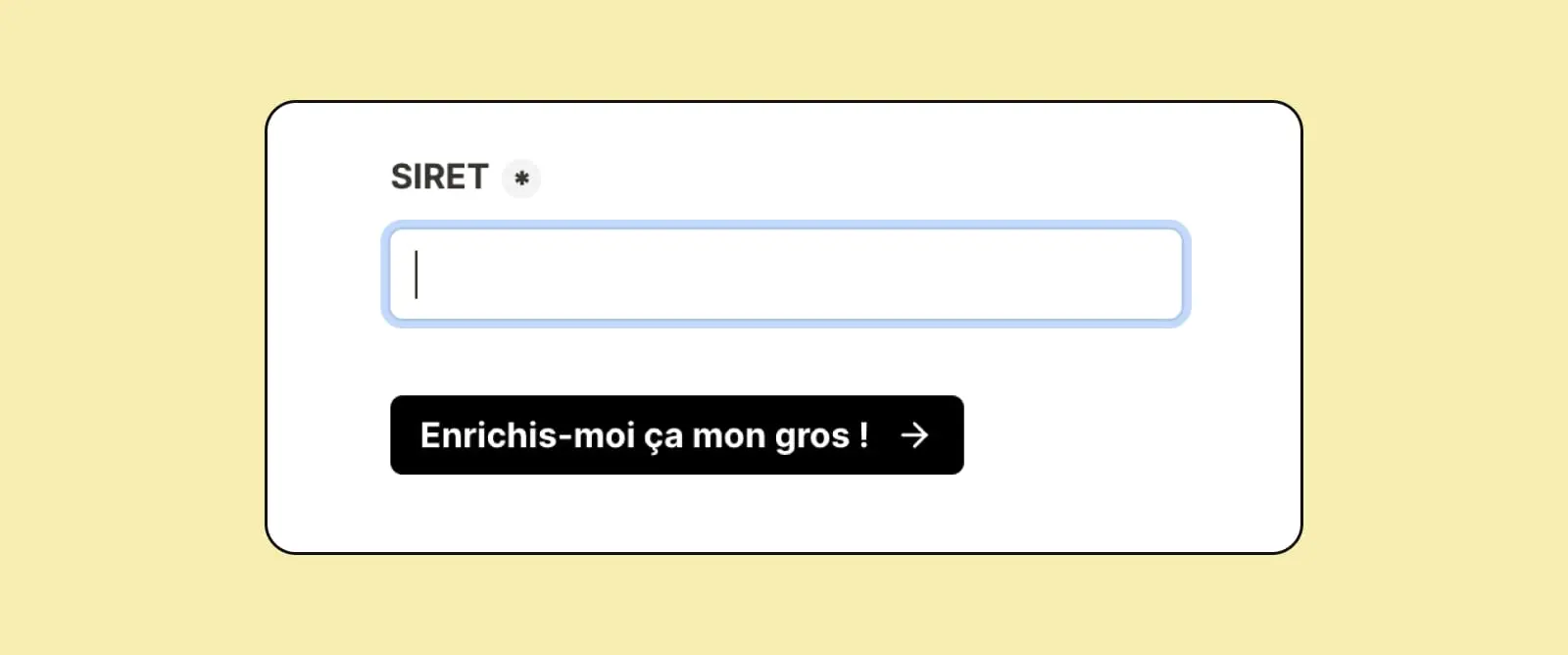
2. Add a field to capture a Siret or Siren number in your Webflow form
The SIRET number gives you better accuracy because you can enrich the specific subsidiary directly.
Example: if you ask for the SIREN and the company is McDonald's, you get the parent company, but you have no idea which McDonald's location it is.
That’s where the SIRET number comes in handy. It lets you pull back a single company because it’s unique.
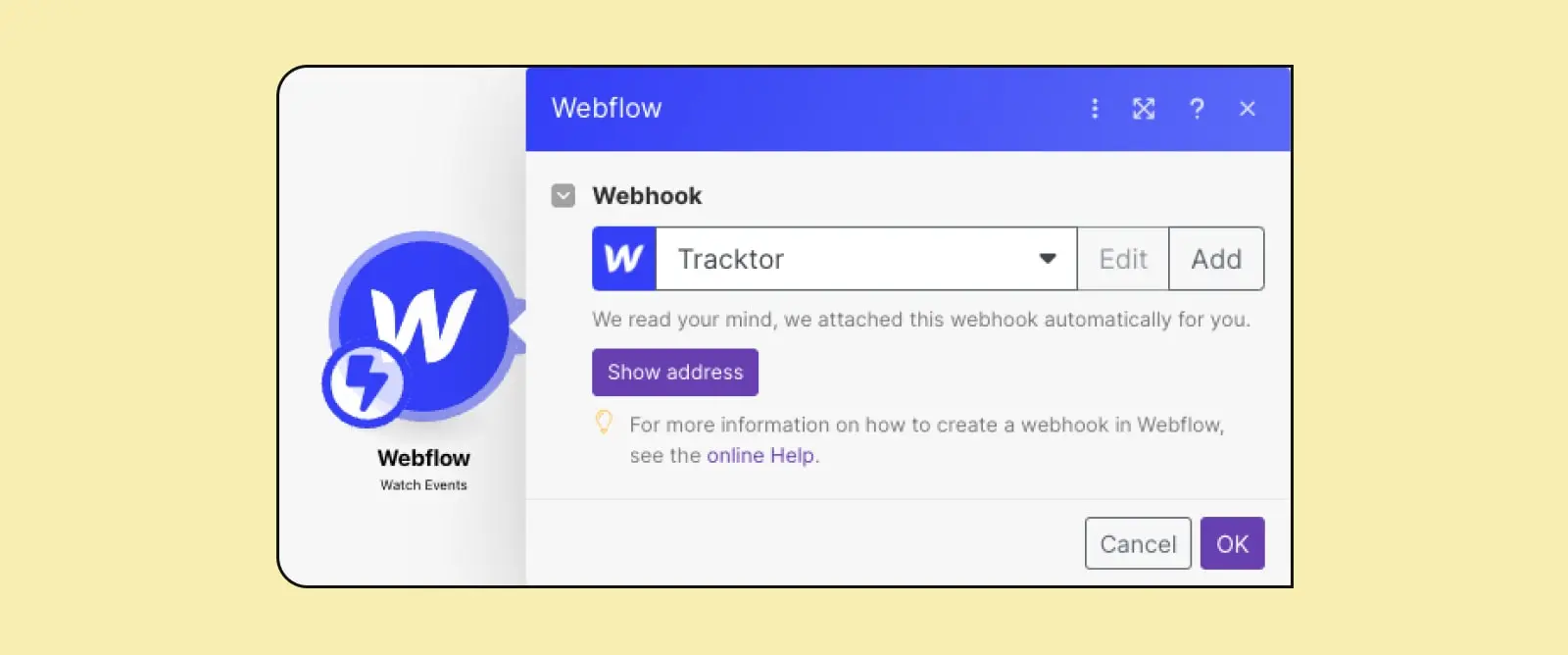
3. Add your form as the trigger in Make
You can use a webhook as the trigger, or the form submission itself.
4. Add an HTTP request
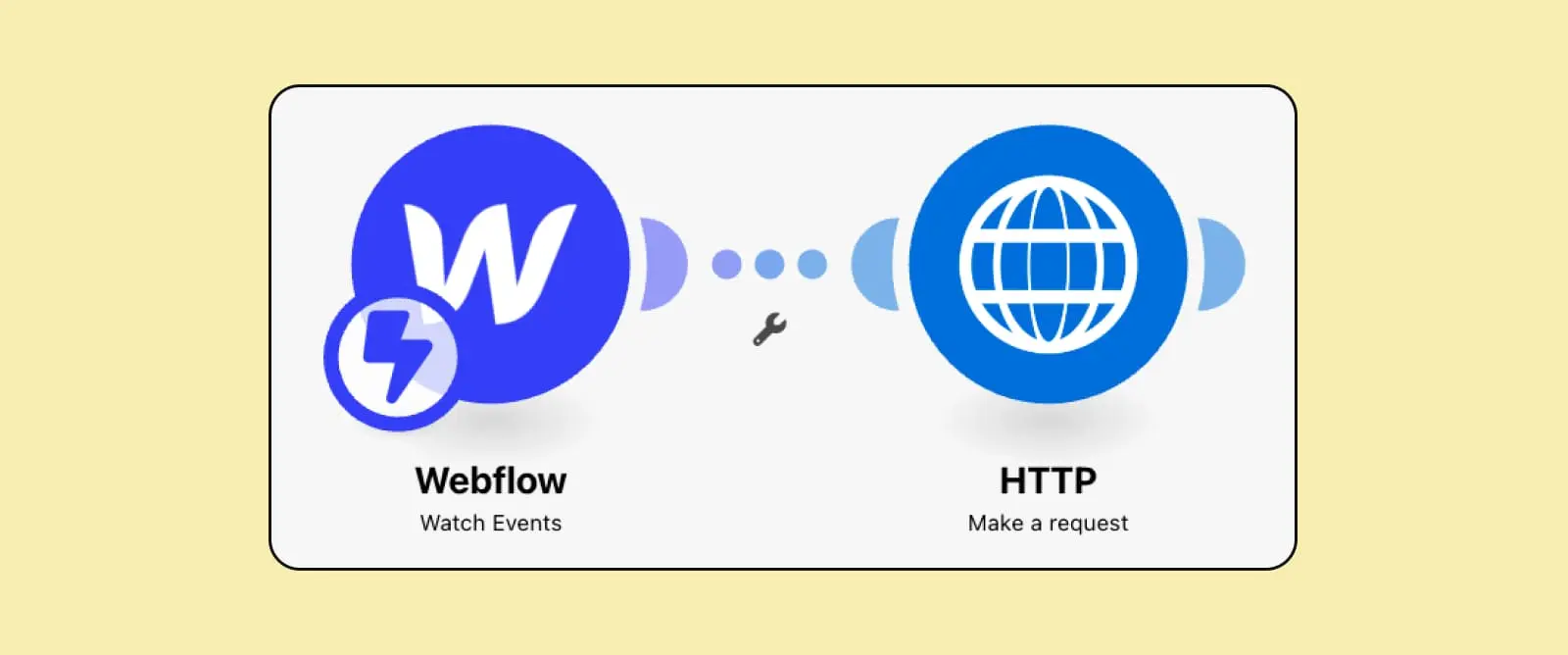
Add the following endpoint URL:
- If you want to enrich by Siret - https://api.insee.fr/entreprises/sirene/V3/siret/{siret.field.value}
- If you want to enrich by Siren - https://api.insee.fr/entreprises/sirene/V3/siren/{siren.field.value}
Make sure you add the value from the field you created earlier at the end of the URL.
Method: Get

Then add your API key in the header with the following value
Authorization : {your API key}

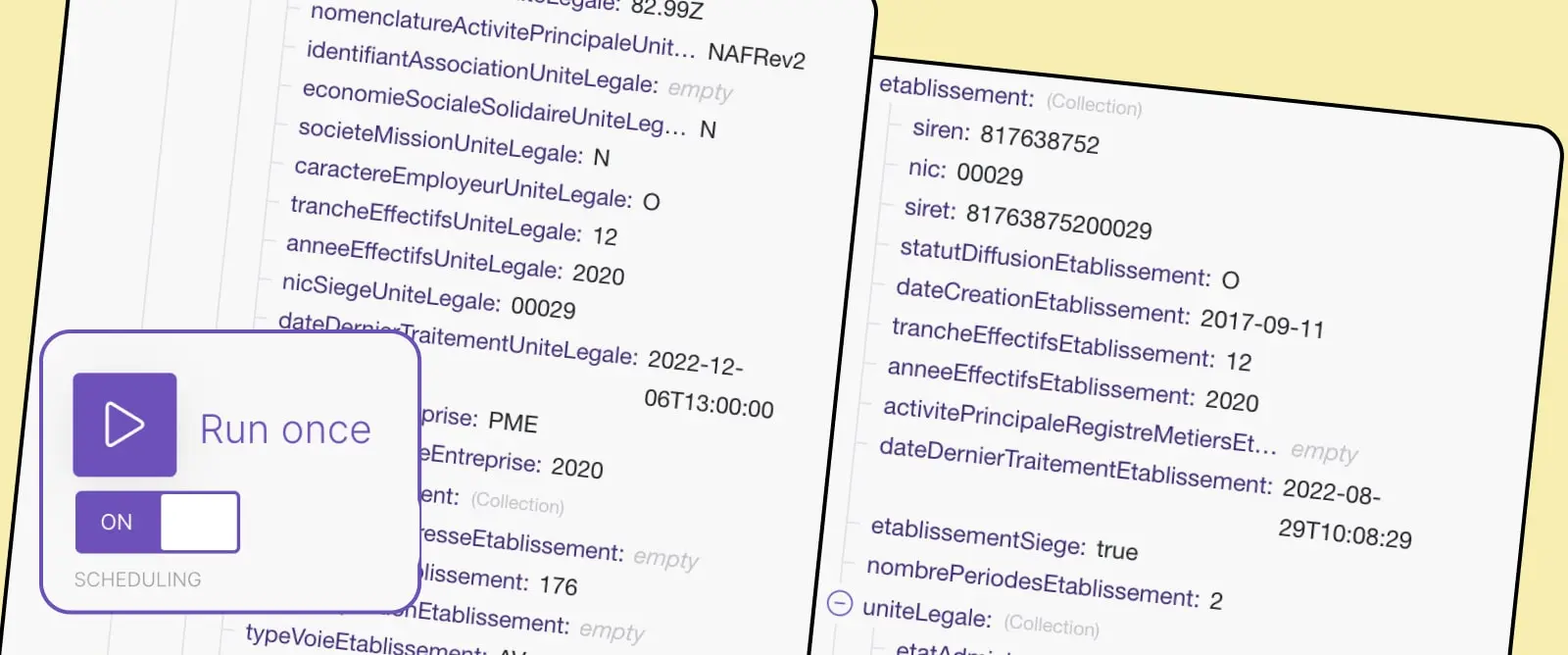
5. Publish and test

Good to know
Heading
Lorem ipsum dolor sit amet, consectetur adipiscing elit. Suspendisse varius enim in eros elementum tristique. Duis cursus, mi quis viverra ornare, eros dolor interdum nulla, ut commodo diam libero vitae erat. Aenean faucibus nibh et justo cursus id rutrum lorem imperdiet. Nunc ut sem vitae risus tristique posuere.












Lorem ipsum
Lorem ipsum dolor sit amet, consectetur adipiscing elit, sed do eiusmod tempor incididunt ut labore et dolore magna aliqua. Ut enim ad minim veniam, quis nostrud exercitation ullamco laboris nisi ut aliquip ex ea commodo consequat. Duis aute irure dolor in reprehenderit in voluptate velit esse cillum dolore eu fugiat nulla pariatur.





