


Enrich Company Data Using the SIREN Number
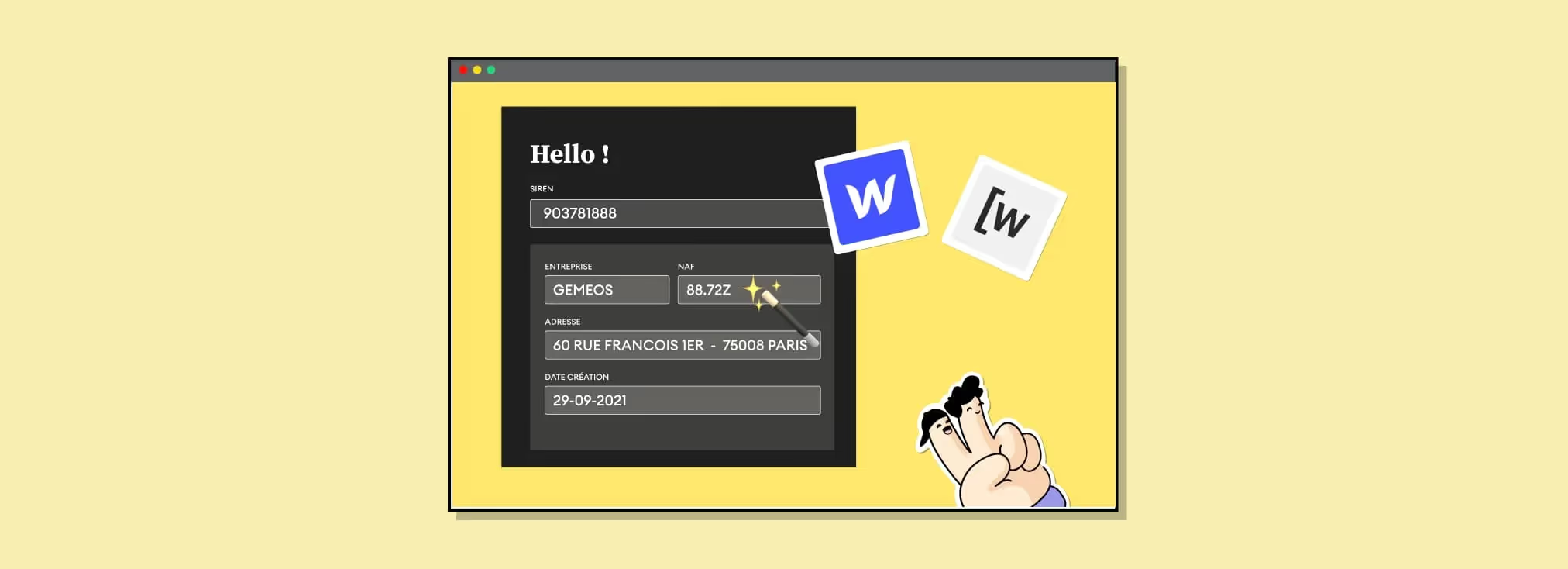
Explainer video
| Step | Tool | Action |
|---|---|---|
| 1 | Webflow | Create the form with a SIREN field |
| 2 | Webflow | Add the Wized custom attributes |
| 3 | Wized | Connect the Webflow project |
| 4 | SIREN API | Fetch the data via /v3/unites_legales/ |
| 5 | Wized | Create the On Change action + enrich the fields |
In this tutorial, Sandro — co-founder of Gemeos Webflow agency — shows you how to enrich company data using a SIREN number
1. Build your page template in Webflow
Make sure you add a "Text Field" that lets you enter a SIREN number. I recommend collecting all the info in a form so you can easily send it to your CRM or another database when the prospect submits their details.
Of course, you can — and I recommend this — set fields to “display: none” so prospects don’t see them. Especially the enriched fields.

2. Add “custom attributes” to the elements you want to use in Wized
Make sure you use “wized” in Name, and feel free to choose whatever Value you want.
For example, I used:
- sireninput
- accountname
- naf
- address
3. Connect your Webflow account to Wized
Go to Wized and create a new project. Add your Webflow site URL (the "webflow.io" link) and add the custom code in your project footer.

4. Connect to the Siren API
- Go to “App”
- New App
- Give it a name and select Rest API as the app type
- Enter the base URL: “https://data.siren-api.fr/”

5. Fetch the data
- Go to “Data in”
- Select the app you just created
- Enter the URL endpoint (/v3/unites_legales/) and add the input field corresponding to the SIREN number as a variable

- Add your API key as a URL parameter

6. Create the action that retrieves the SIREN
- Go to Action
- Select the attribute of your SIREN input field in “Apply to”
- Select “On change” in the “Configuration” tab settings and “Perform request” for the Action, then choose the Data in you configured just before for “Request”

7. Enrich your form fields based on the SIREN you entered
- Go to Action
- Select the attribute of the input field you want to fill in
- Select “Set input value” in the “Configuration” tab settings and choose the value you want from the results
- Repeat the same process for the other fields you want to enrich
8. Conclusion
As you can see, it’s pretty simple to enrich company data using a SIREN number with the SIREN API + Wized.
Useful use cases?
- Score your prospects based on different criteria like the NAF code, business area, or company founding year, and adjust your sales pressure accordingly
- Increase the conversion rate of your qualification forms by using one field to enrich a whole set of data

Good to know
Heading
Lorem ipsum dolor sit amet, consectetur adipiscing elit. Suspendisse varius enim in eros elementum tristique. Duis cursus, mi quis viverra ornare, eros dolor interdum nulla, ut commodo diam libero vitae erat. Aenean faucibus nibh et justo cursus id rutrum lorem imperdiet. Nunc ut sem vitae risus tristique posuere.













Lorem ipsum
Lorem ipsum dolor sit amet, consectetur adipiscing elit, sed do eiusmod tempor incididunt ut labore et dolore magna aliqua. Ut enim ad minim veniam, quis nostrud exercitation ullamco laboris nisi ut aliquip ex ea commodo consequat. Duis aute irure dolor in reprehenderit in voluptate velit esse cillum dolore eu fugiat nulla pariatur.





