
 Projects
 Our Offers
 Dedicated team
 Blog
Blog Academy
 About Us
Comparisons14 min read
What are the best alternatives to Webflow?
Webflow is a website builder that stands out for its hybrid approach, combining an intuitive visual builder with real development freedom. It lets users design websites without writing code.
One of its biggest advantages is how easy it is to use, paired with a drag-and-drop interface that lets you build sites visually while still giving you full control over technical details like HTML, CSS, and JavaScript.

Unlike other website builders, Webflow generates clean, optimized code, which improves performance and organic search (SEO). It also offers fast, secure built-in hosting through AWS, so you don’t need to manage a separate server. Another major strength is its built-in CMS, perfect for managing dynamic content with ease.
Finally, Webflow is a go-to choice for designers and agencies thanks to its flexibility: it lets you build complex sites while collaborating easily with development or content teams. For users who want a professional, responsive, and visually compelling website, Webflow is a powerful, flexible all-in-one solution.
That said, despite all these advantages, we’ve put together a list of CMS platforms that are alternatives to Webflow.
Summary table
| Platform | Strengths | Weaknesses | Best for |
|---|---|---|---|
| WordPress | High flexibility, huge plugin ecosystem, open source | Learning curve, regular maintenance required | Complex, scalable projects |
| Wix | Easy to use, intuitive editor, all-in-one | Less flexible for advanced SEO and customization | Beginners, small businesses |
| Squarespace | Elegant design, professional templates, simple management | Less flexible for advanced features | Artists, photographers, creatives |
| Pixpa | Portfolio websites, client galleries, proofing and built-in e-commerce | Less design freedom and customization than Webflow | Photographers, artists and designers |
| Shopify | E-commerce focused, intuitive inventory and payment management | Limited for projects not tied to online selling | E-commerce sites |
| Bubble | No-code, flexible for complex web apps | Steeper learning curve for advanced features | Web app builders |
| Weebly | Very easy to use, Square integration for e-commerce | Limited customization options | Small businesses, e-commerce |
| Joomla | Open source, flexible and extensible | Less intuitive, learning curve | Technical projects, developers |
| Drupal | Security and flexibility, advanced content management | Hard to learn and configure | Large companies, developers |
| Ghost | Ideal for blogs, clean interface, fast and lightweight | Limited customization for other site types | Blogs, content sites |
| Magento (Adobe Commerce) | Robust e-commerce, highly customizable | Complex to set up, requires technical skills | Large online stores |
| Zyro | Good value for money, quick to set up | Lacks advanced features compared with other CMS platforms | Beginners, small businesses |
| TYPO3 | Robust management system, good for large sites | Less user-friendly, difficult for beginners | Enterprises, complex projects |
| PrestaShop | Open source, ideal for e-commerce | Fewer customization options without technical skills | Online stores, e-commerce |
| Site123 | Easy to use, quick setup | Lacks flexibility for technical features | Beginners, small projects |
| Tilda | Creative-focused design, intuitive editor | Less flexible for technical features | Creatives, designers |
1. Wordpress
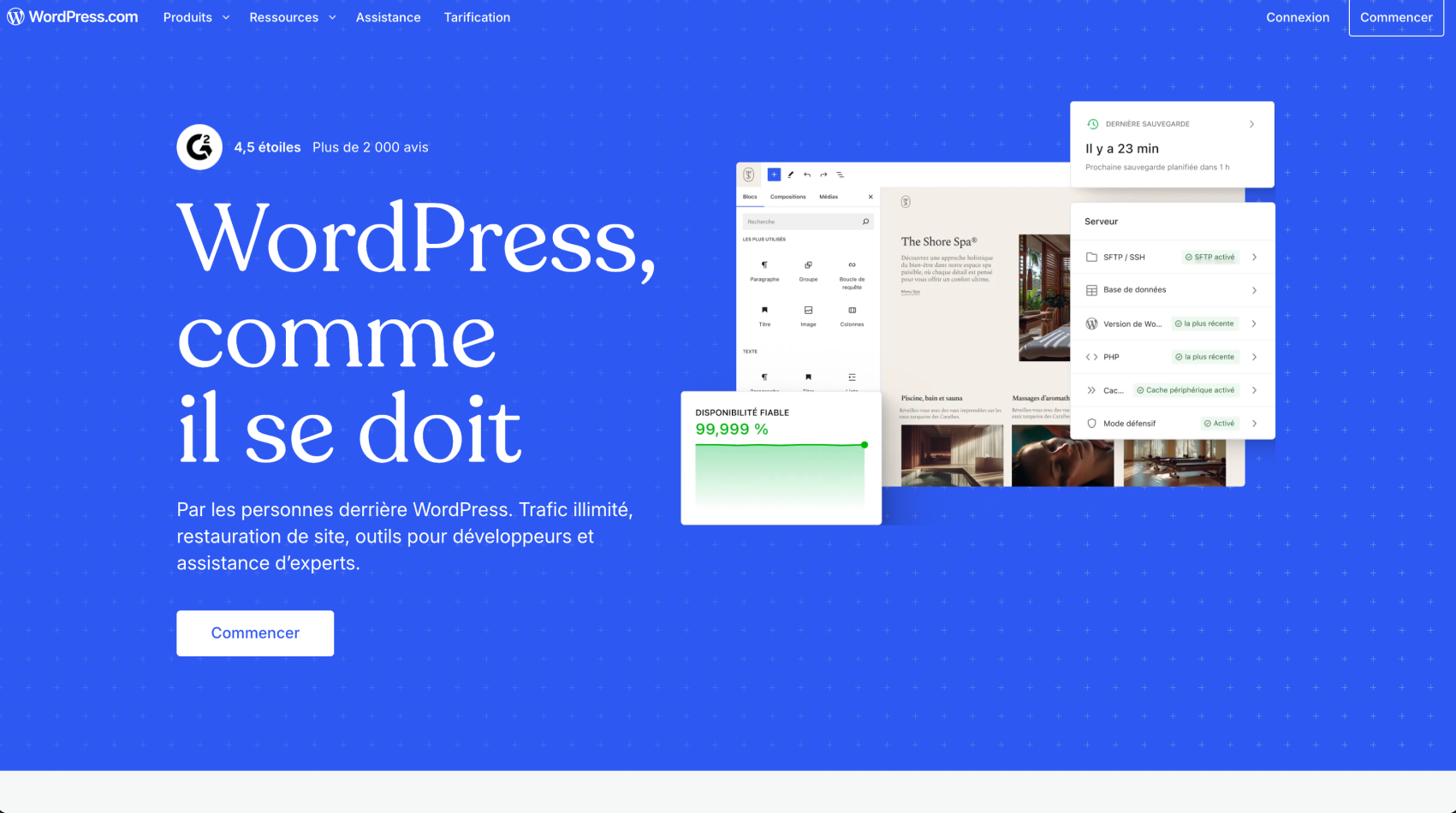
Advantages
Flexibility and extensibility
WordPress lets you build almost any type of website thanks to thousands of themes and more than 55,000 available plugins.
Large community and support
With millions of users and a huge community, it’s easy to find resources, tutorials, and solutions to problems.
SEO-friendly
WordPress is designed to be optimized for organic search (SEO), especially with plugins like Yoast SEO that simplify content optimization.
Disadvantages
Plugin dependency
To add features, WordPress relies heavily on plugins, which can slow down the site and create compatibility issues.
Regular maintenance
WordPress requires frequent updates (core, themes, plugins) and constant upkeep to keep the site secure and performing well.
Security
Because of its popularity, WordPress is a target for hackers, which means you need to stay on top of updates and security.
Our work









Pricing
Hosting costs between €30 and €300 per year, while a domain name runs between €10 and €20 per year. You can choose a free theme or go with a premium theme, which typically costs between €30 and €100. Basic plugins are often free, but some premium plugins can cost between €20 and €100 per year. If you build the site yourself, it can be free, but hiring a developer or agency can cost anywhere from €500 to over €10,000, depending on the complexity of the project. As for maintenance, if you outsource it, it can range from €50 to €300 per month. So, a basic site usually costs between €50 and €500 per year, but a more professional site can easily run into the thousands.
2. Framer
Advantages
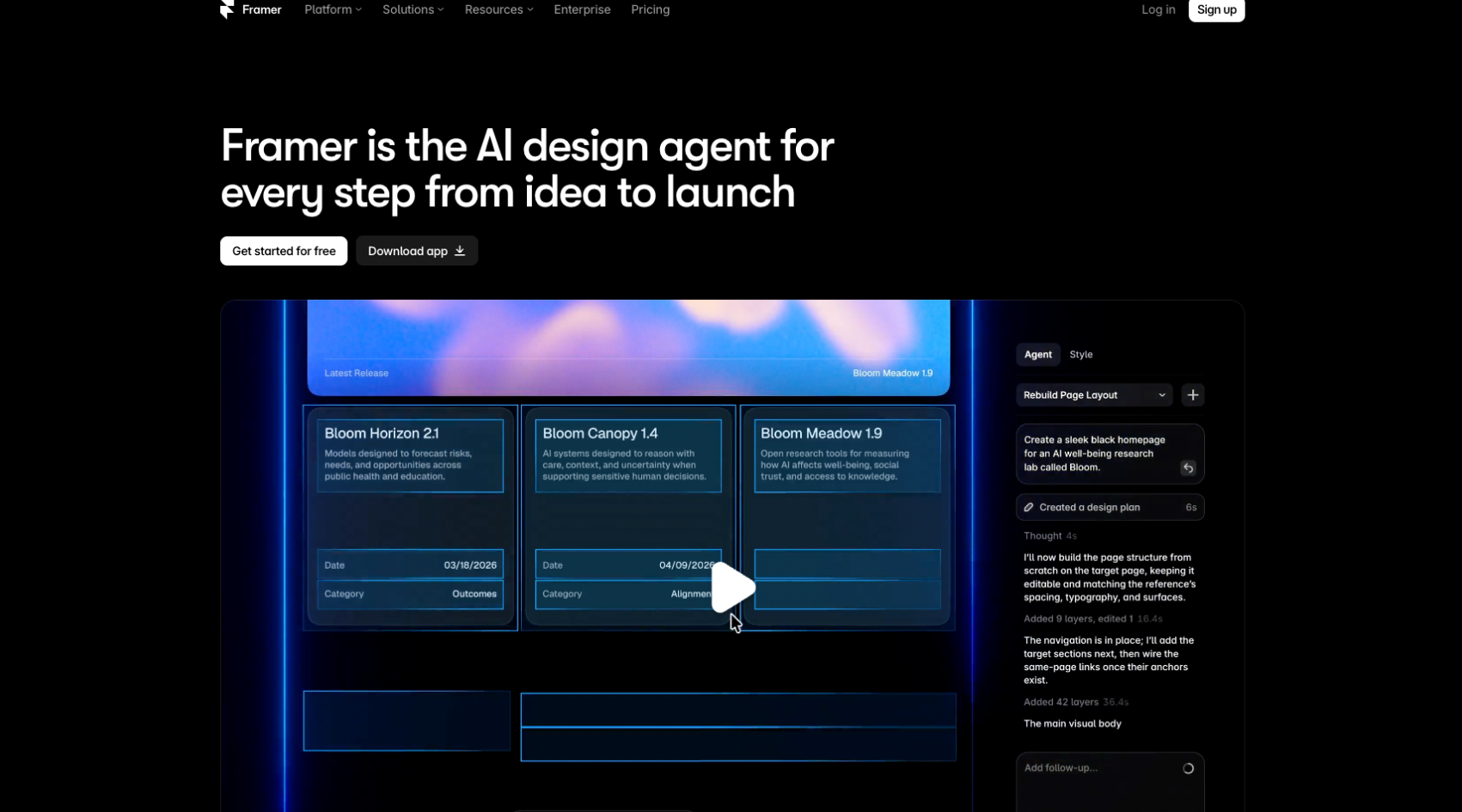
Powerful visual interface
Lets you create interactive, visually sophisticated designs without code.
Flexibility for designers
Gives creatives a lot of freedom, with advanced prototyping options.
Easy integration
Supports custom code integration (JavaScript, HTML, CSS) for specific features.
Disadvantages
Steep learning curve
Less accessible for beginners because of the many advanced features.
Limited CMS features
Less suited to sites that need complex CMS functionality.
Fewer third-party resources
The community and extensions are more limited compared with more established platforms.
Pricing
Framer offers a free version with limited features, ideal for simple or personal projects. For more advanced features, paid plans start at around $15 per month for the Pro plan, offering a custom domain, unlimited pages, and collaborative editing options. The Business plan, at $25 per month, includes additional tools for teams and deeper integrations. On top of that, you may need to pay for a domain name (around €10-20 per year) and hosting (included in Framer subscriptions). If you hire a designer or developer to customize the site, costs can rise. In short, a Framer site can cost anywhere from $0 to several hundred euros per year, depending on complexity and features.
3. Squarespace
Advantages
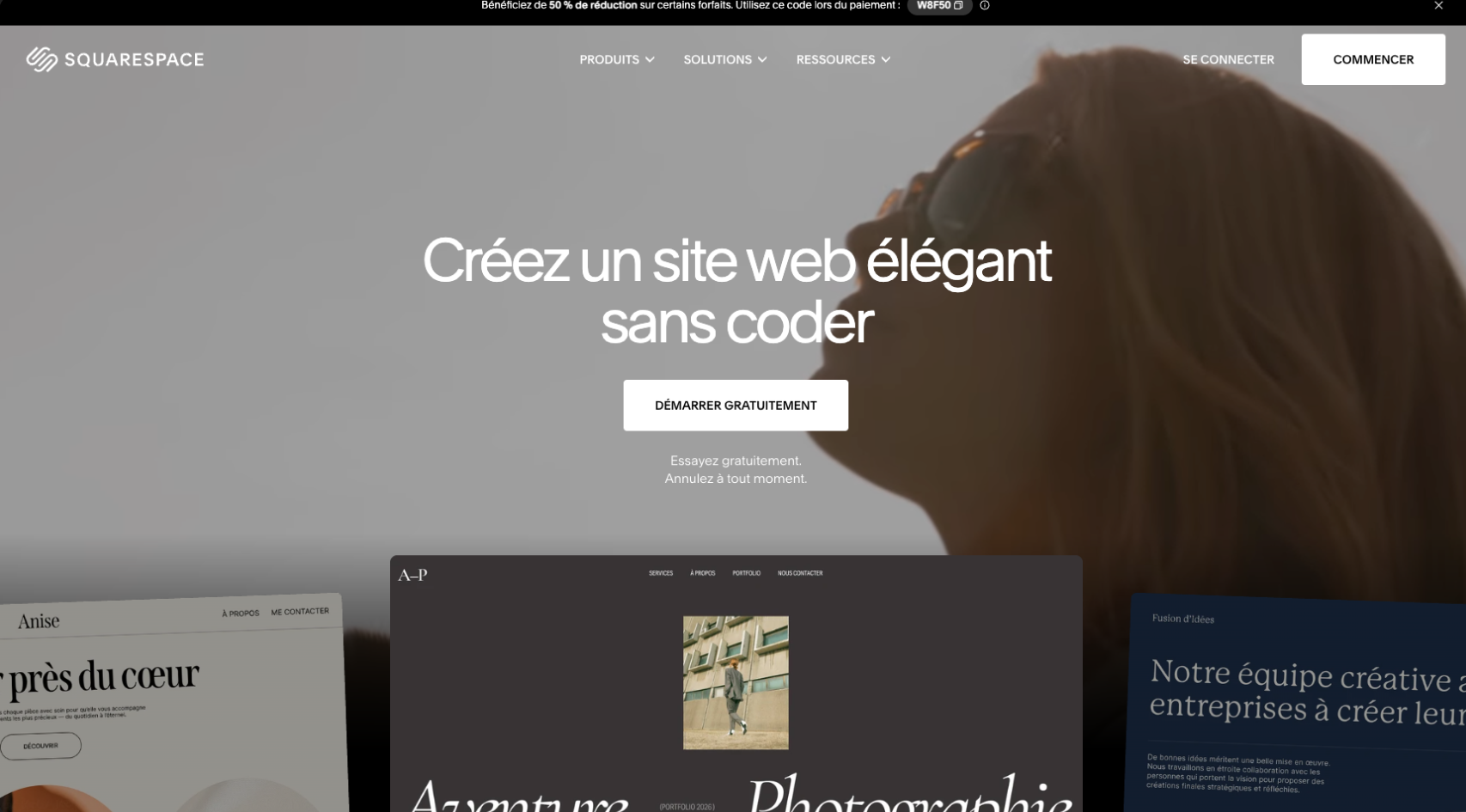
Elegant templates
Offers professional, elegant designs suited to creatives.
Ease of use
Simple interface, ideal for beginners with no technical background.
All-in-one
Includes hosting, domains, and online commerce tools, making management easier.
Disadvantages
Limited customization
Less flexible for highly customized designs or features.
SEO performance
Less effective for SEO than other solutions like WordPress.
Higher cost
More expensive over time because of premium subscriptions and advanced options.
Pricing
Building a site on Squarespace costs between €12 and €40 per month, depending on the plan you choose (Personal, Business, or e-commerce). All plans include hosting, templates, and management tools. A domain name is free for the first year, then costs around €10-20 per year. For an e-commerce site, costs increase with more advanced online selling options.
4. Pixpa
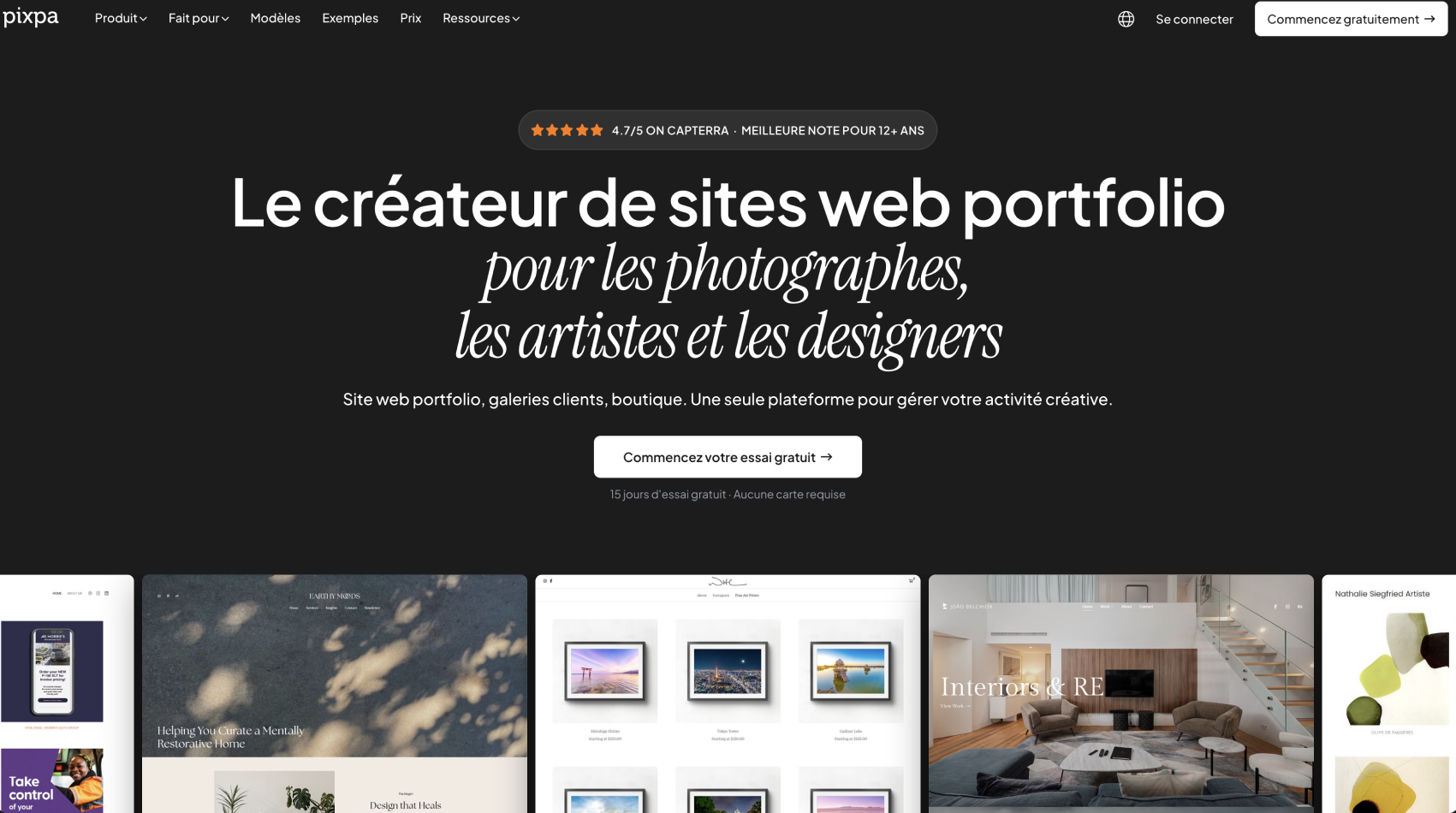
Pixpa is an all-in-one website builder created specifically for photographers, designers, artists and other creative professionals.
This makes it a slightly different Webflow alternative from the other platforms on this list.
While Webflow focuses on giving designers and businesses extensive control over their websites, Pixpa focuses on the specific tools creatives need to showcase, share and sell their work.
For photographers in particular, Pixpa combines a portfolio website, client galleries, photo proofing and e-commerce functionality within a single platform.
Advantages
Designed for photographers and creatives
Pixpa is built around visual portfolios.
Photographers, designers and artists can create websites to showcase their work without having to build complex layouts or content structures from scratch.
For professionals whose main requirement is a portfolio rather than a highly customized marketing website, this specialized approach can make the platform easier to manage.
Built-in client galleries and proofing
One of Pixpa's biggest differentiators is its client gallery functionality.
Photographers can create private galleries, deliver images to clients and manage the proofing process directly from the platform.
Clients can select favorites, leave comments and approve photographs without relying on a separate gallery or proofing solution.
This makes Pixpa particularly relevant for wedding photographers, portrait photographers, event photographers and other professionals who regularly deliver work to clients.
Sell prints, downloads and products
Pixpa also includes e-commerce capabilities for creatives.
Users can sell photographs as prints or digital downloads as well as other products through their website.
Pixpa does not charge its own commission on these sales, although standard payment-processing fees from providers such as Stripe or PayPal may still apply.
Portfolio and business tools in one platform
A portfolio website, blog, online store and client galleries can all be managed within the same ecosystem.
For independent creatives, reducing the number of separate tools required to manage their business can be a significant advantage.
Disadvantages
Less design freedom than Webflow
Pixpa provides templates and customization tools, but Webflow remains significantly more flexible when it comes to creating highly customized layouts, interactions and digital experiences.
Companies that need a bespoke design system or advanced animations are therefore likely to prefer Webflow.
More specialized use cases
Pixpa's focus on photographers and creatives is one of its main advantages, but it also means that the platform is less suited to large corporate websites, complex SaaS websites or sophisticated content architectures.
Smaller ecosystem
Webflow has a broader ecosystem of agencies, developers, applications and integrations.
For businesses planning to scale their website considerably, this ecosystem can become important.
Pricing
Pixpa offers several subscription plans depending on the website and storage requirements.
Its Basic plan currently starts at $9 per month when billed monthly, with lower effective monthly prices available for longer commitments.
A 15-day free trial is also available without requiring a credit card.
For photographers who need dedicated client galleries, Pixpa also offers gallery features including proofing, secure image delivery and the ability to sell prints and downloads without a platform commission.
Pixpa is therefore one of the most relevant Webflow alternatives for photographers who want their portfolio, client delivery workflow and online sales tools under one roof.
5. Duda
Advantages
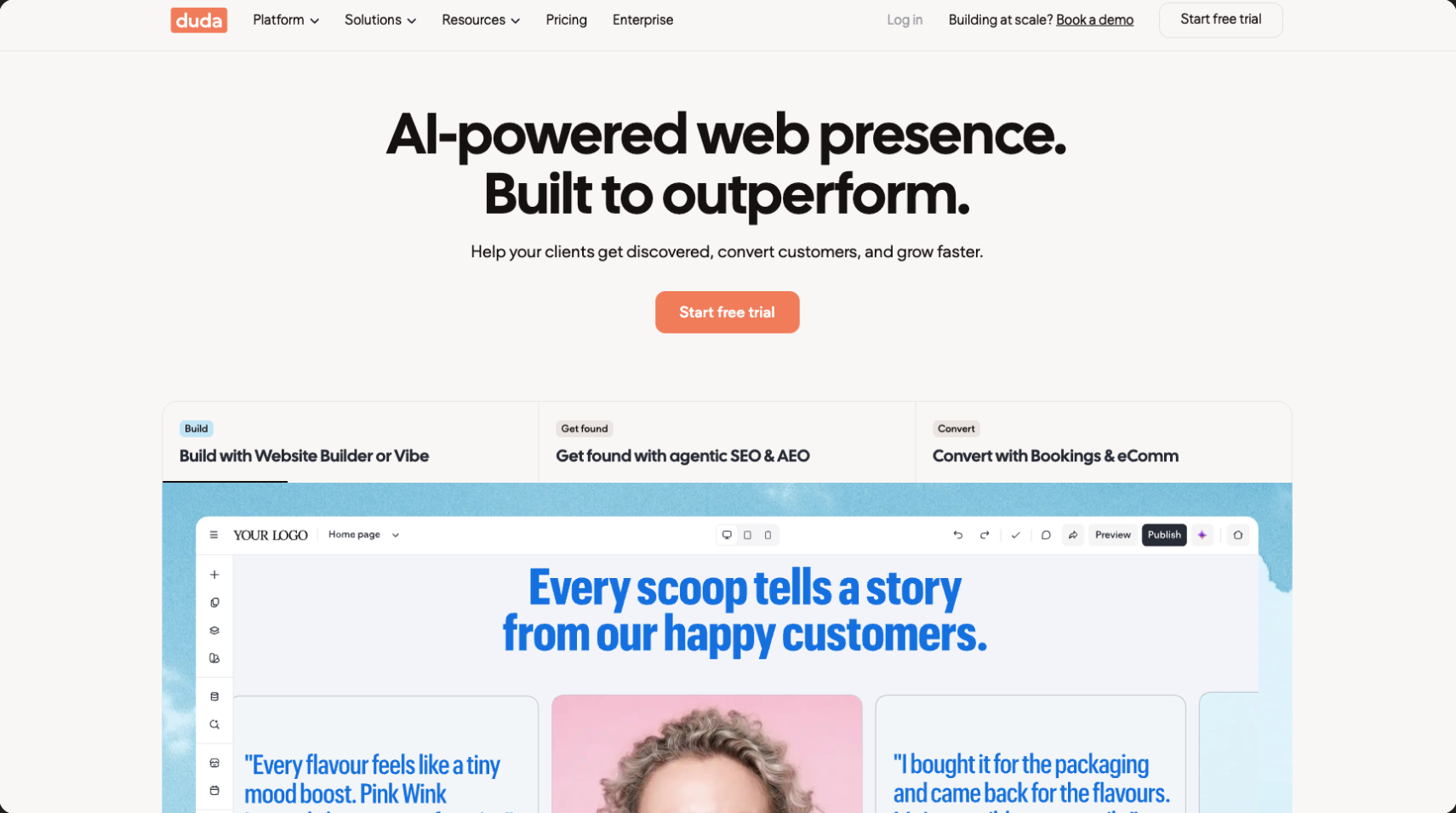
Intuitive interface
Easy to use with a powerful visual builder.
Dynamic content personalization
Lets you create site experiences tailored to users.
Built for agencies
Offers collaboration and client management tools, ideal for web agencies.
Disadvantages
Fewer plugins
Offers fewer extension options compared with CMS platforms like WordPress.
Higher pricing
More expensive, especially for solo users or small businesses.
Limited flexibility
Less flexible for developers who want full control over the code.
Pricing
Duda offers subscriptions starting at $14 per month for a simple website, with hosting included and more advanced agency options starting at $44 per month and up. Features include multilingual site creation and customization tools for agencies. Additional costs may include the domain name and third-party plugins.
6. Wix
You can find our full Webflow vs Wix comparison here for more details.
Advantages
Ease of use
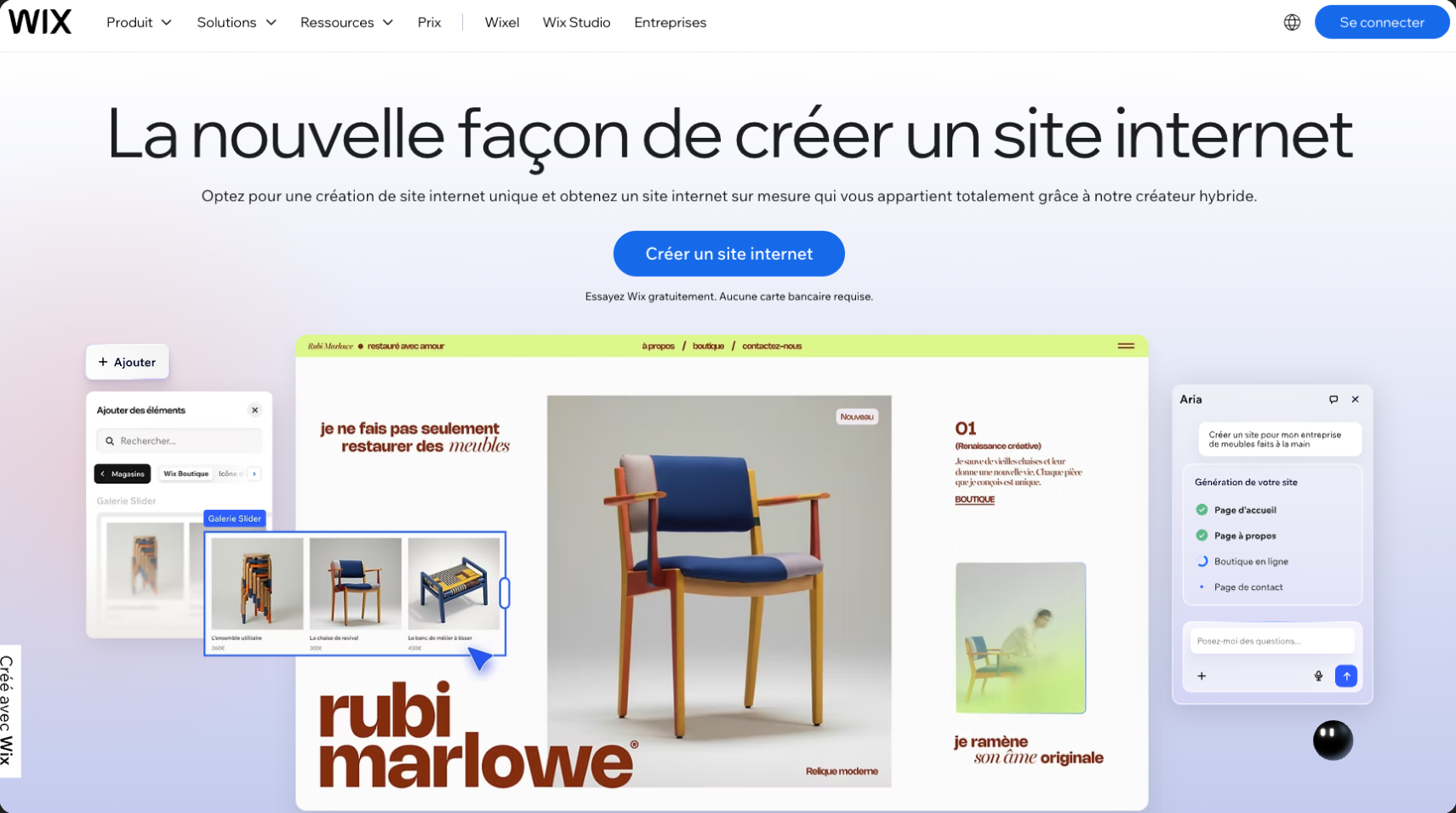
Intuitive drag-and-drop editor, perfect for beginners.
Large template selection
Offers many templates suited to different industries.
Built-in features
Includes many apps and features without needing external plugins.
Disadvantages
Hard to migrate
Sites built with Wix are not easily transferable to other platforms.
Limited SEO performance
SEO customization options are less robust than on platforms like WordPress.
Customization limitations
Less flexible for developers who want to edit the code directly.
Pricing
Wix offers a free version with ads. For an ad-free site with a custom domain, pricing ranges from €10 to €30 per month, depending on the features and bandwidth required. The VIP plan costs more, with premium support options and expanded e-commerce features.
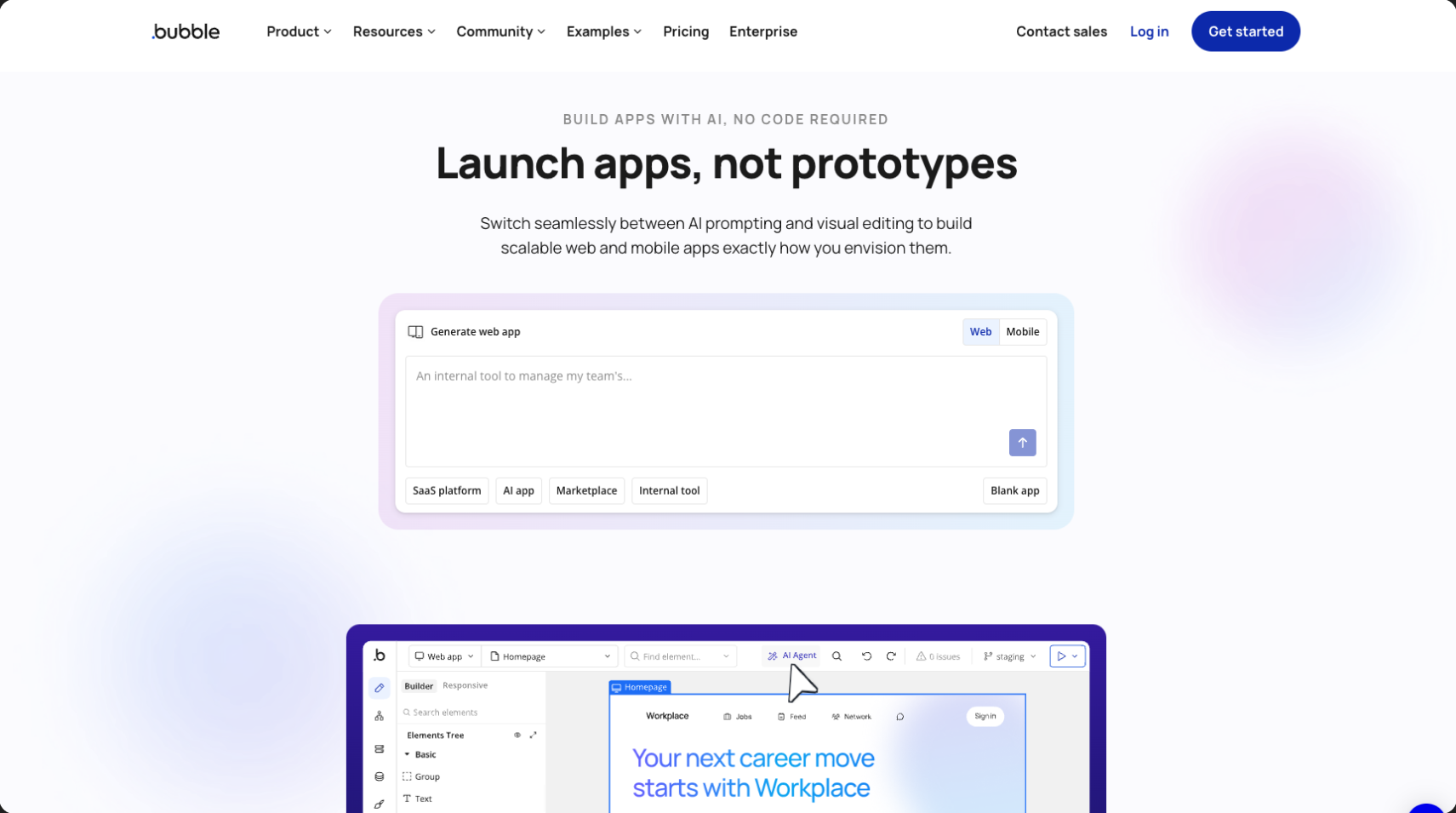
7. Bubble
Advantages
No-code
Lets you create web apps without programming knowledge.
Flexibility
Works for both simple sites and complex web apps with advanced features.
Intuitive interface
Visual interface with many dynamic elements and interactions.
Disadvantages
Add a point about how it’s hard to get something very design-led; basically, it’s built for product, but not suited to showcase sites with sophisticated design. Great for a POC
Learning curve for complex projects
Even though it’s no-code, advanced projects can become complex to manage.
Less control over hosting
Hosting is built directly into Bubble, with limited options.
High cost
Advanced features and heavy traffic quickly increase costs.
Pricing
Bubble offers a free plan for simple projects. Paid plans start at $29 per month for more advanced features like a custom domain, and go up to $129 per month for professional web apps. Additional hosting fees and third-party services may apply depending on your project’s needs.
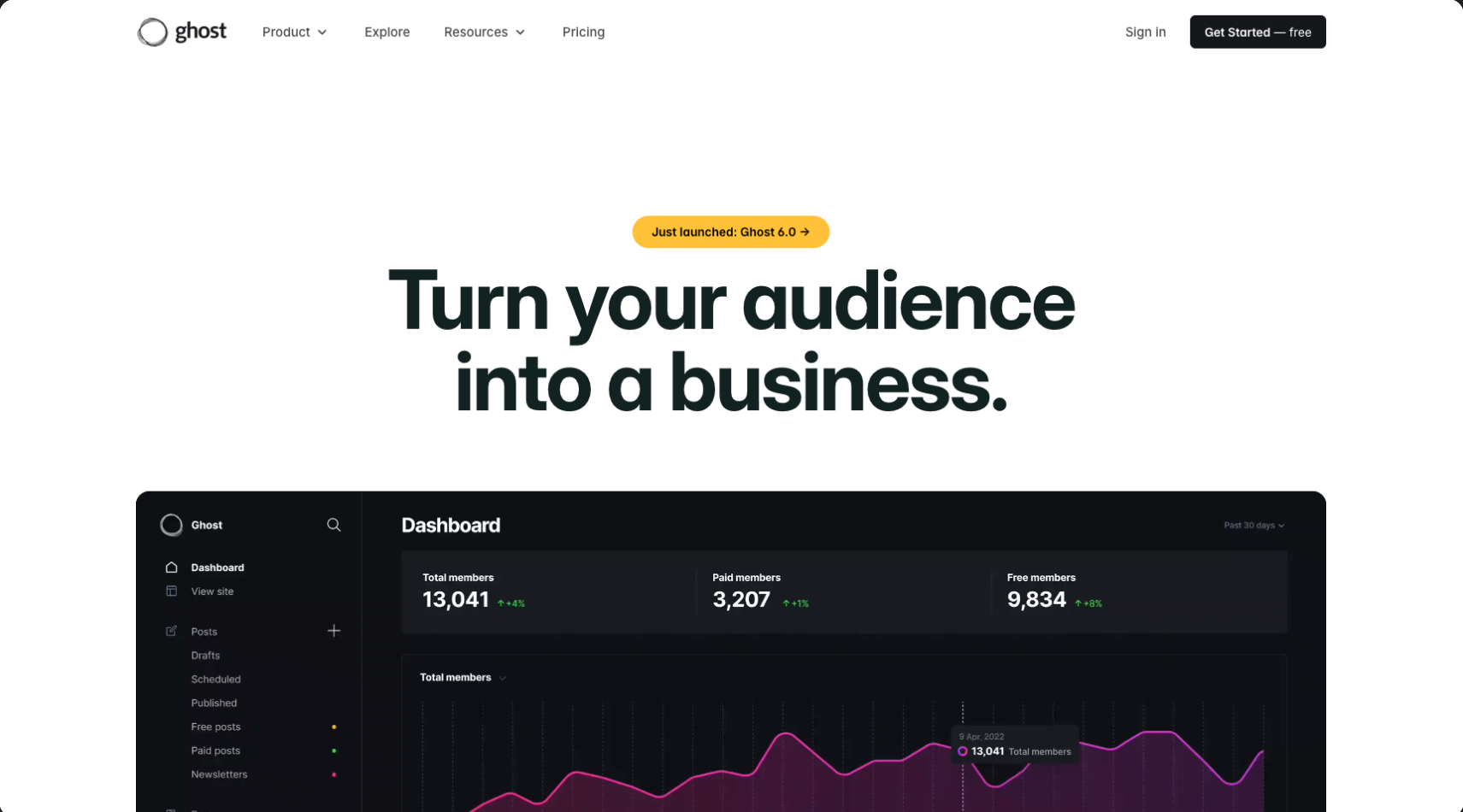
8. Ghost
Advantages
Optimized for blogs
Ideal for content creators and online publications.
Fast and lightweight
Ghost is built for speed with a minimalist backend.
Open source
Free and customizable, with an active community.
Disadvantages
Limited features for complex sites
Less suited to e-commerce sites or other advanced functionality.
Technical customization required
Requires development skills for major adjustments.
Fewer extensions available
Compared with platforms like WordPress, Ghost has fewer plugins and extensions.
Pricing
The cost of building a site with Ghost depends on hosting. With self-hosting, costs are mainly web hosting (around €5 to €20 per month). If you use Ghost(Pro), plans start at $11 per month and go up to $199 per month for high-traffic sites. The domain name is an additional cost.
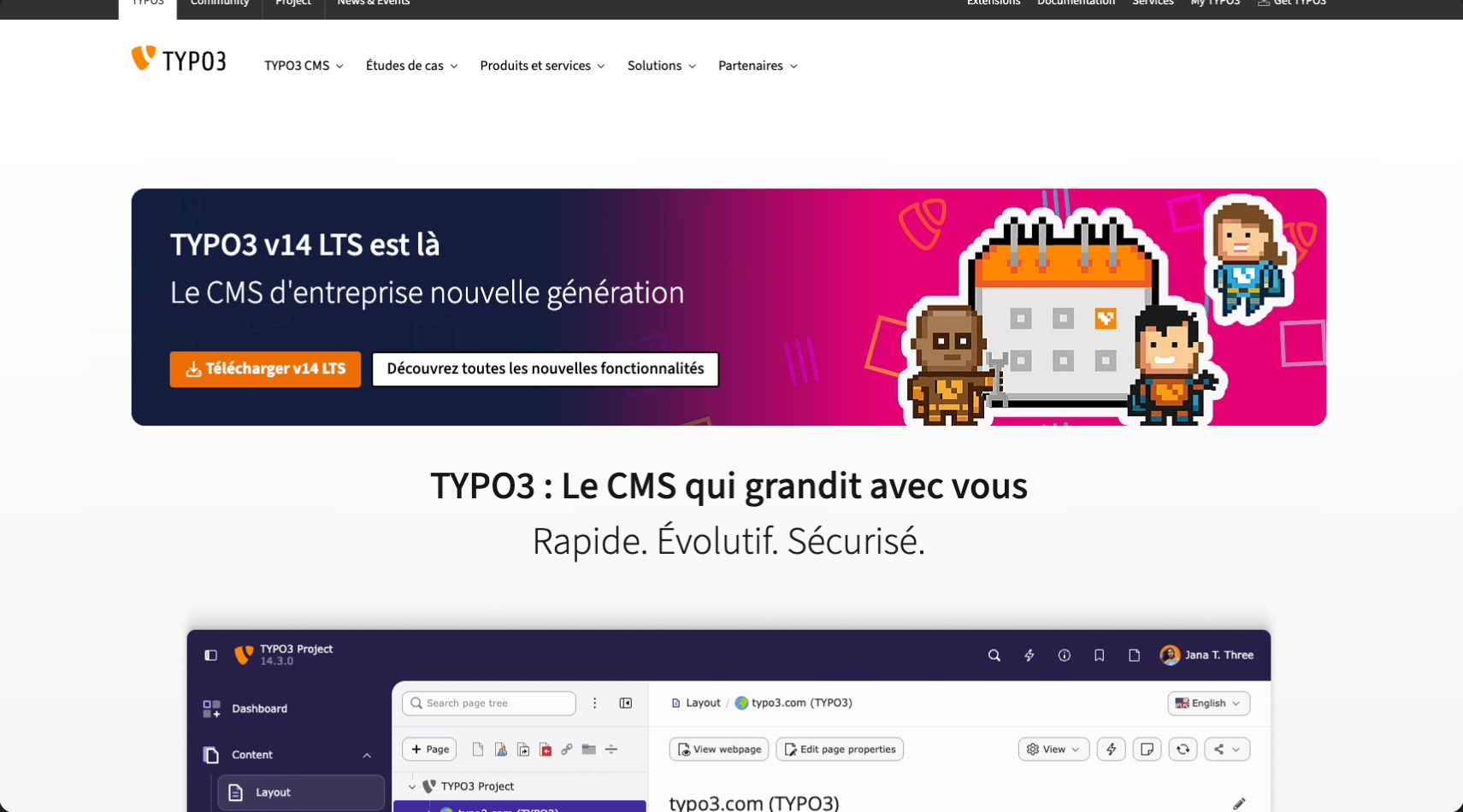
9. TYPO3
Advantages
Extensible and modular
Ideal for enterprise sites and large-scale projects with complex needs.
Multilingual
Strong multilingual capabilities and international content management.
Secure and reliable
Known for its robustness and high level of security.
Disadvantages
Steep learning curve
Requires advanced technical skills, even for experienced administrators.
Complex for small projects
Too complex for small websites or simple blogs.
Less third-party support
Fewer extensions and themes available compared with WordPress or other CMS platforms.
Pricing
TYPO3 is free, but costs come from hosting (around €20 to €50 per month) and development, since it requires technical skills. If you hire a developer or agency to set up and customize your site, it can cost from €500 to several thousand euros, depending on complexity.
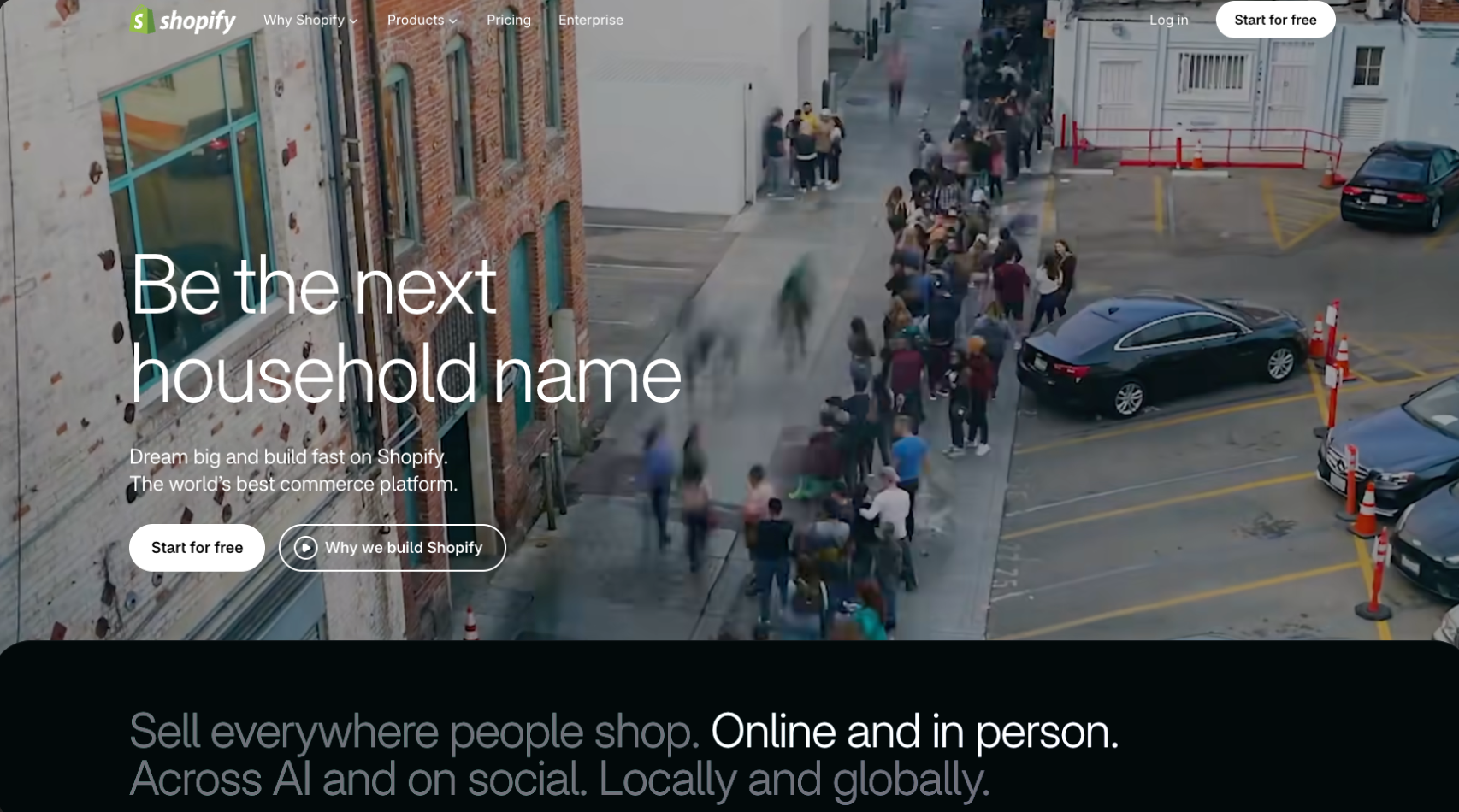
10. Shopify
Advantages
All-in-one e-commerce solution
Hosting, payment management, and built-in sales tools.
Easy to use
User-friendly interface for building and managing online stores.
Many integrations
Wide range of apps and integrations to improve e-commerce features.
Disadvantages
Recurring costs
Subscriptions can get expensive, especially with paid apps and extensions.
Limited customization
Less flexible for custom features without building specific solutions.
Dependence on Shopify
Users are tied to the Shopify ecosystem, with little room to migrate to another platform.
Pricing
Shopify offers plans starting at €27 per month for online stores, with more advanced options going up to €289 per month for larger businesses. Transaction fees apply to each sale, and a custom domain will cost around €10 to €20 per year.
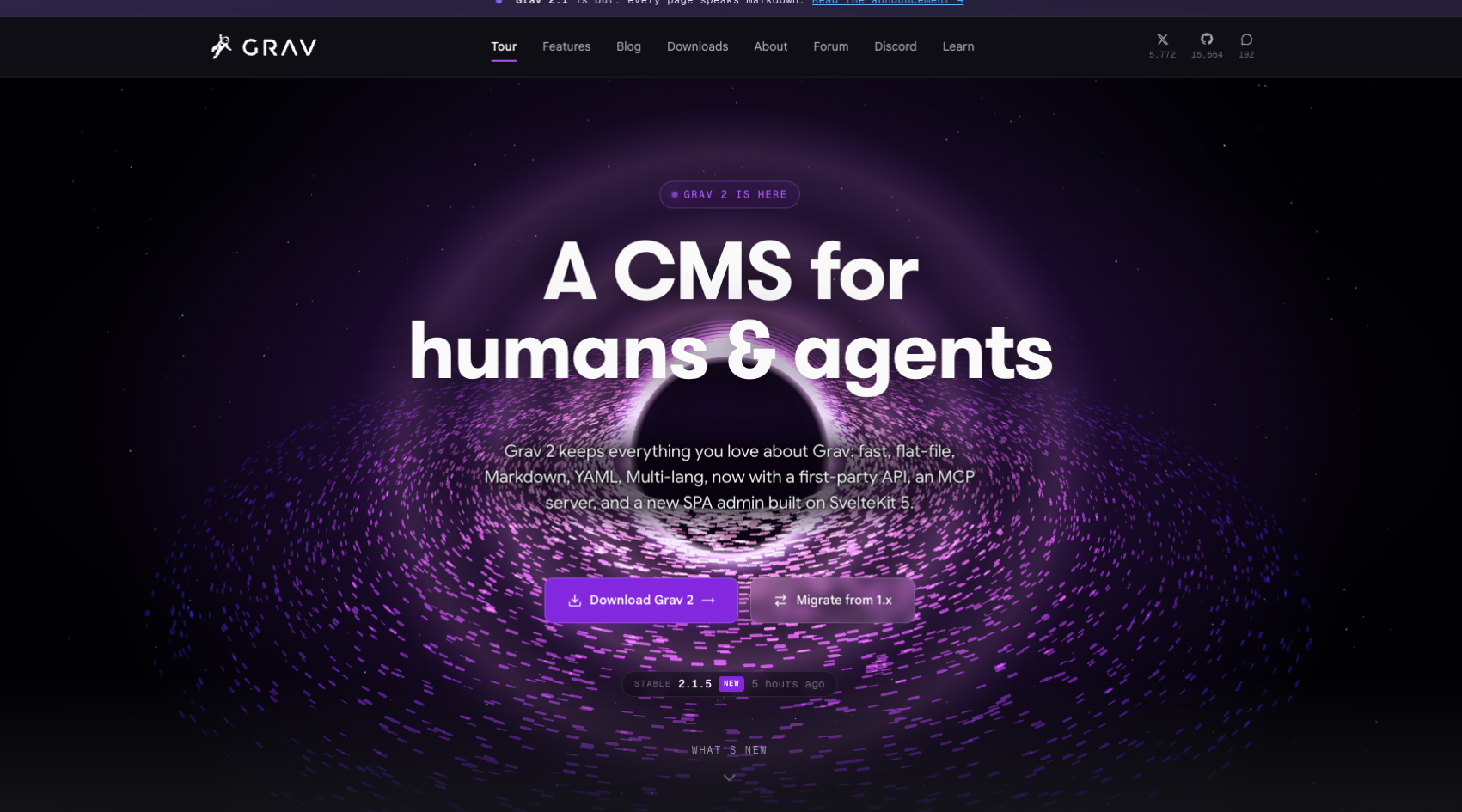
11. Grav
Advantages
Fast and lightweight
Flat-file CMS, no database, optimized for speed.
Easy to install and manage
Ideal for anyone who wants a fast site without database management.
Extensible
Includes many plugins and themes for advanced customization.
Disadvantages
Not suited to complex dynamic sites
Less suitable for sites that need lots of dynamic content or user interactions.
Learning curve for beginners
Requires some technical skills for advanced customization.
Smaller community
Compared with CMS platforms like WordPress, the community and available resources are more limited.
Pricing
Since Grav is open source, it’s free. Costs come from hosting (between €5 and €20 per month) and, if needed, buying premium themes or plugins. Developers may also charge for customization, with costs varying based on the site’s complexity.
12. Contentful
Advantages
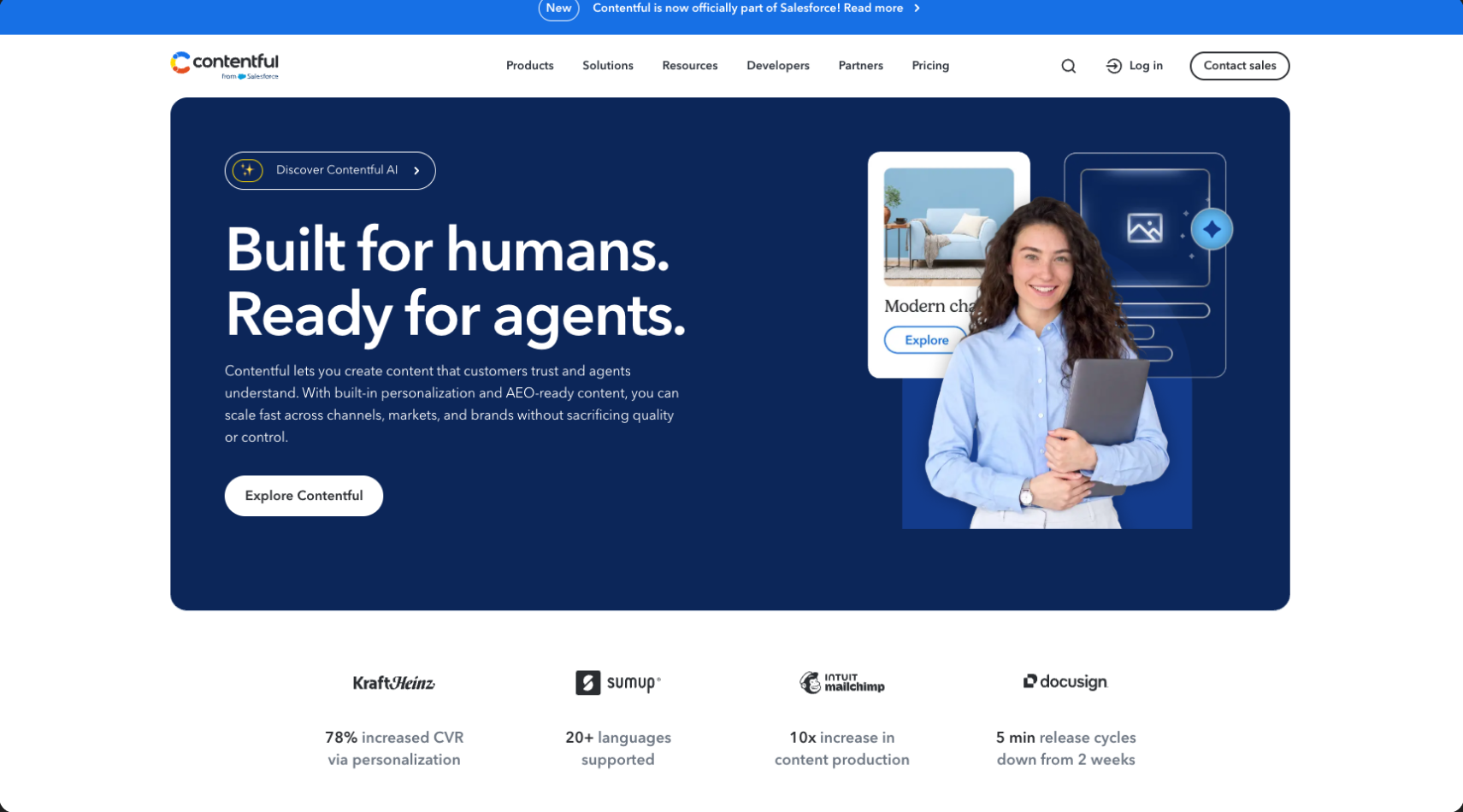
Headless CMS
Separates content management from the user interface, giving developers maximum flexibility.
Multi-platform
Publish the same content across multiple channels (website, mobile apps, etc.).
Robust API
Perfect for sites and apps that need dynamic content management via API.
Disadvantages
Requires technical skills
Requires development knowledge for integration and use.
High cost for advanced features
Pricing rises quickly with advanced usage and storage needs.
No visual builder
Unlike more visual CMS platforms like Webflow or Wix, Contentful is more backend-focused.
Pricing
Contentful is a headless CMS with variable pricing. The free plan lets you manage simple projects, but paid plans start at $489 per month for advanced features like team management and API integrations. Hosting and development costs may be added depending on usage.²
13. Softr
Advantages
No-code and easy to use
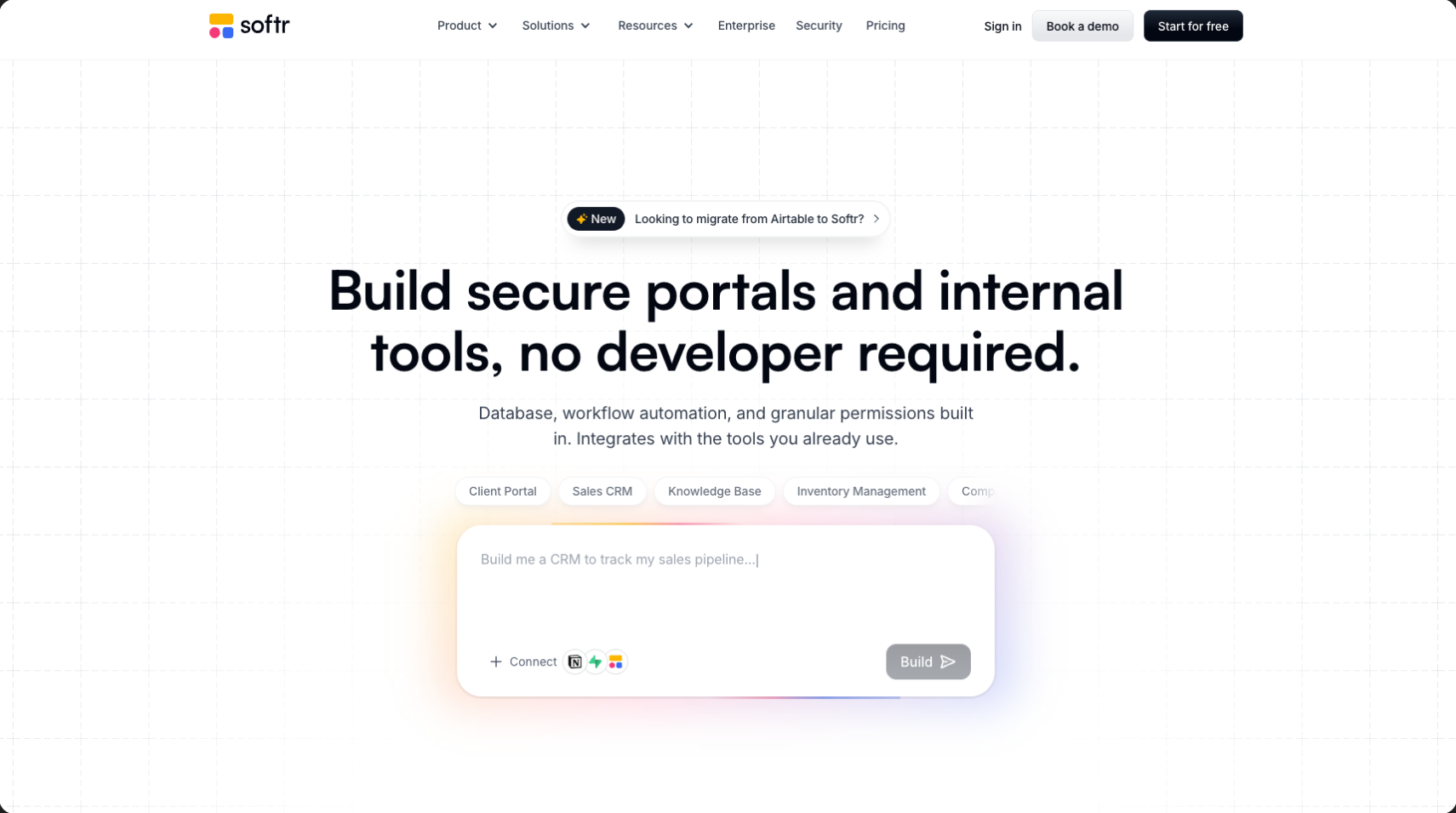
Ideal for beginners, Softr lets you build web apps without coding.
Airtable integration
You can build dynamic sites and apps connected directly to Airtable.
Prebuilt templates
Offers templates designed to help you launch functional sites and apps quickly.
Disadvantages
Limited customization
For more complex features, Softr can be limited in terms of customization.
Dependence on Airtable
Most dynamic features are based on Airtable, which can limit flexibility if you use other tools.
Paid advanced features
More powerful features require a premium subscription, which can increase costs.
Pricing
Softr offers a free plan for basic projects, but paid plans start at €24 per month for more features, including Airtable integration and e-commerce options. Higher-tier plans allow multiple sites and access to advanced options, with an additional cost for domains.
14. Weebly
Advantages
Very easy to use
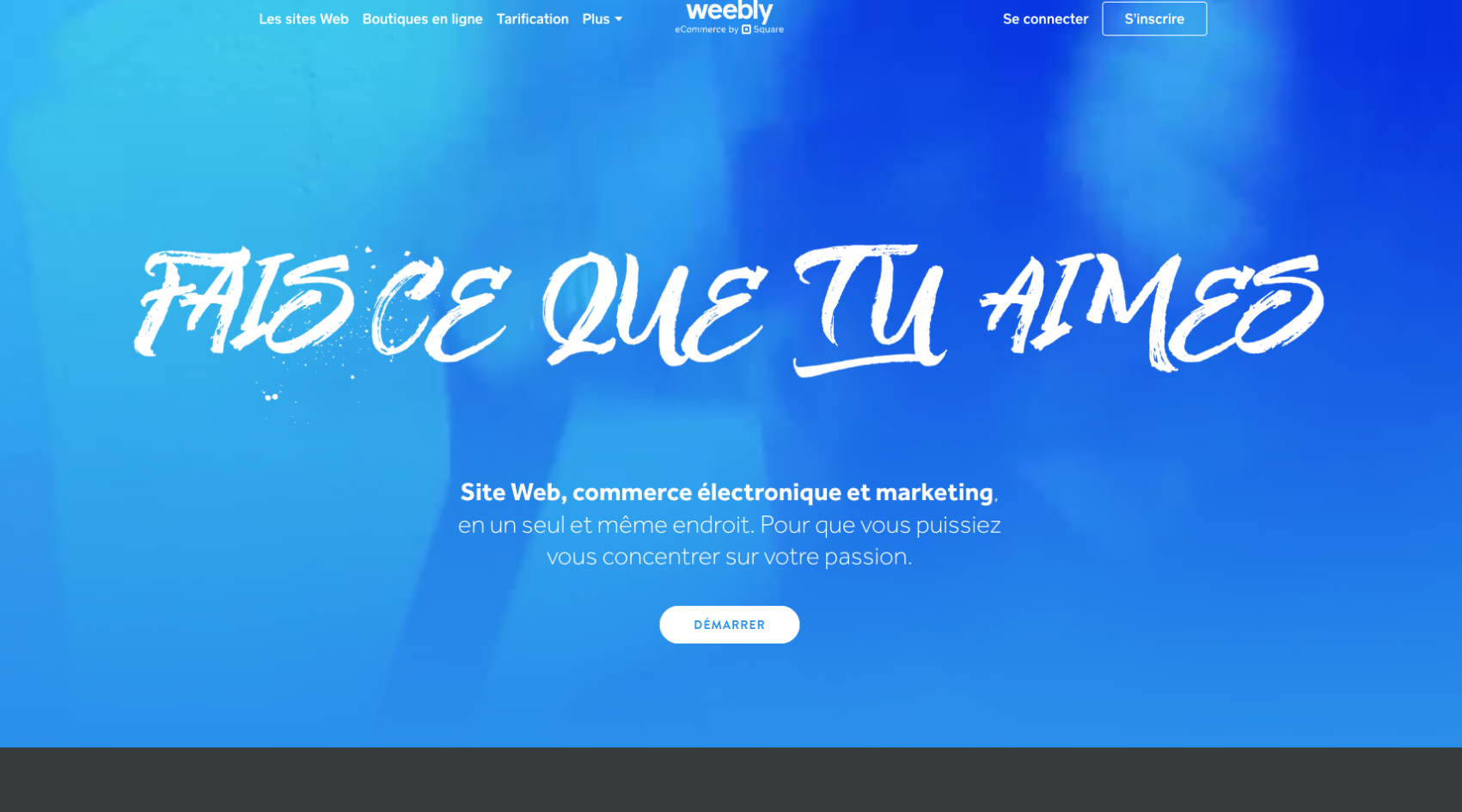
Built for non-technical users, with an intuitive drag-and-drop interface.
Affordable
Weebly offers free plans and competitive pricing for paid plans.
Built-in e-commerce tools
Basic e-commerce features are included even in lower-tier plans.
Disadvantages
Limited customization
Weebly offers less flexibility for customizing design and advanced features compared with other platforms.
Weaker SEO
Weebly’s SEO tools are less powerful, which can affect rankings.
Fewer extensions and integrations
Weebly has fewer options for plugins and third-party integrations compared with more robust CMS platforms.
Pricing
Weebly offers a free version with ads. For an ad-free site with a custom domain, pricing starts at €6 per month for basic plans and goes up to €26 per month for e-commerce options. A domain name costs around €15 per year, depending on the extension you choose.
15. GoDaddy
Advantages
Easy to use
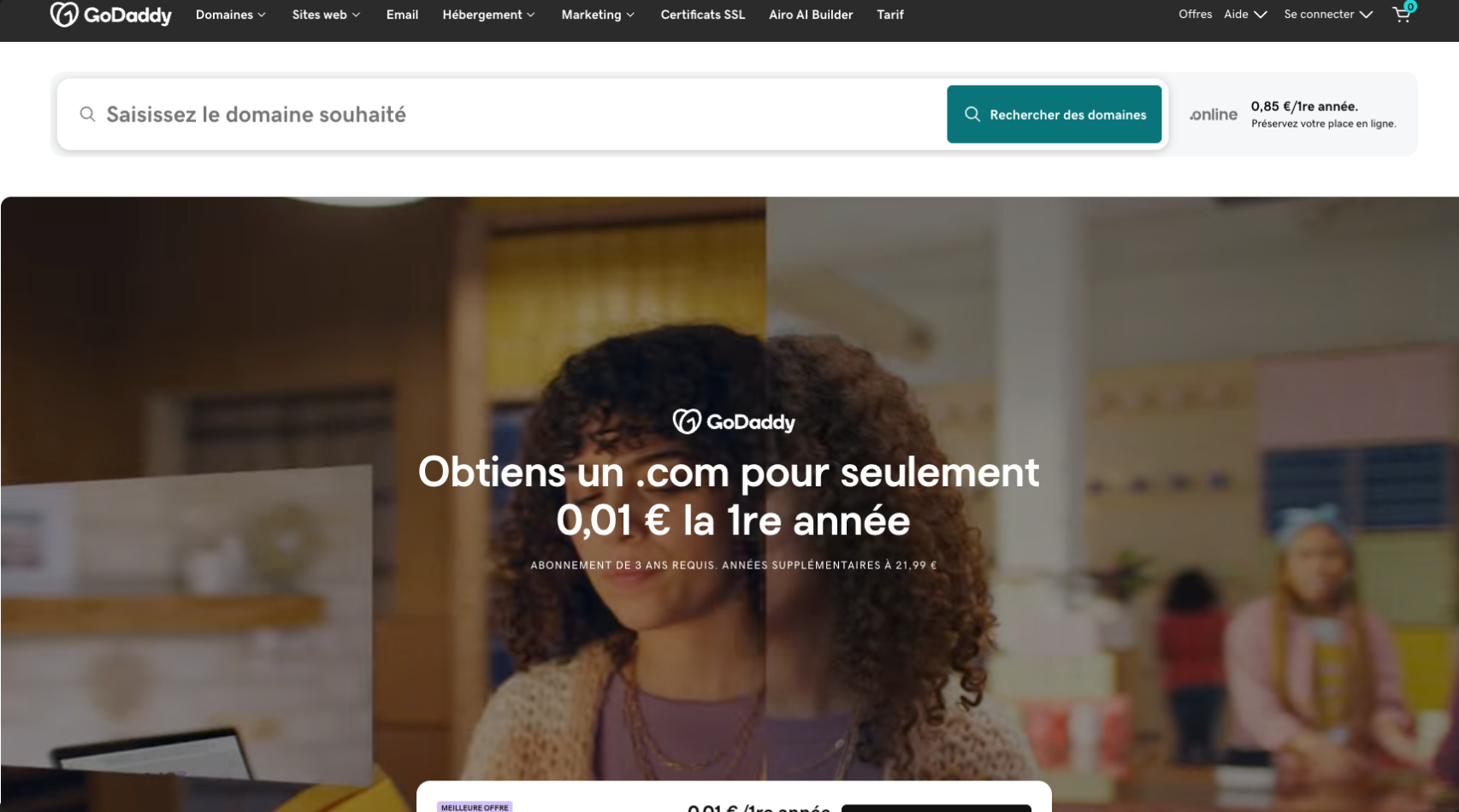
Simple, fast solution for building a website, with an easy drag-and-drop editor.
Built-in hosting
GoDaddy offers an all-in-one solution with hosting, domain, and website creation.
Good for beginners
Perfect for users with little or no technical skills who want a site up quickly.
Disadvantages
Limited design and usability
The GoDaddy editor offers less flexibility for complex designs and features.
Limited SEO and marketing
SEO features are more basic, which can make optimization harder.
Expensive advanced features
Advanced options, like e-commerce, require pricier subscriptions.
Pricing
GoDaddy offers plans starting at €6.99 per month for a simple site, with hosting included. For advanced features like e-commerce, plans go up to €14.99 per month or more. Domains usually cost between €10 and €20 per year, and some marketing tools are included in premium packages.
16. Dorik
Advantages
Simple and intuitive
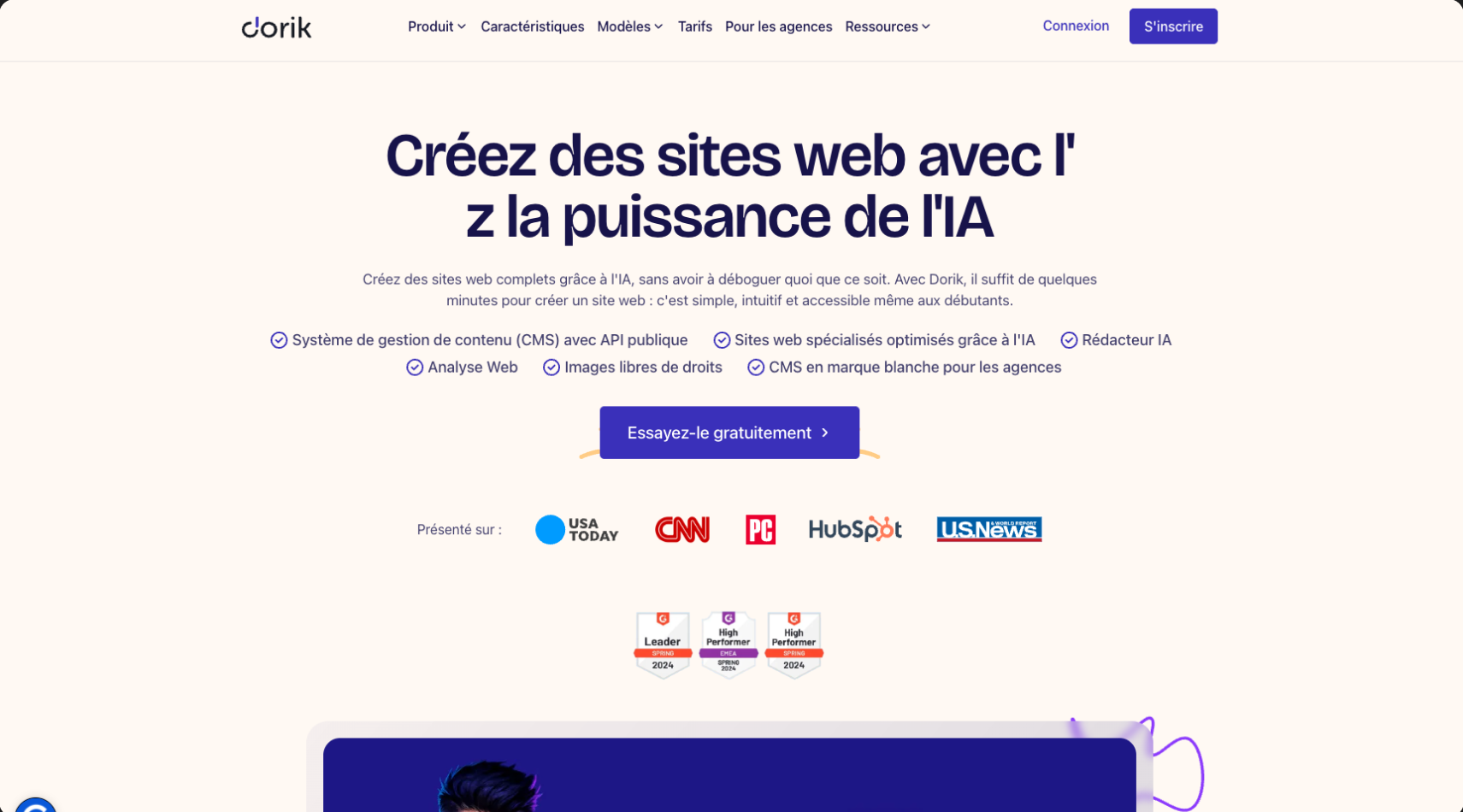
Modern, intuitive interface with a drag-and-drop editor that makes site creation easy.
Modern templates
Offers visually appealing, modern templates for different types of sites.
Competitive pricing
Affordable options with no major recurring fees for advanced features.
Disadvantages
Limited code customization
Less flexibility for advanced users who want to code specific features.
Fewer dynamic features
Compared with other builders, Dorik is more limited for sites that need complex interactions.
Smaller ecosystem
Fewer plugins, integrations, and community support compared with more established platforms.
Pricing
Dorik offers a free plan for a simple site, but for a custom domain and advanced features, paid plans start at $4 per month. The Pro plan is $9 per month and includes additional options like multiple sites and unlimited pages. Domain fees are extra.
Which Webflow alternative should you choose?
There is no single platform that can be considered the best Webflow alternative for every website.
The right choice depends on what you are trying to build.
For a large editorial website with an extensive plugin ecosystem, WordPress may make more sense.
For a highly visual startup website or landing page, Framer can be an attractive option.
For e-commerce, Shopify remains difficult to ignore.
For a web application, Bubble or Softr may be more appropriate.
For photographers who need client galleries and proofing in addition to a portfolio website, Pixpa provides functionality that Webflow does not offer natively.
And for large headless architectures, a CMS such as Contentful may better match the technical requirements.
The decision should therefore be based on several criteria:
- the type of website you want to build;
- the level of design freedom required;
- your internal technical resources;
- your CMS requirements;
- your SEO objectives;
- your e-commerce or application needs;
- the level of autonomy your marketing team requires;
- your long-term scalability requirements.
Our recommendation
Choosing a CMS or website builder should always start with the requirements of the project.
Each platform on this list solves a slightly different problem, and some specialized solutions can outperform Webflow for very specific use cases.
However, for professional marketing websites, we still believe Webflow provides one of the strongest balances between design freedom, performance, CMS functionality and team autonomy.
Unlike simpler visual builders, Webflow gives design and development teams precise control over the final website while still allowing marketing teams to manage content through a visual CMS.
It is particularly suitable for companies that care about brand identity, conversion, SEO and the ability to evolve their website over time.
As a Webflow agency, Gemeos designs, develops and optimizes Webflow websites for companies looking for both creative freedom and strong digital performance.
If you're considering a website creation, redesign or migration project, get in touch with our team.





'%3e%3cg%20filter='url(%23hand-grabbing_svg-b)'%3e%3cpath%20fill='%231f1f1f'%20d='M19.42%204.98a2%202%200%200%200-.63.55.3.3%200%200%200-.02.36l1.68%202.91a.67.67%200%201%201-1.15.67l-2.16-3.74a2.33%202.33%200%200%200-3.1-.72%202%202%200%200%200-.62.54.3.3%200%200%200-.02.37l2.67%204.62a.67.67%200%201%201-1.16.66l-2.48-4.3a2.33%202.33%200%200%200-3.1-.72%202%202%200%200%200-.62.55.3.3%200%200%200-.02.37l3.01%205.22a.67.67%200%201%201-1.15.66l-1.5-2.58a2.33%202.33%200%200%200-3.94%202.46l4.66%208.08a.67.67%200%200%201-1.15.67l-3-5.2a.33.33%200%200%200-.46-.12l-.57.34a2.33%202.33%200%200%200-.86%203.18l2.67%204.62c1.4%202.44%207.78%205.13%2012.14%202.61l6.17-3.56a7%207%200%200%200%202.56-9.56l-4.66-8.08a2.33%202.33%200%200%200-3.2-.86'/%3e%3c/g%3e%3cg%20filter='url(%23hand-grabbing_svg-c)'%3e%3cpath%20fill='%23fff'%20d='M9.82%2021.06a1%201%200%200%201%20.02.39l-.05.12a1%201%200%200%201-.26.28l-.12.06a.7.7%200%200%201-.8-.3l-3-5.2a.33.33%200%200%200-.45-.12l-.58.34-1-1.74.3-.16-.52-.9-.02-.03a4.33%204.33%200%200%201%201.53-5.72%204%204%200%200%201%201.83-.63%202.3%202.3%200%200%201%20.4-1.9v-.02a4%204%200%200%201%201.24-1.08%204.3%204.3%200%200%201%203.65-.3q.46-.54%201.06-.88l.02-.01a4.3%204.3%200%200%201%204.8.36q.26-.2.55-.37a4.33%204.33%200%200%201%205.92%201.59L29%2012.92a9%209%200%200%201-3.29%2012.29l-6.17%203.56c-2.81%201.63-6.1%201.5-8.73.75a14%2014%200%200%201-3.62-1.62%208%208%200%200%201-2.53-2.47L2%2020.81a4.33%204.33%200%200%201%201.58-5.92l1%201.73a2%202%200%200%200-.68.6l-.13.2a2%202%200%200%200-.27.62l-.05.22a2%202%200%200%200-.01.69l.04.22q.07.34.25.64l2.67%204.62.14.23c1.63%202.33%207.58%204.74%2011.8%202.5l.2-.12%206.17-3.56a7%207%200%200%200%203.16-3.92l.1-.33a7%207%200%200%200-.7-5.31L22.6%205.84a2.3%202.3%200%200%200-1.2-1.02l-.21-.07a2.3%202.3%200%200%200-1.77.23%202%202%200%200%200-.63.55.3.3%200%200%200-.02.36l1.68%202.91.06.12a1%201%200%200%201%200%20.39l-.04.12a1%201%200%200%201-.26.28l-.12.06-.26.03-.13-.02a1%201%200%200%201-.33-.2l-.07-.11-2.16-3.74a2.3%202.3%200%200%200-1.2-.91l-.2-.06a2.3%202.3%200%200%200-1.5.14l-.2.1q-.37.21-.62.55a.3.3%200%200%200-.02.37l2.66%204.61.06.12a1%201%200%200%201%20.01.39l-.05.12a1%201%200%200%201-.26.29l-.12.05-.26.03-.13-.02a1%201%200%200%201-.32-.2l-.08-.1-2.48-4.3a2.3%202.3%200%200%200-1.2-.91l-.2-.06a2.3%202.3%200%200%200-1.5.14l-.2.1a2%202%200%200%200-.62.55.3.3%200%200%200-.02.36l2.68%204.65-.24.9-.58.34-1.5-2.59a2.34%202.34%200%200%200-2.93-.72l-.2.11a2.34%202.34%200%200%200-.81%203.08l4.66%208.08zm1.88-8.75a.67.67%200%200%201-.62%201l-.13-.02a1%201%200%200%201-.32-.2l-.08-.11.58-.33.24-.91z'/%3e%3c/g%3e%3c/g%3e%3cdefs%3e%3cfilter%20id='hand-grabbing_svg-b'%20width='34.79'%20height='33.38'%20x='-1.58'%20y='1.67'%20color-interpolation-filters='sRGB'%20filterUnits='userSpaceOnUse'%3e%3cfeFlood%20flood-opacity='0'%20result='BackgroundImageFix'/%3e%3cfeColorMatrix%20in='SourceAlpha'%20result='hardAlpha'%20values='0%200%200%200%200%200%200%200%200%200%200%200%200%200%200%200%200%200%20127%200'/%3e%3cfeOffset%20dy='2'/%3e%3cfeGaussianBlur%20stdDeviation='2.5'/%3e%3cfeComposite%20in2='hardAlpha'%20operator='out'/%3e%3cfeColorMatrix%20values='0%200%200%200%200%200%200%200%200%200%200%200%200%200%200%200%200%200%200.35%200'/%3e%3cfeBlend%20in2='BackgroundImageFix'%20result='effect1_dropShadow_2119_7444'/%3e%3cfeBlend%20in='SourceGraphic'%20in2='effect1_dropShadow_2119_7444'%20result='shape'/%3e%3c/filter%3e%3cfilter%20id='hand-grabbing_svg-c'%20width='38.78'%20height='37.38'%20x='-3.58'%20y='-.33'%20color-interpolation-filters='sRGB'%20filterUnits='userSpaceOnUse'%3e%3cfeFlood%20flood-opacity='0'%20result='BackgroundImageFix'/%3e%3cfeColorMatrix%20in='SourceAlpha'%20result='hardAlpha'%20values='0%200%200%200%200%200%200%200%200%200%200%200%200%200%200%200%200%200%20127%200'/%3e%3cfeOffset%20dy='2'/%3e%3cfeGaussianBlur%20stdDeviation='2.5'/%3e%3cfeComposite%20in2='hardAlpha'%20operator='out'/%3e%3cfeColorMatrix%20values='0%200%200%200%200%200%200%200%200%200%200%200%200%200%200%200%200%200%200.35%200'/%3e%3cfeBlend%20in2='BackgroundImageFix'%20result='effect1_dropShadow_2119_7444'/%3e%3cfeBlend%20in='SourceGraphic'%20in2='effect1_dropShadow_2119_7444'%20result='shape'/%3e%3c/filter%3e%3cclipPath%20id='hand-grabbing_svg-a'%3e%3cpath%20fill='%23fff'%20d='M0%200h32v32H0z'/%3e%3c/clipPath%3e%3c/defs%3e%3c/svg%3e)


